Time Constraints
Time constraints are user-defined statistical periods. When you define metrics, you can use configured time constraints to quickly create derived metrics.
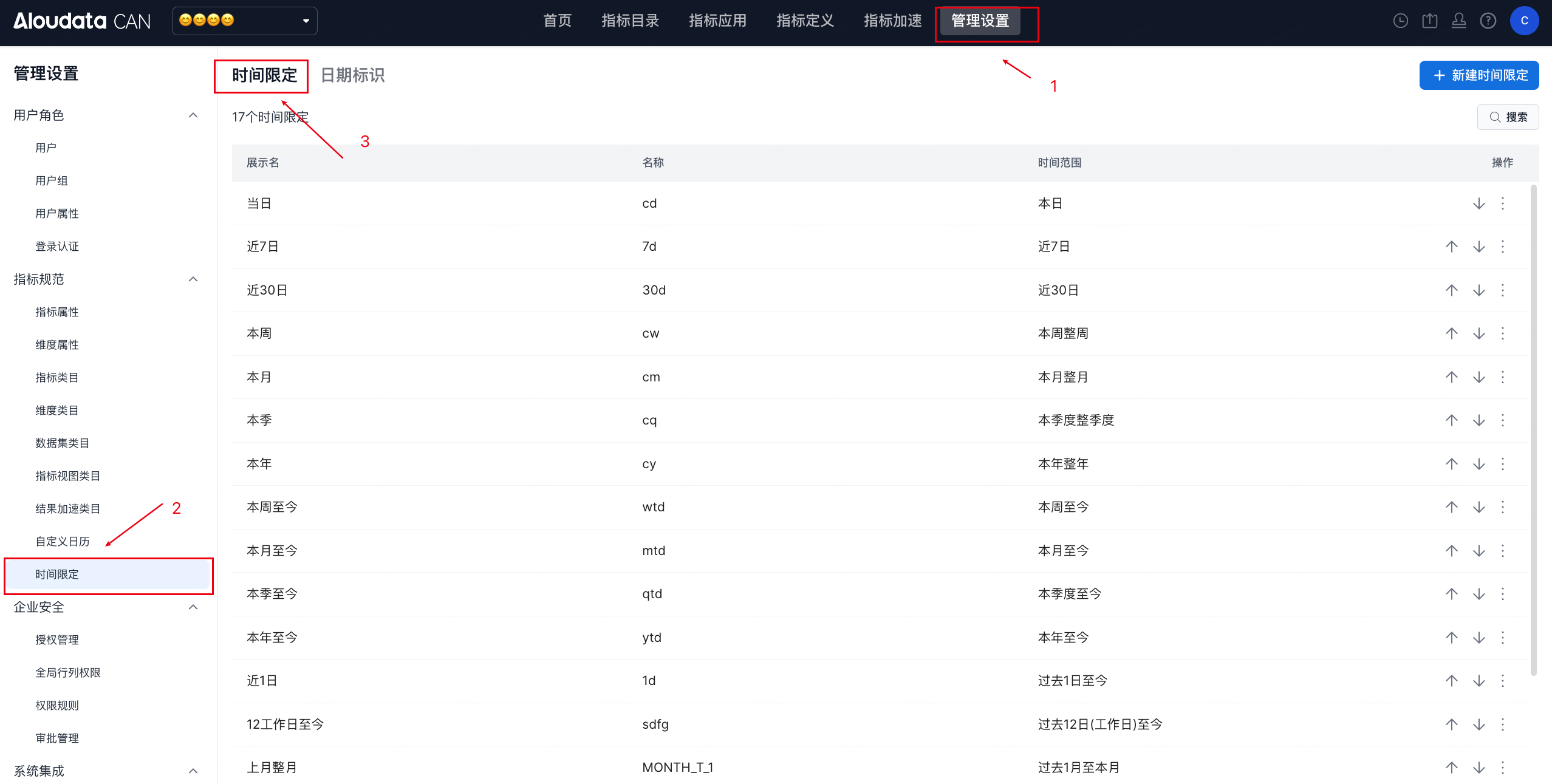
Configuration
Entry Point
In the top navigation bar, choose Management Settings -> Time Constraints in the left navigation bar. On the Time Constraints page, click Create Time Constraint in the upper-right corner.
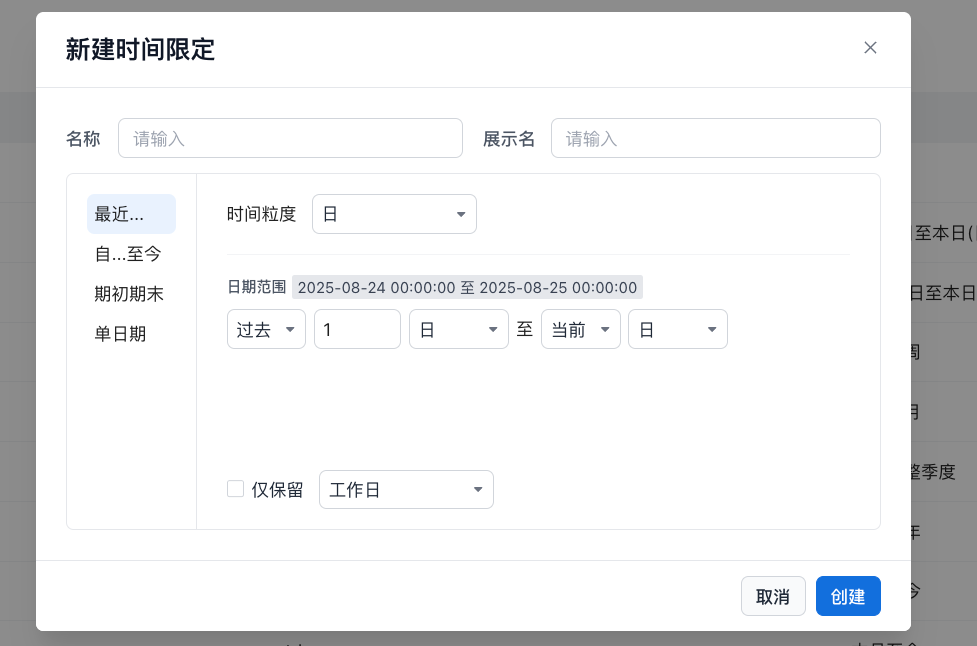
Last/Next...
| Property |
Description |
| Name |
Must be unique. |
| Display Name |
Must be unique. |
| Time Granularity |
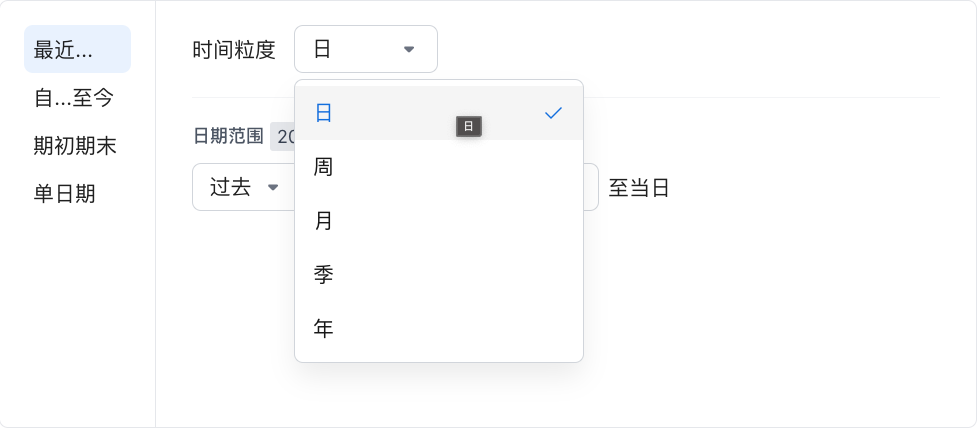 Time granularity: supports day, week, month, quarter, and year. Time granularity: supports day, week, month, quarter, and year. |
| Date Range |
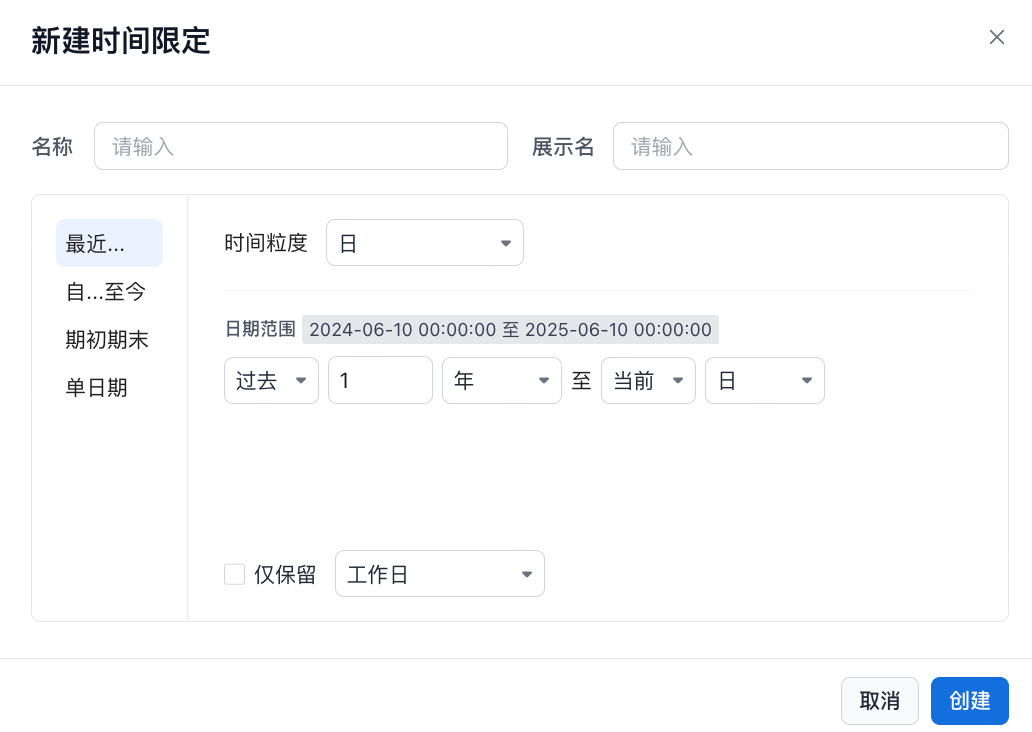 }{N}{day/week/month/quarter/year} to {past/future}{N}{day/week/month/quarter/year }{N}{day/week/month/quarter/year} to {past/future}{N}{day/week/month/quarter/year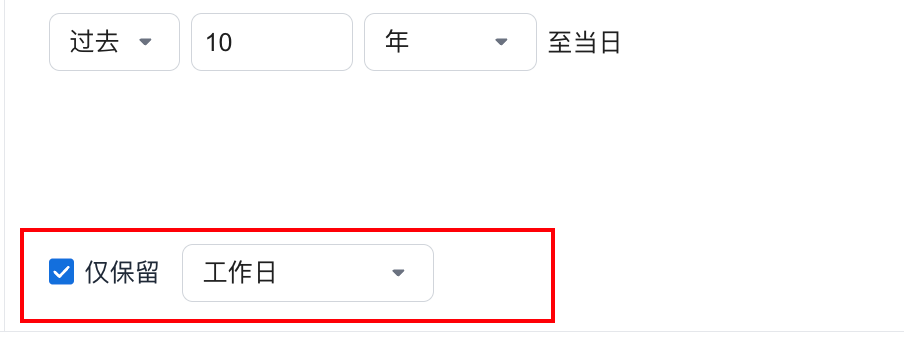 For {past/future}{week/month/quarter/year} time constraints, you can select date identifiers as needed, such as keeping only "Workday". For {past/future}{week/month/quarter/year} time constraints, you can select date identifiers as needed, such as keeping only "Workday". |
| Property |
Description |
| Name |
Must be unique. |
| Display Name |
Must be unique. |
| Time Granularity |
Time granularity: supports day, week, month, quarter, and year. |
| Date Range |
}{N}{day/week/month/quarter/year} to {past/future}{N}{day/week/month/quarter/yearFor {past/future}{week/month/quarter/year} time constraints, you can select date identifiers as needed, such as keeping only "Workday". |
From...to Now
| Property |
Description |
| Name |
Must be unique. |
| Display Name |
Must be unique. |
| Time Granularity |
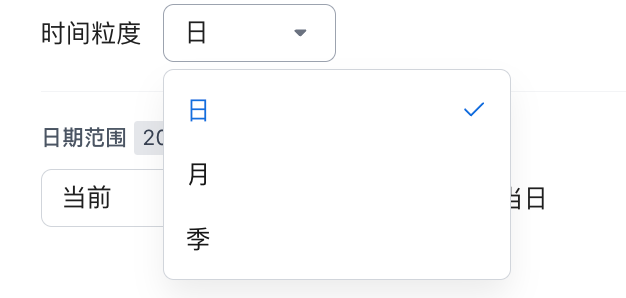 Time granularity: supports day, month, and quarter. Time granularity: supports day, month, and quarter. |
| Date Range |
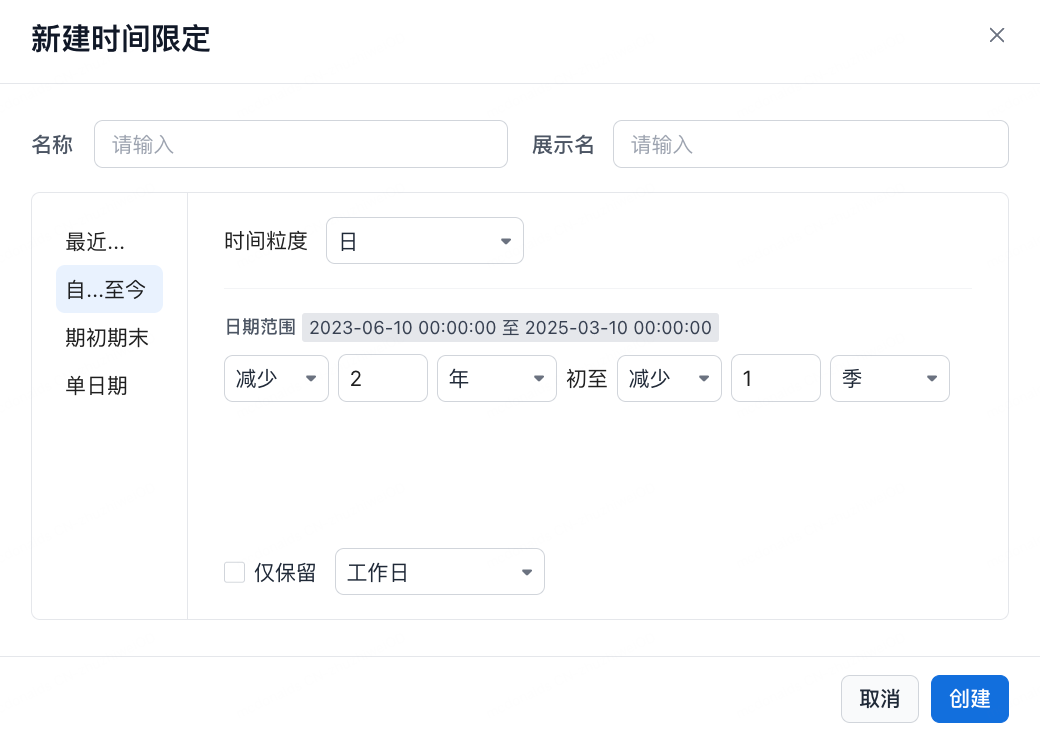 . Date granularity supports day, week, month, quarter, and year.}{N}{date granularity} start to {current/subtract}{N}{date granularity . Date granularity supports day, week, month, quarter, and year.}{N}{date granularity} start to {current/subtract}{N}{date granularity |
Period Start and Period End
| Property |
Description |
| Name |
Must be unique. |
| Display Name |
Must be unique. |
| Time Granularity |
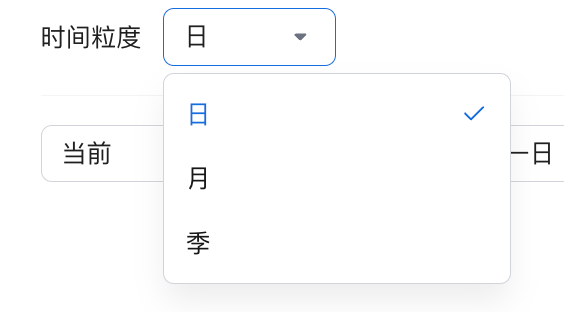 Time granularity: supports day, month, and quarter. Time granularity: supports day, month, and quarter. |
| Date Range |
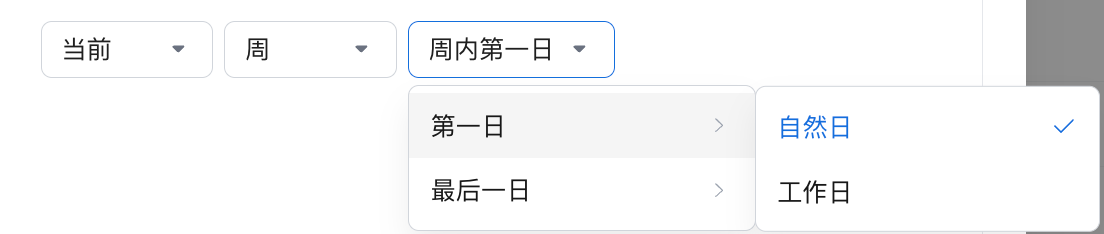 Current {date granularity} {first day/last day}. Select a calendar day or a custom date identifier. Current {date granularity} {first day/last day}. Select a calendar day or a custom date identifier.  Subtract {N}{date granularity}{first day/last day}. Select a calendar day or a custom date identifier. Subtract {N}{date granularity}{first day/last day}. Select a calendar day or a custom date identifier. |
System time definitions:
| Name |
Granularity |
Description |
| Day |
Day |
Starts at 00:00:00 on the calendar day. |
| Week |
Week |
Starts on Monday. |
| Month |
Month |
Starts on the first day of the calendar month. |
| Quarter |
Quarter |
The first quarter starts on January 1. |
| Year |
Year |
Starts on January 1. |
Single Date
| Property |
Description |
| Name |
Must be unique. |
| Display Name |
Must be unique. |
| Time Granularity |
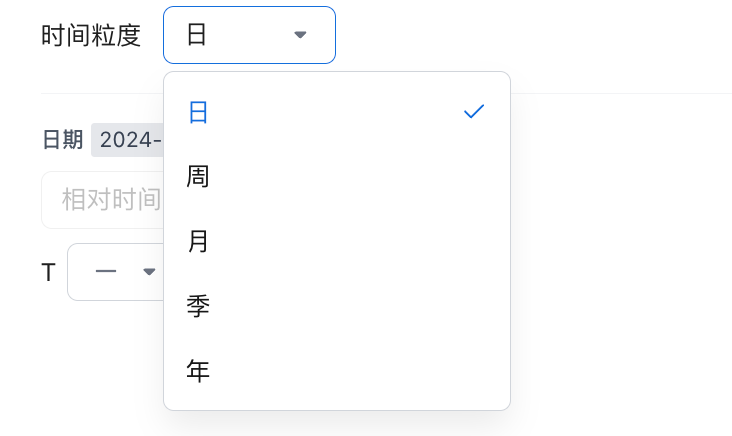 Time granularity: supports day, week, month, quarter, and year. Time granularity: supports day, week, month, quarter, and year. |
| Date Range |
 T{-/+}{N}{date granularity}. Date granularity supports day, week, month, quarter, and year. T{-/+}{N}{date granularity}. Date granularity supports day, week, month, quarter, and year. |