Business Constraints
Business constraints define the business scope for statistics. This page describes how to configure business constraints.
Procedure
When you create a derived metric in the metric platform, select Business Constraint, and then configure the business constraint.
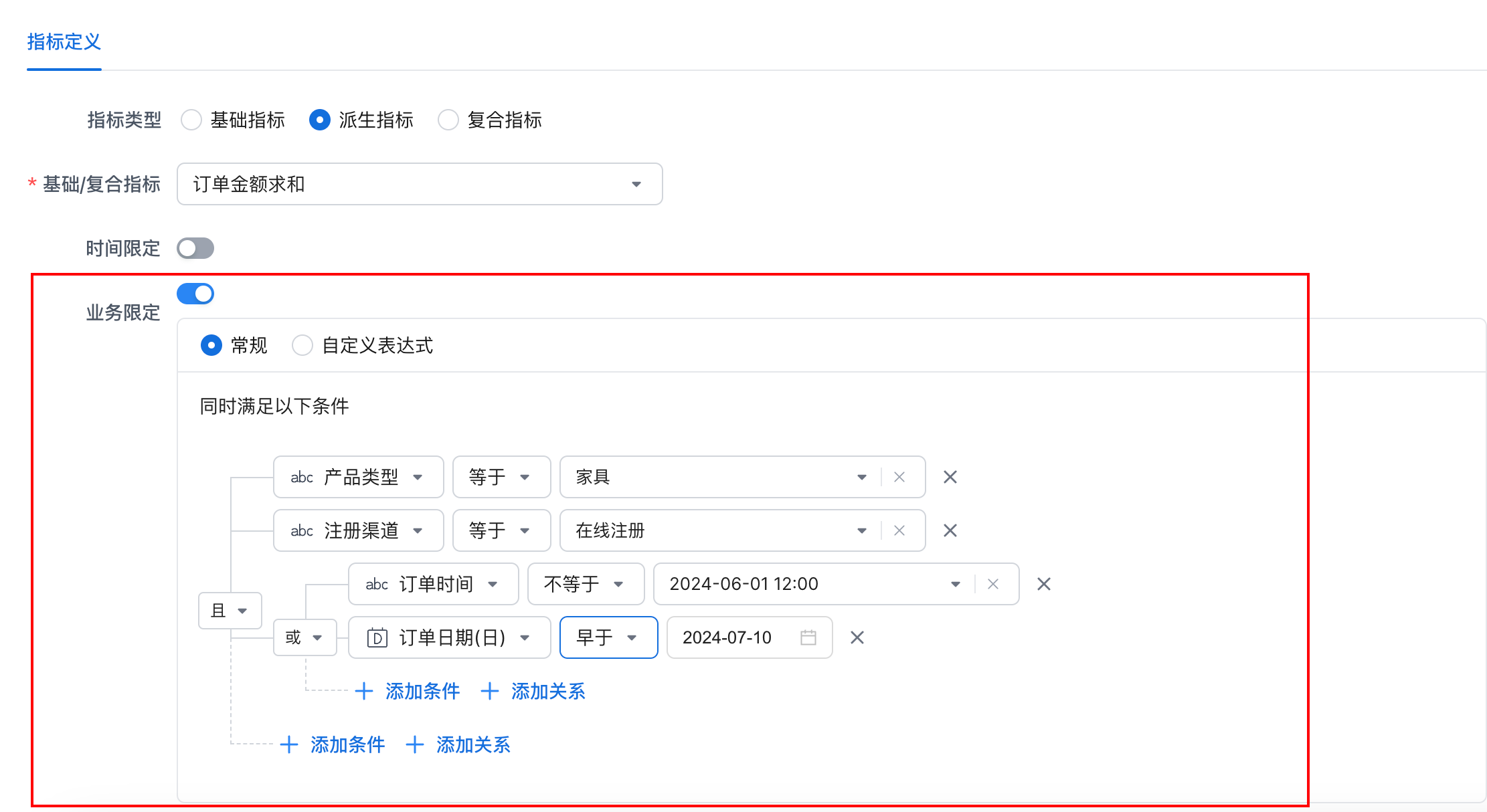
Configure the following parameters in the business constraint configuration panel:
| Parameter | Description |
|---|---|
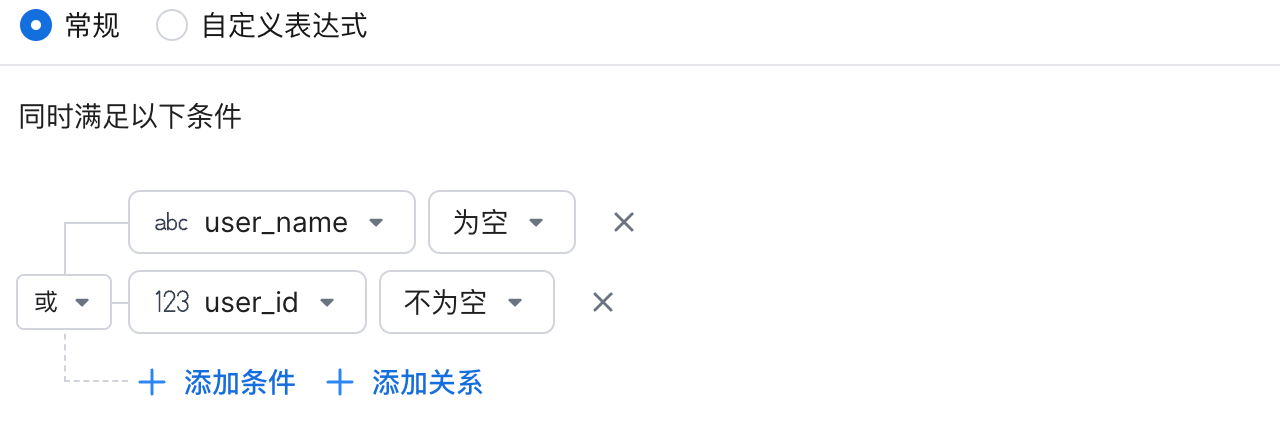
| General | 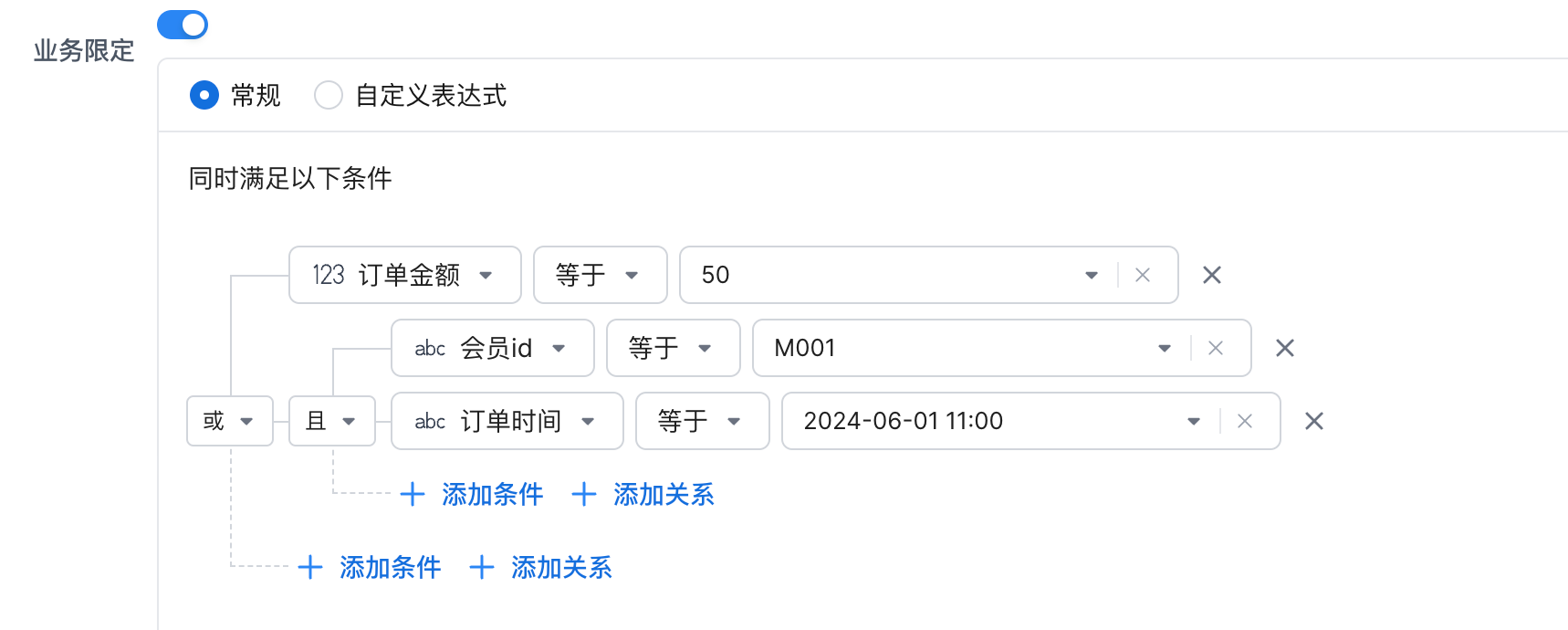 * Rule Operator: * Supports specified time, time range, outside range, before, after, equals, does not equal, greater than, greater than or equal to, less than, less than or equal to, between, contains, starts with, does not start with, ends with, does not end with, metric value satisfies filter, is empty, and is not empty. For more information, see 2 Rule Operator Descriptions. * Relationship Operator: supports AND and OR. * Add Condition: click Add Condition to add a blank rule under the relationship operator at the same level. * Add Relationship: click Add Relationship to add a child relationship under the current relationship operator. * Rule Operator: * Supports specified time, time range, outside range, before, after, equals, does not equal, greater than, greater than or equal to, less than, less than or equal to, between, contains, starts with, does not start with, ends with, does not end with, metric value satisfies filter, is empty, and is not empty. For more information, see 2 Rule Operator Descriptions. * Relationship Operator: supports AND and OR. * Add Condition: click Add Condition to add a blank rule under the relationship operator at the same level. * Add Relationship: click Add Relationship to add a child relationship under the current relationship operator. |
| Custom Expression | 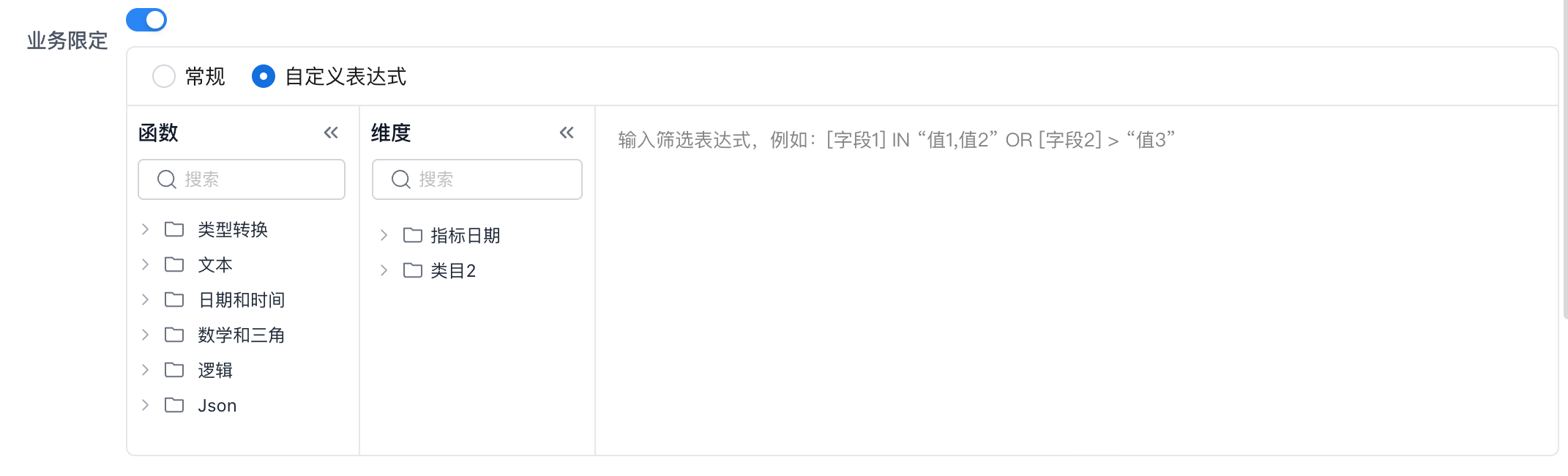 Enter a filter expression. You can define the required metric scope constraints only by using dimensions that are available in the basic metric. Enter a filter expression. You can define the required metric scope constraints only by using dimensions that are available in the basic metric. |
Rule Operator Descriptions
Specified Time
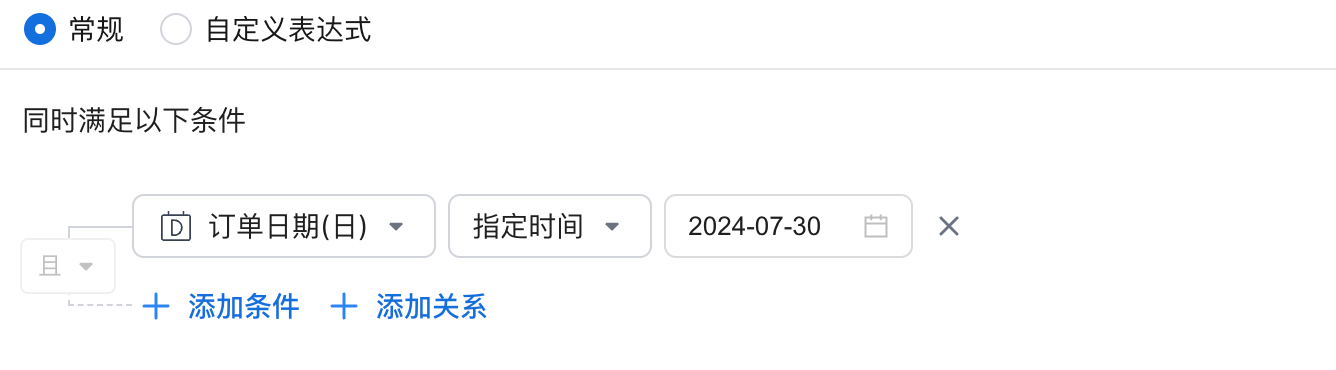
Description
Filters data for a specified time. Follow these steps:
-
Select a time field, such as
order_date. -
Match by the granularity of the time field, such as day, month, or year.
-
To filter by multiple time points, add multiple conditions.
Operator Description
For example, filter data whose order_date field equals "2024-07-30".
Equivalent SQL Expression
Time Range
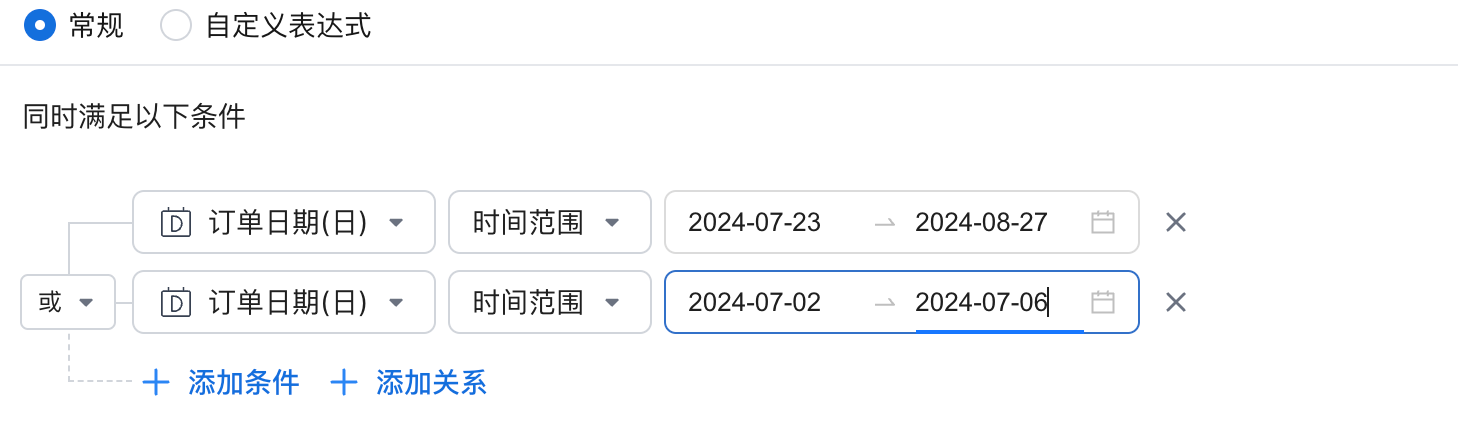
Description
Filters data within a specified date range. Follow these steps:
-
Select a date field, such as
order_date. -
Match by the granularity of the date field, such as day, month, or year.
-
To filter by multiple time ranges, add multiple conditions.
Operator Description
For example, filter data whose order_date field is between "2024-07-23" and "2024-08-27".
Equivalent SQL Expression
DATE_TRUNC('DAY', `order_date`) >= DATE_TRUNC('DAY', CAST('2024-07-23' AS DATETIME))
AND DATE_TRUNC('DAY', `order_date`) <= DATE_TRUNC('DAY', CAST('2024-08-27' AS DATETIME))
Outside Range
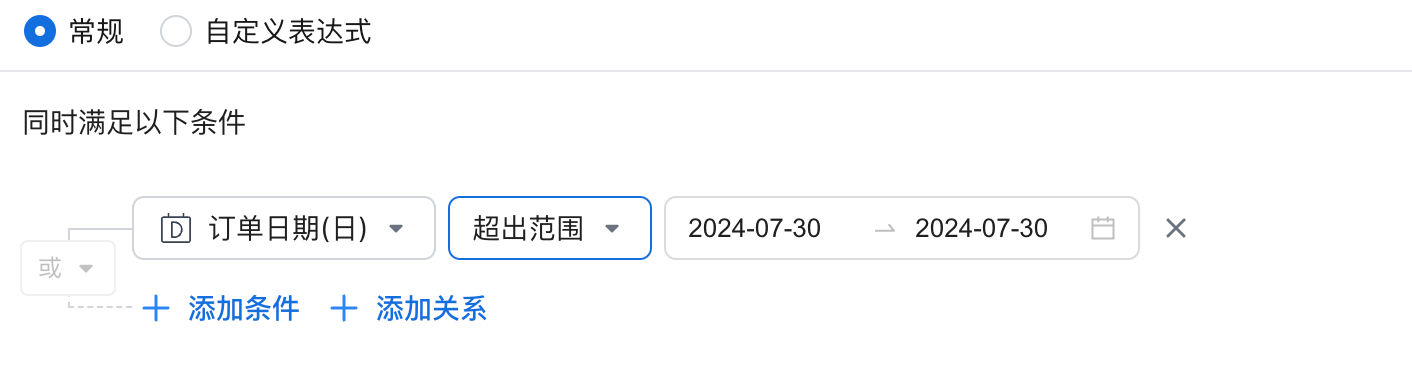
Description
Filters data outside a specified date range. Follow these steps:
-
Select a date field, such as
order_date. -
Match by the granularity of the date field, such as month, week, or day.
-
To filter by multiple outside ranges, add multiple conditions.
Operator Description
For example, filter data whose order_date field is earlier than "2024-07-30" or later than "2024-07-30".
Equivalent SQL Expression
DATE_TRUNC('DAY', `order_date`) < DATE_TRUNC('DAY', CAST('2024-07-30' AS DATETIME))
OR DATE_TRUNC('DAY', `order_date`) > DATE_TRUNC('DAY', CAST('2024-07-30' AS DATETIME))
Before and After
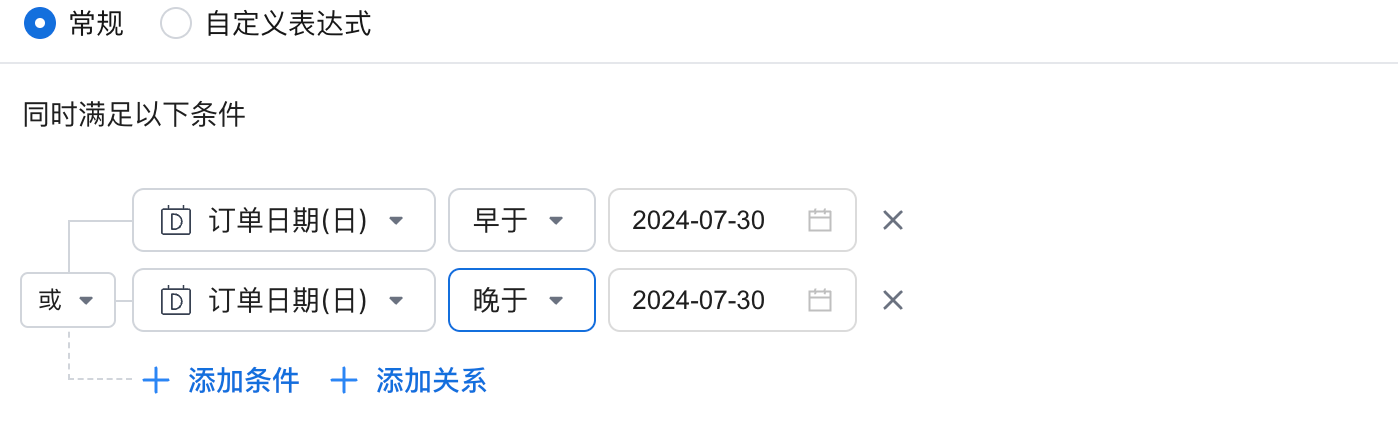
Description
Filters data before or after a specified date. Follow these steps:
-
Select a date field, such as
specified_date. -
Match by the granularity of the date field, such as day, month, or year.
-
To filter by multiple before or after time points, add multiple conditions.
Equivalent SQL Expression
DATE_TRUNC('DAY', `specified_date`) < DATE_TRUNC('DAY', CAST('2024-07-30' AS DATETIME))          -- Filters data whose specified_date field is earlier than "2024-07-30".

DATE_TRUNC('DAY', `specified_date`) > DATE_TRUNC('DAY', CAST('2024-07-30' AS DATETIME))          -- Filters data whose specified_date field is later than "2024-07-30".
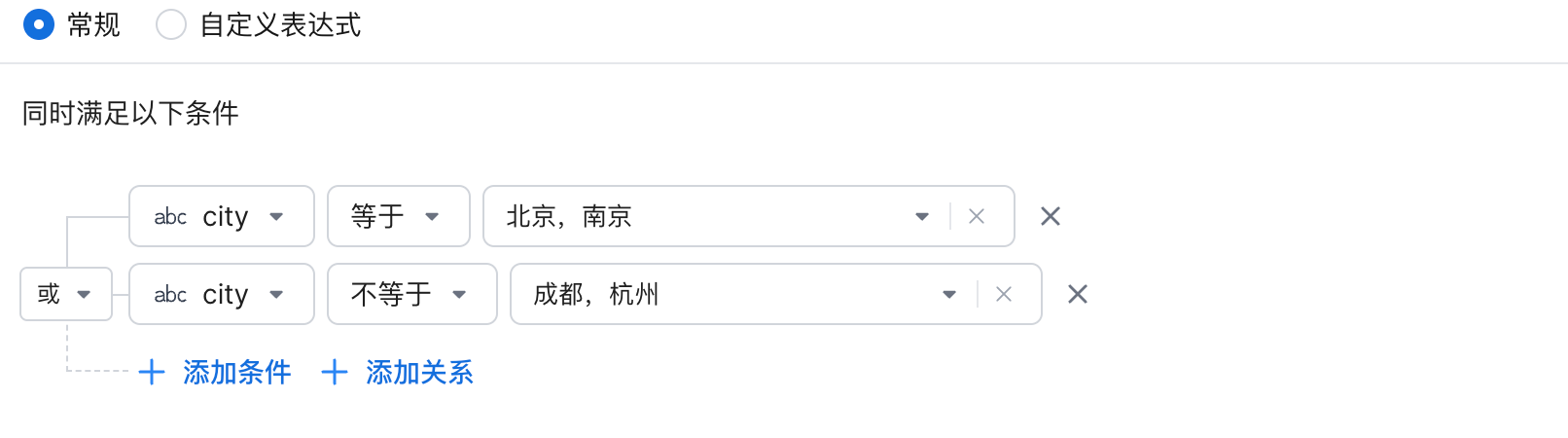
Equals and Does Not Equal
Description
Matches data whose field or dimension value is the same as the selected content. Multiple selections are supported, so you can filter by multiple specified values.
Equivalent SQL Expression
`city` IN ('Beijing', 'Nanjing')     -- Filters data where the city field equals "Beijing" or "Nanjing".

`city` NotIN ('Chengdu', 'Hangzhou')    -- Filters data where the city field does not equal "Chengdu" or "Hangzhou".
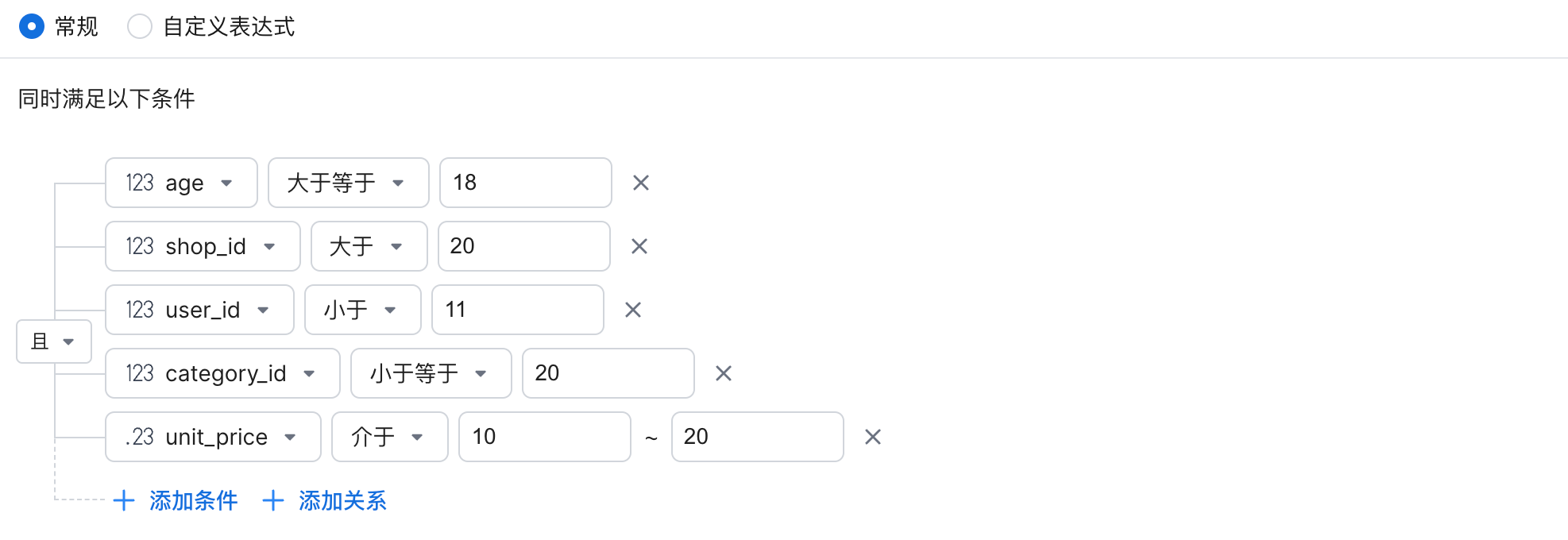
Greater Than or Equal To, Greater Than, Less Than, Less Than or Equal To, and Between
Description
Filters numeric fields or dimensions whose values are greater than a specified value. The value must be numeric.
Equivalent SQL Expression
`age` >= 18                -- Filters data where age is greater than or equal to 18.
`shop_id` > 18             -- Filters data where shop_id is greater than 20.
`user_id` <  11            -- Filters data where user_id is less than 11.
`category_id` <= 20        -- Filters data where category_id is less than or equal to 20.
10 <=`unit_price` <= 20    -- Filters data where unit_price is between 10 and 20.
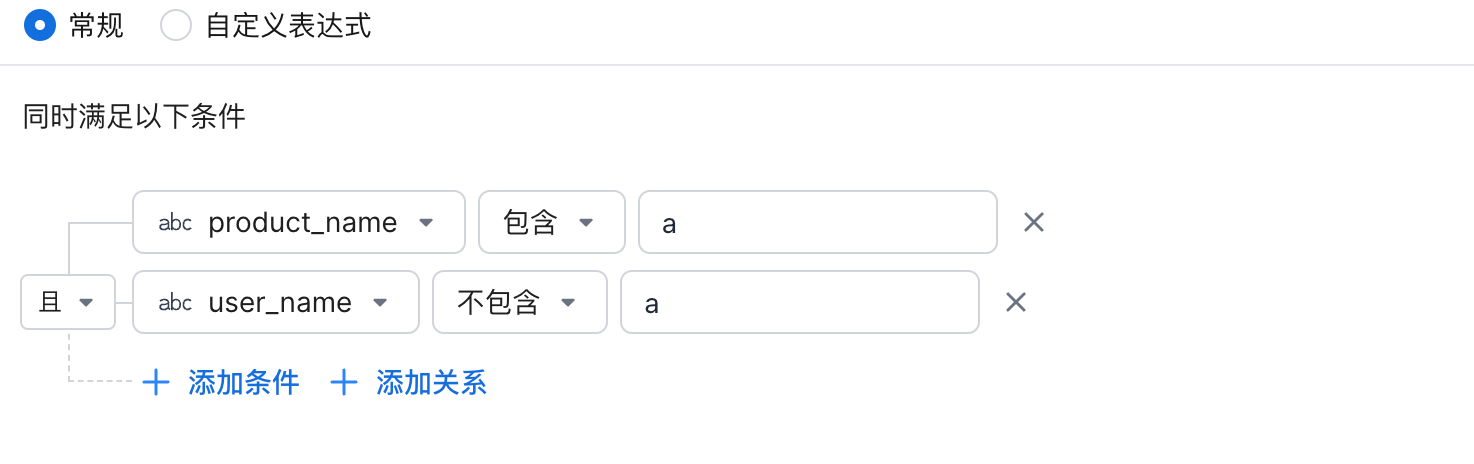
Contains and Does Not Contain
Description
Filters string fields or dimensions that contain a specified string.
Equivalent SQL Expression
CONTAINS(username,"Zhang")          -- Contains
CONTAINS(username,"Zhang")=false    -- Does not contain

username like '%a%'              -- Contains
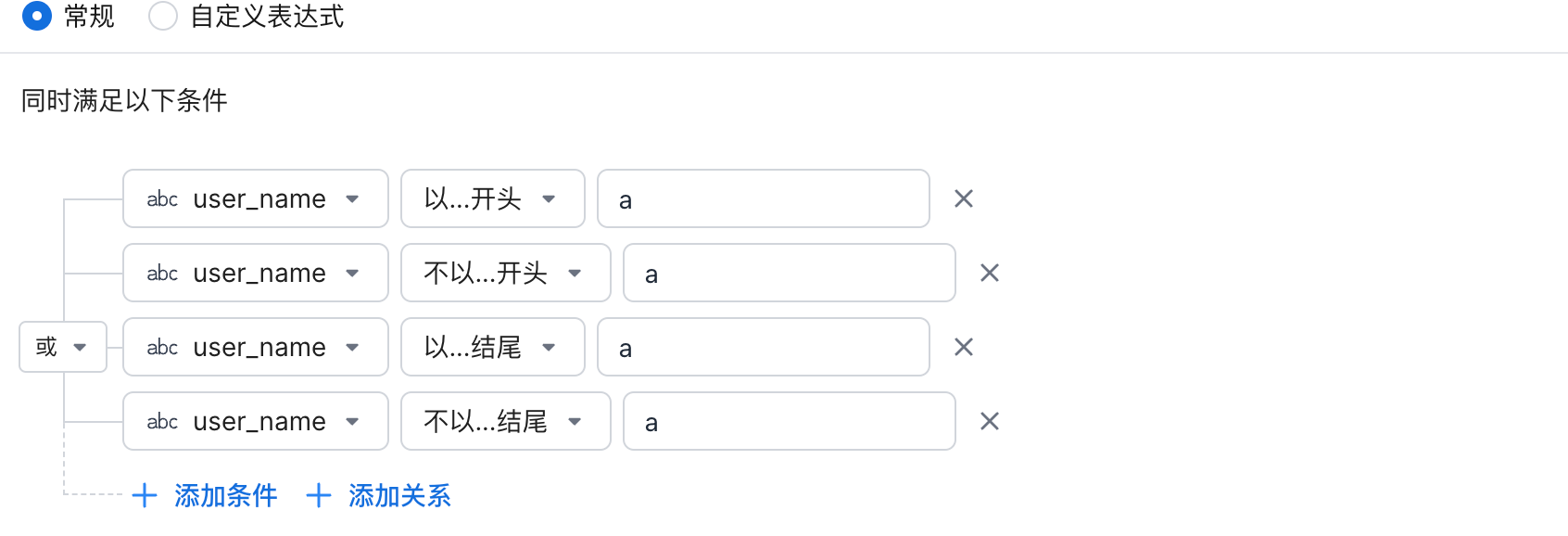
Starts With, Does Not Start With, Ends With, and Does Not End With
Equivalent SQL Expression
ENDS_WITH (`user_name`, 'a') = FALSE     -- Does not end with a
ENDS_WITH (`user_name`, 'a')             -- Ends with a
STARTS_WITH (`user_name`, 'a') = FALSE   -- Does not start with a
STARTS_WITH (`user_name`, 'a')           -- Starts with a

user_name like 'a%'                      -- Queries data that starts with a
user_name like '%a'                      -- Queries data that ends with a
Metric Value Satisfies Filter
For more information, see Metric Value Satisfies Filter.
Is Empty and Is Not Empty