Manage Monitored Metrics
This section introduces metric monitoring preview details and explains how to query, edit, and delete the corresponding metric monitoring.
Query Monitoring
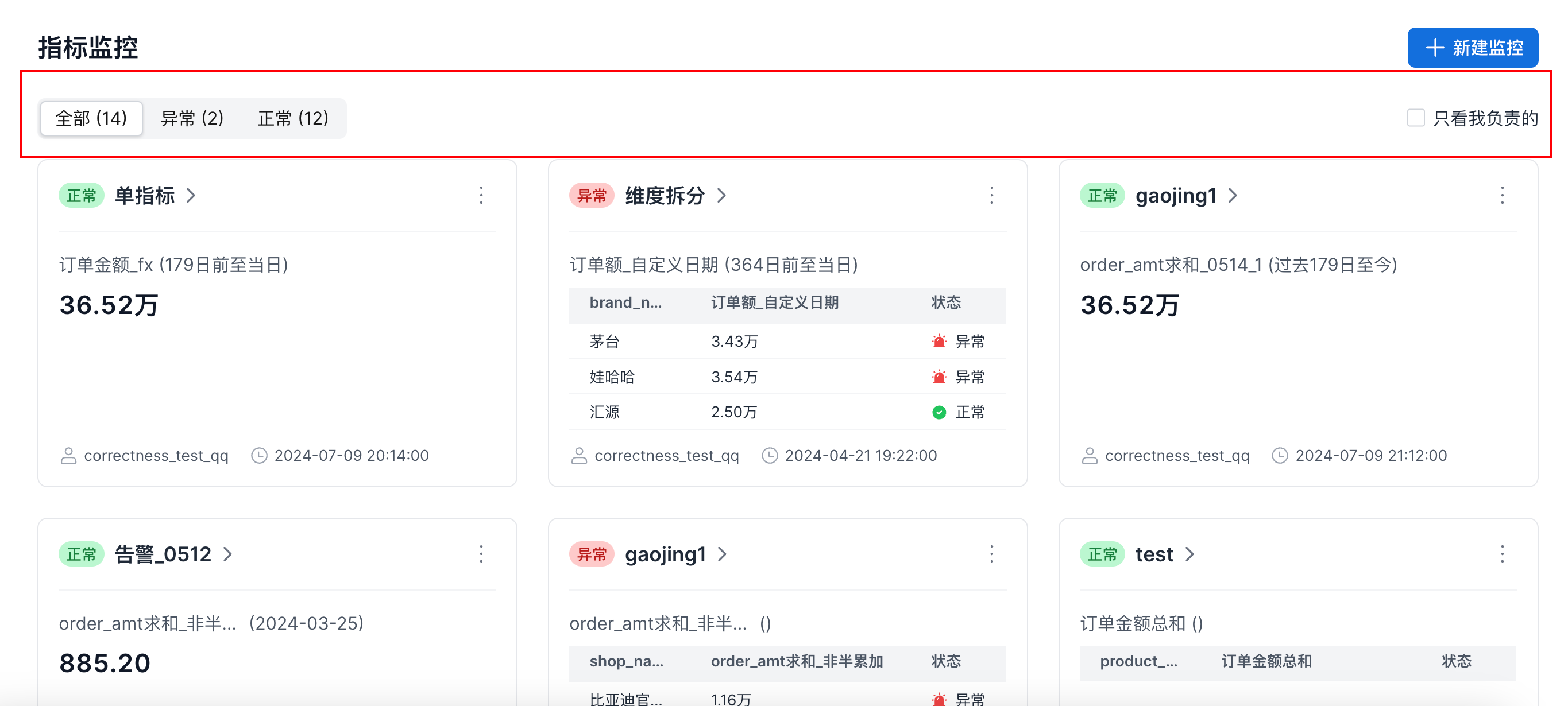
On the metric monitoring page, you can select all, abnormal, or normal metrics as needed. You can also select the checkbox to show only metric monitoring that you own, as shown below:
Edit Monitoring
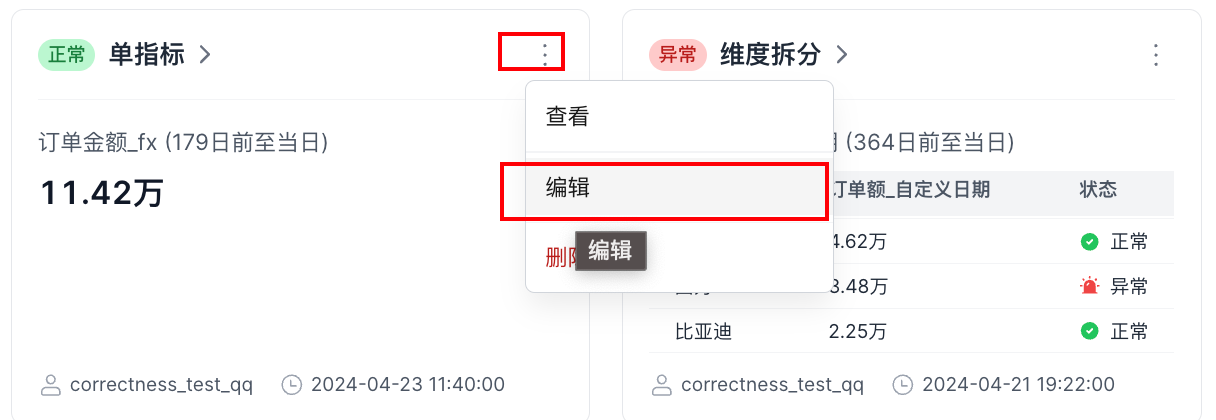
In the upper-right corner of the card preview, click the ... button and select Edit. The editable content is the same as the Create Monitoring -> Monitored Metric Settings content. See section 2.2 Monitored Metric Settings and section 2.3 Message Push Settings.
Delete Monitoring
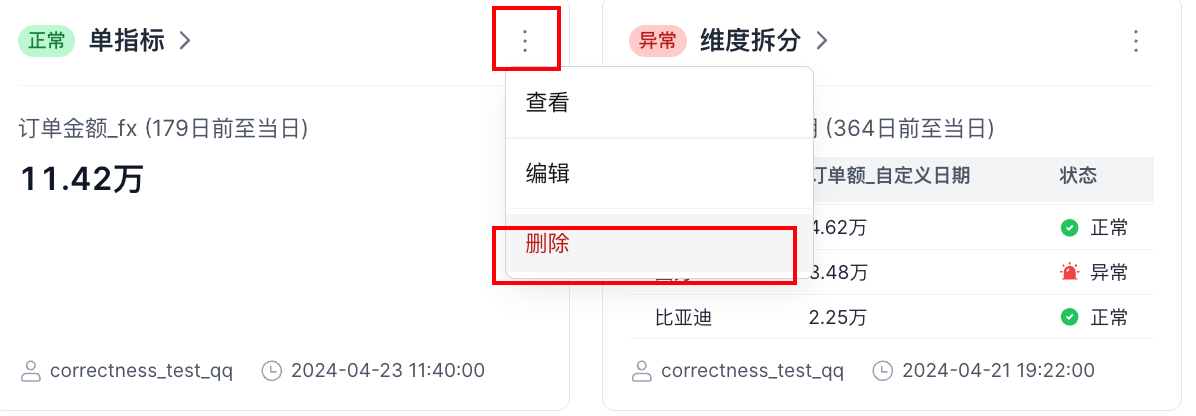
In the upper-right corner of the card preview, click the ... button and select Delete. In the pop-up window, click Confirm to delete the metric monitoring.