Favorite Metrics
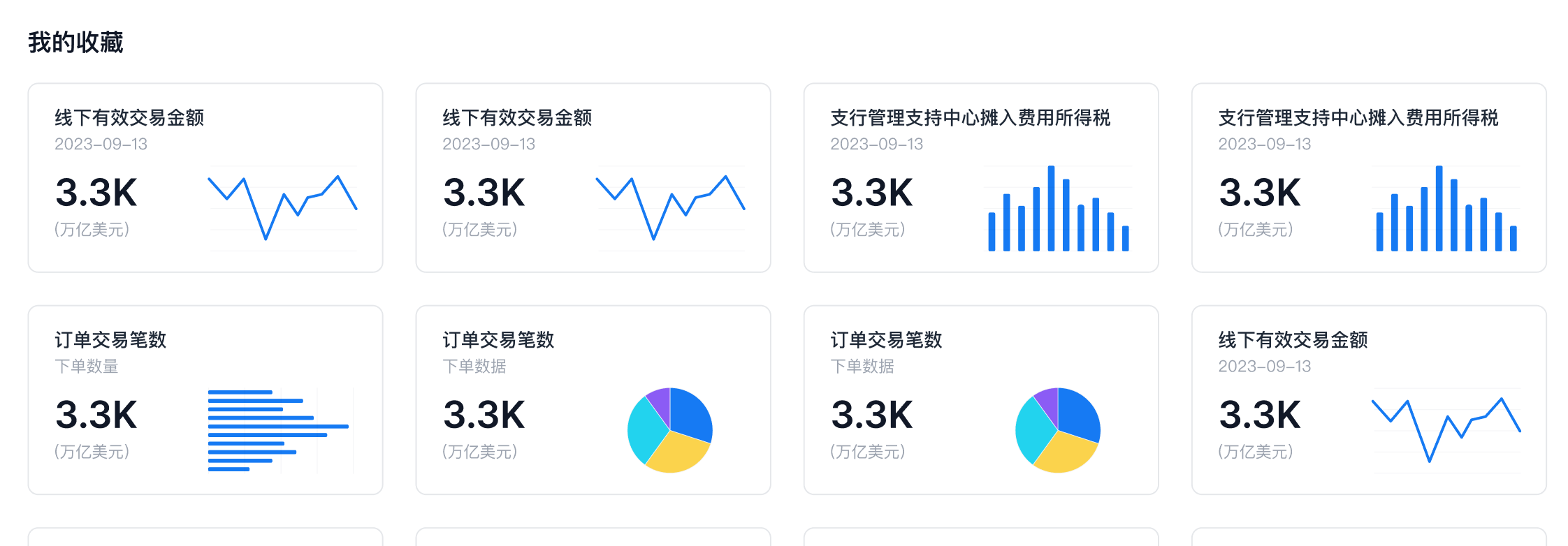
This section explains how to favorite metrics. Favorited metrics are shown on the Aloudata CAN Home page.
| Feature | Description |
|---|---|
| Home Display | 1. Shows metrics favorited by the current account. 2. Favorited metrics are sorted by the order in which the current account favorited them. Earlier favorites appear earlier in the list. !!! note "After a user unfavorites and then favorites a metric again, that metric is placed at the end of the list." |
| After a user unfavorites and then favorites a metric again, that metric is placed at the end of the list. | |
For the calculation logic of favorited metrics on the Home page, see:
Procedure
Entry Point
- In the top navigation bar, select
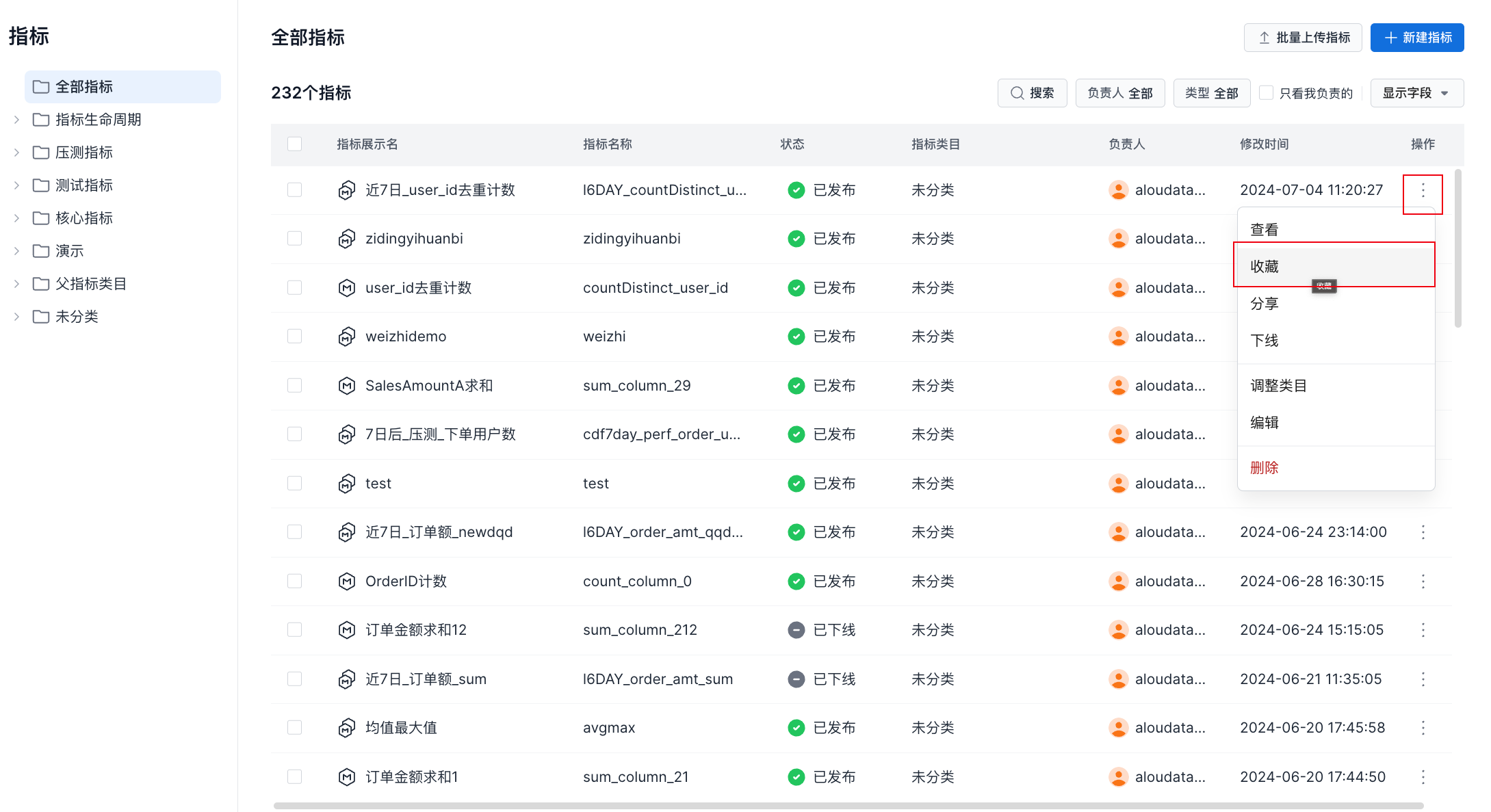
Metric Definition, then selectMetricsin the side menu. Select a metric, click⋮on the right, and choose Favorite.
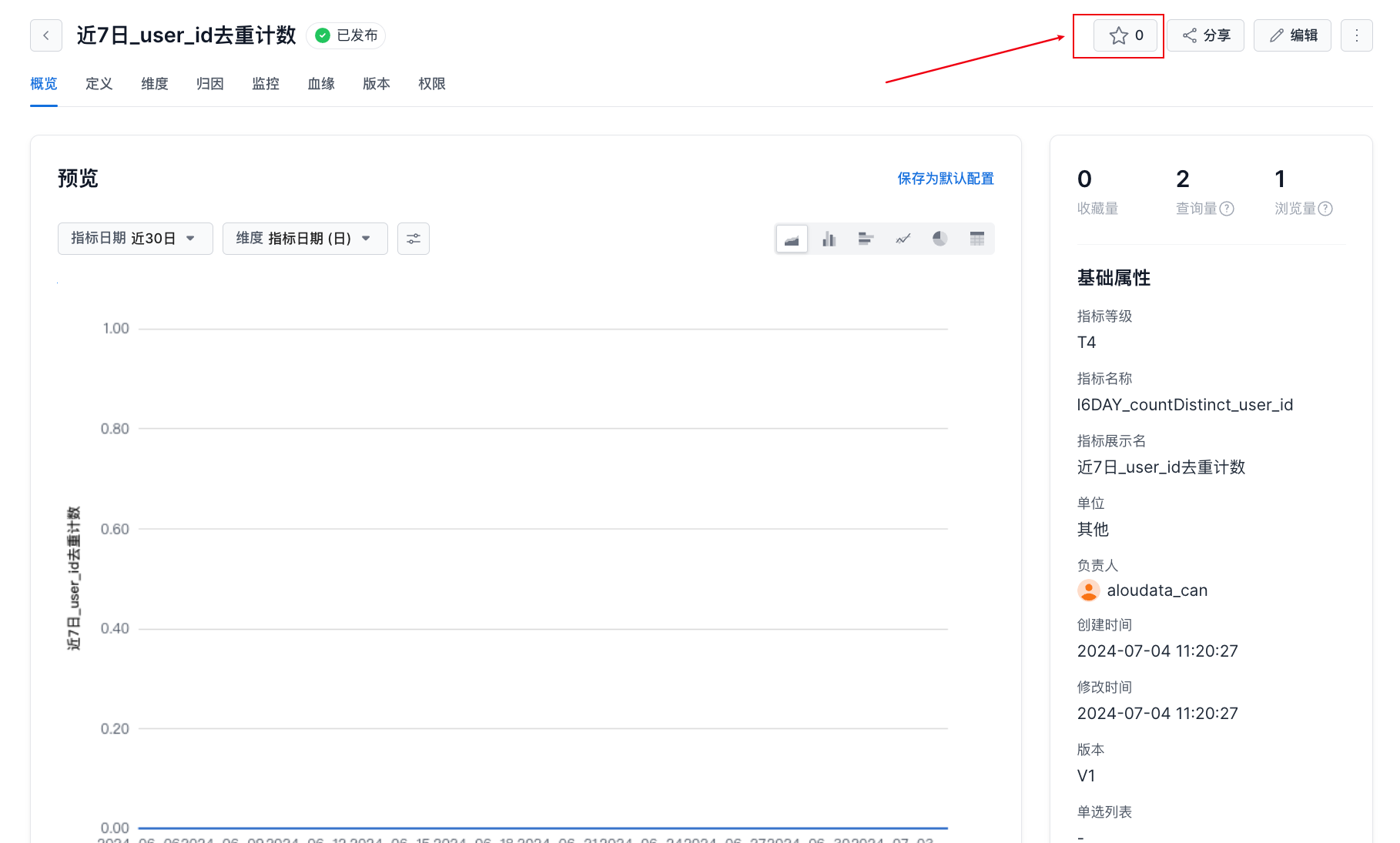
- On the metric details page, click the Favorite button in the upper-right corner.