Create a Composite Metric
Overview
Use Cases
| Metric Name | Metric Definition | Description |
|---|---|---|
| Sales Profit Margin | Calculates the ratio between gross profit and total order amount to measure sales profitability. | Sales Profit Margin = Gross Profit / Total Order Amount |
Feature Introduction
A composite metric is a complex metric built from two or more basic metrics by using specific mathematical operations, such as addition, subtraction, multiplication, division, and ratio calculations.

Create a Composite Metric
Steps
Entry Point
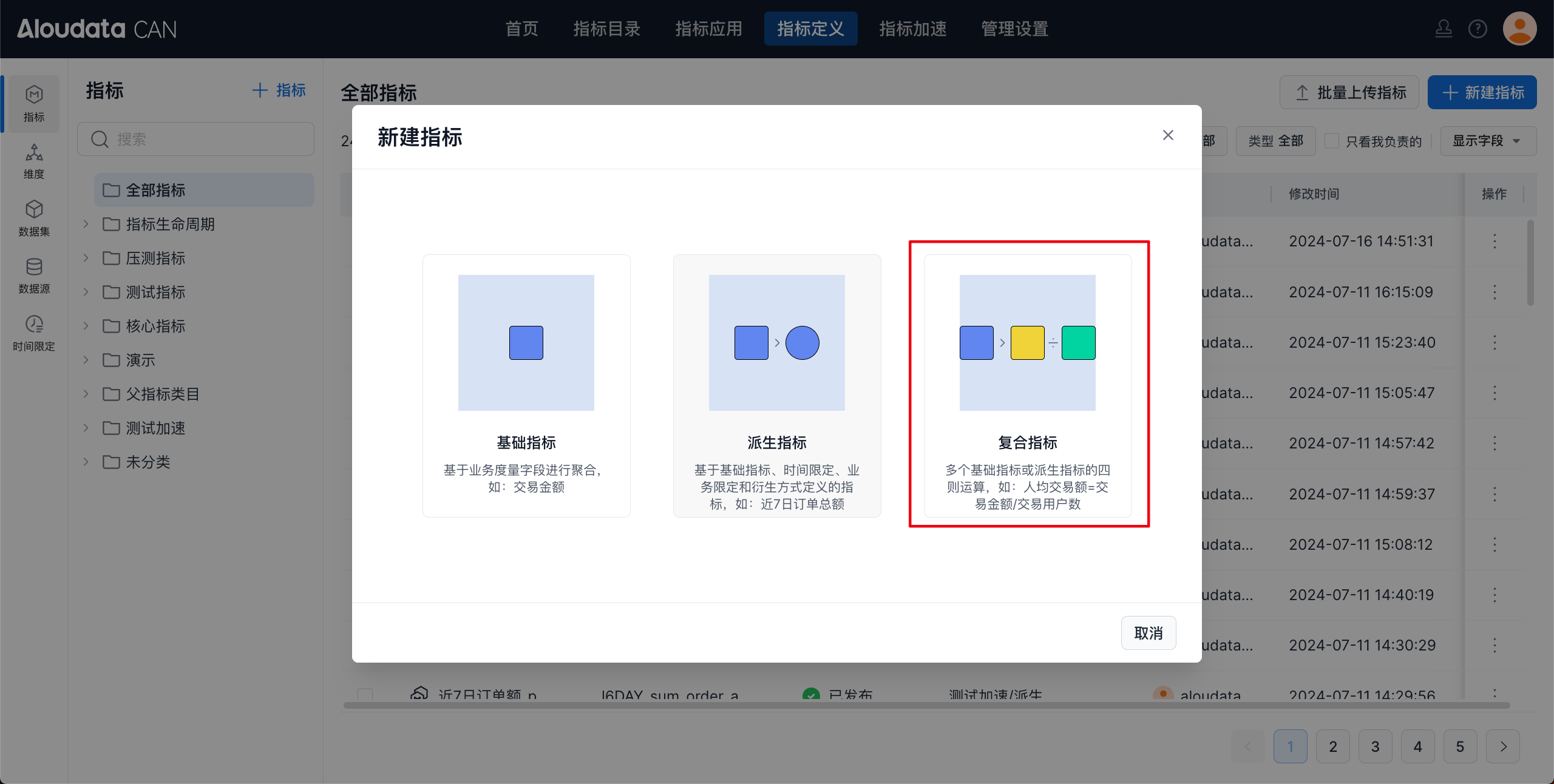
In the left navigation bar, select Metric Definition. In the upper-right corner of the page, click New Metric, then select Composite Metric in the dialog.
Configure Metric Definition

Composite Metrics Support Factor Filters and Dimension Scope






Configure Metric Properties
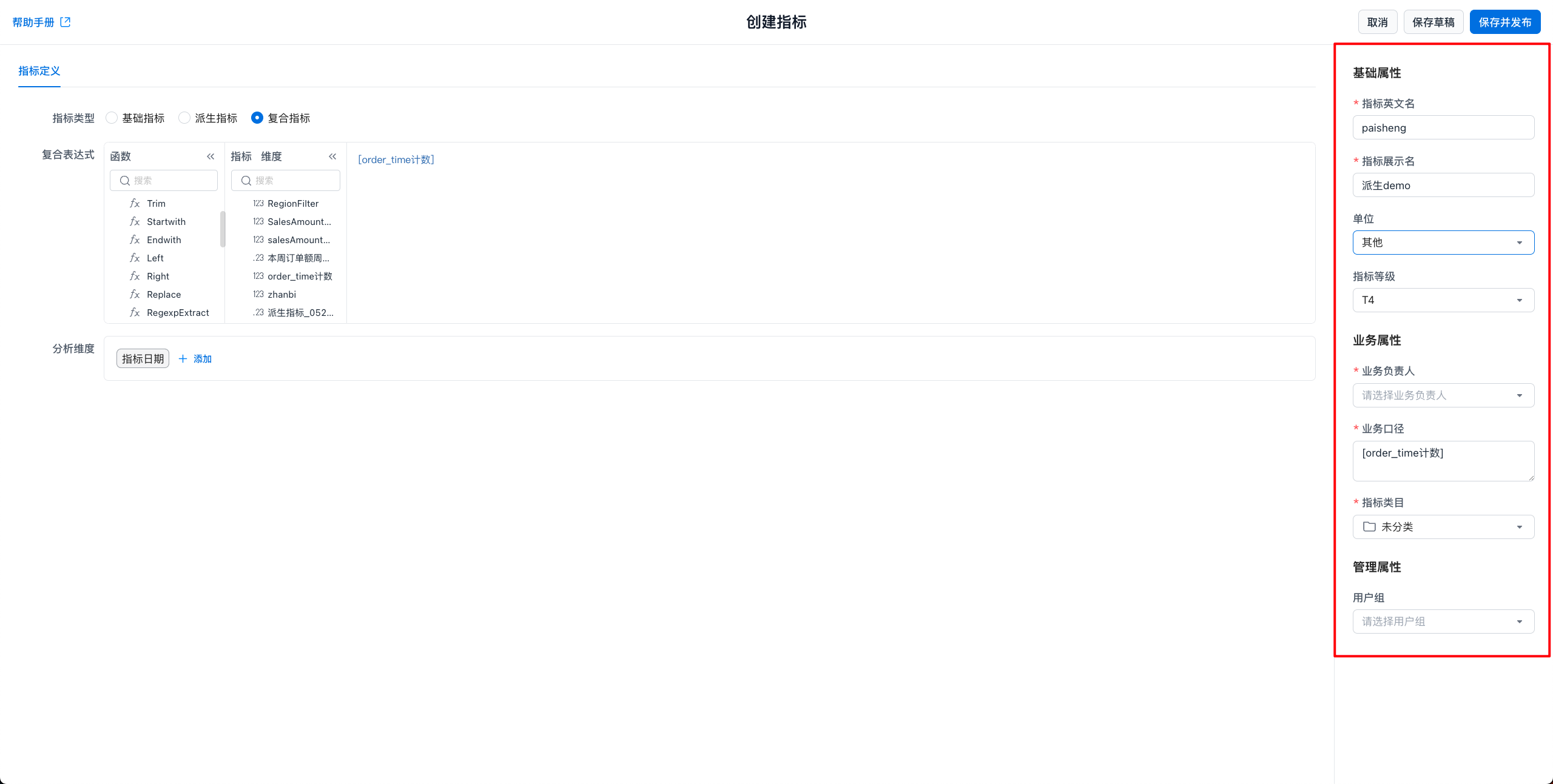
Fill in metric property information. Administrators can customize which properties are available and whether they are required. Built-in system properties cannot be customized. Important system properties include:
| Property | Rule |
|---|---|
| Metric Name | Supports English letters, numbers, and underscores (_), and must be globally unique.The metric name cannot be changed after creation. Use the metric name in the query API to retrieve metric results. |
| Metric Display Name | Supports any characters and must be globally unique. |
| Unit | Select the metric unit. |
| Business Owner | The business owner of the metric. Administrators can disable this property. |
| Business Definition | The business definition of the metric, used to describe its calculation scope and business meaning in detail. |
| Metric Category | The metric category. The system provides an Uncategorized category. |
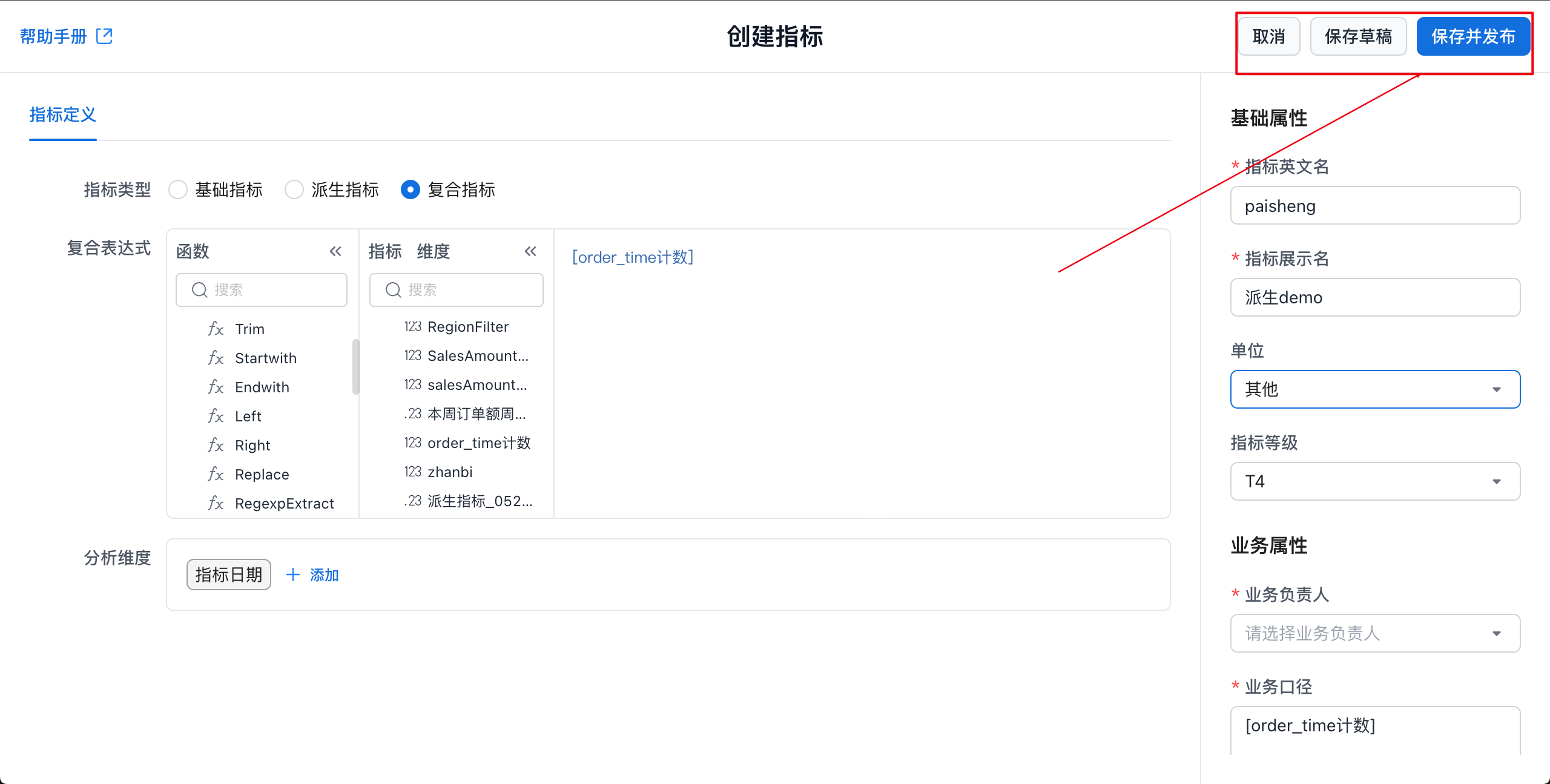
Save or Publish the Metric
Example
Sales Profit Margin
Select Basic Metrics
-
Gross Profit: Sum([Order Table/Order Amount] - [Product Table/Product Cost])
-
Total Order Amount: Sum([Order Table/Order Amount])
Define the Calculation Formula
SalesProfitRate = Sum([Order Table/Order Amount] - [Product Table/Product Cost]) / Sum([Order Table/Order Amount])
Select Analysis Dimensions
-
Date dimension: based on order time in the order table
-
Other dimensions: product category, region, and more
Configure Metric Properties
-
Metric Name: SalesProfitRate
-
Metric Display Name: Sales Profit Margin
-
Unit: Percentage (%)
-
Business Owner: John Zhang
-
Business Definition: Sales Profit Margin measures sales profitability and is calculated as the ratio of gross profit to total order amount.
-
Metric Category: Sales Analysis
Data Query Example
WITH gross_profit AS (
    SELECT
        Datetrunc(order_table.order_time, "DAY") AS metric_date,
        Sum(order_table.order_amount - product_table.product_cost) AS gross_profit
    FROM
        order_table
    LEFT JOIN
        product_table ON order_table.product_id = product_table.product_id
    GROUP BY
        Datetrunc(order_table.order_time, "DAY")
),
total_order_amount AS (
    SELECT
        Datetrunc(order_table.order_time, "DAY") AS metric_date,
        Sum(order_table.order_amount) AS total_order_amount
    FROM
        order_table
    GROUP BY
        Datetrunc(order_table.order_time, "DAY")
)
SELECT
    gross_profit.metric_date,
    gross_profit.gross_profit,
    total_order_amount.total_order_amount,
    (gross_profit.gross_profit / total_order_amount.total_order_amount) * 100 AS sales_profit_rate
FROM
    gross_profit
LEFT JOIN
    total_order_amount ON gross_profit.metric_date = total_order_amount.metric_date