Create an External Materialization Plan
1. Overview
An external materialization plan lets an external system build and update materialized results outside the metric platform, then synchronize the updated range back to the platform so the results can be considered during acceleration hit matching.
With external materialization, you manage the materialized table yourself, including creation, updates, and scheduling. The metric platform is responsible for:
-
Reading the table structure.
-
Identifying fields.
-
Identifying the available date range.
-
Determining whether a query can hit the materialized result.
2. Creation Entry Points
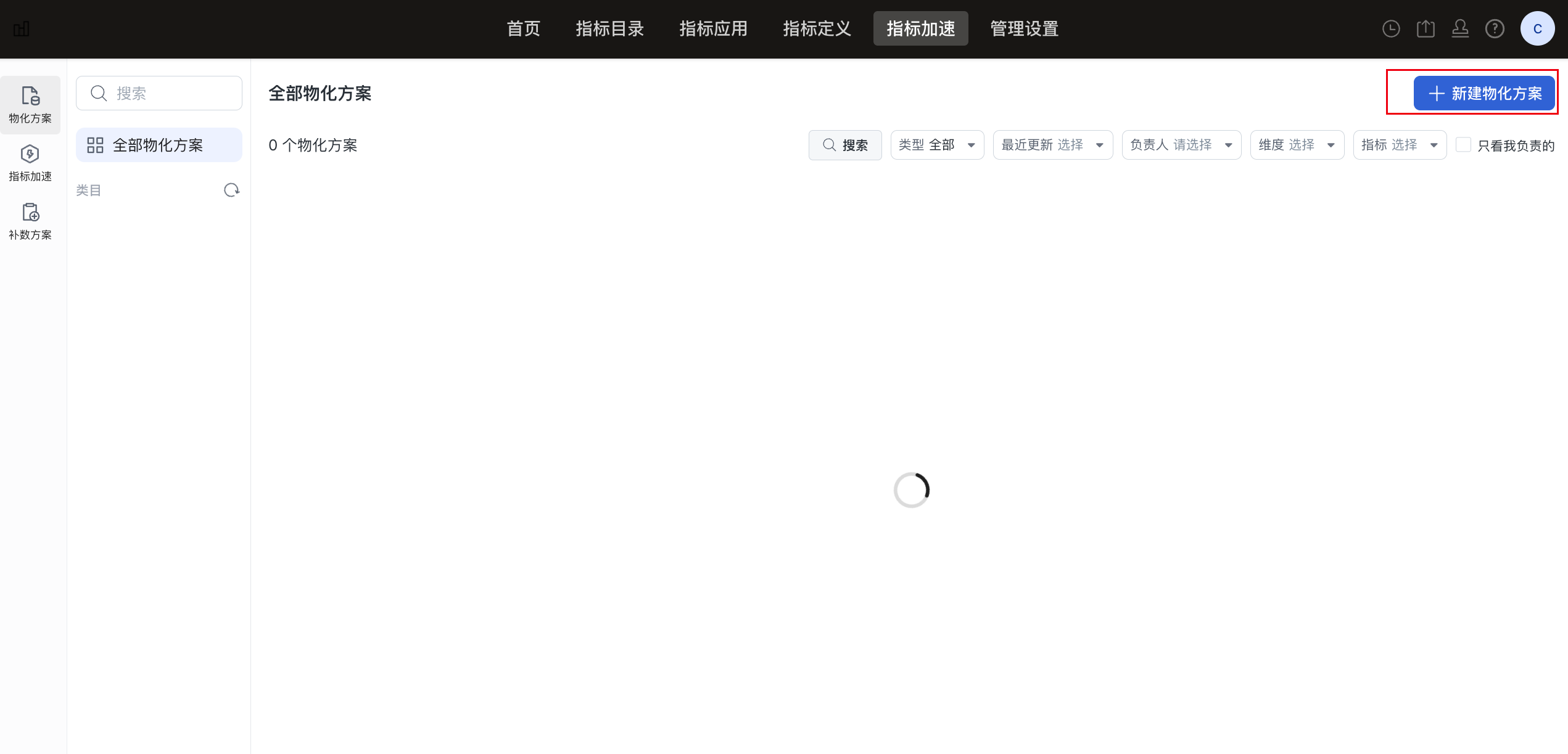
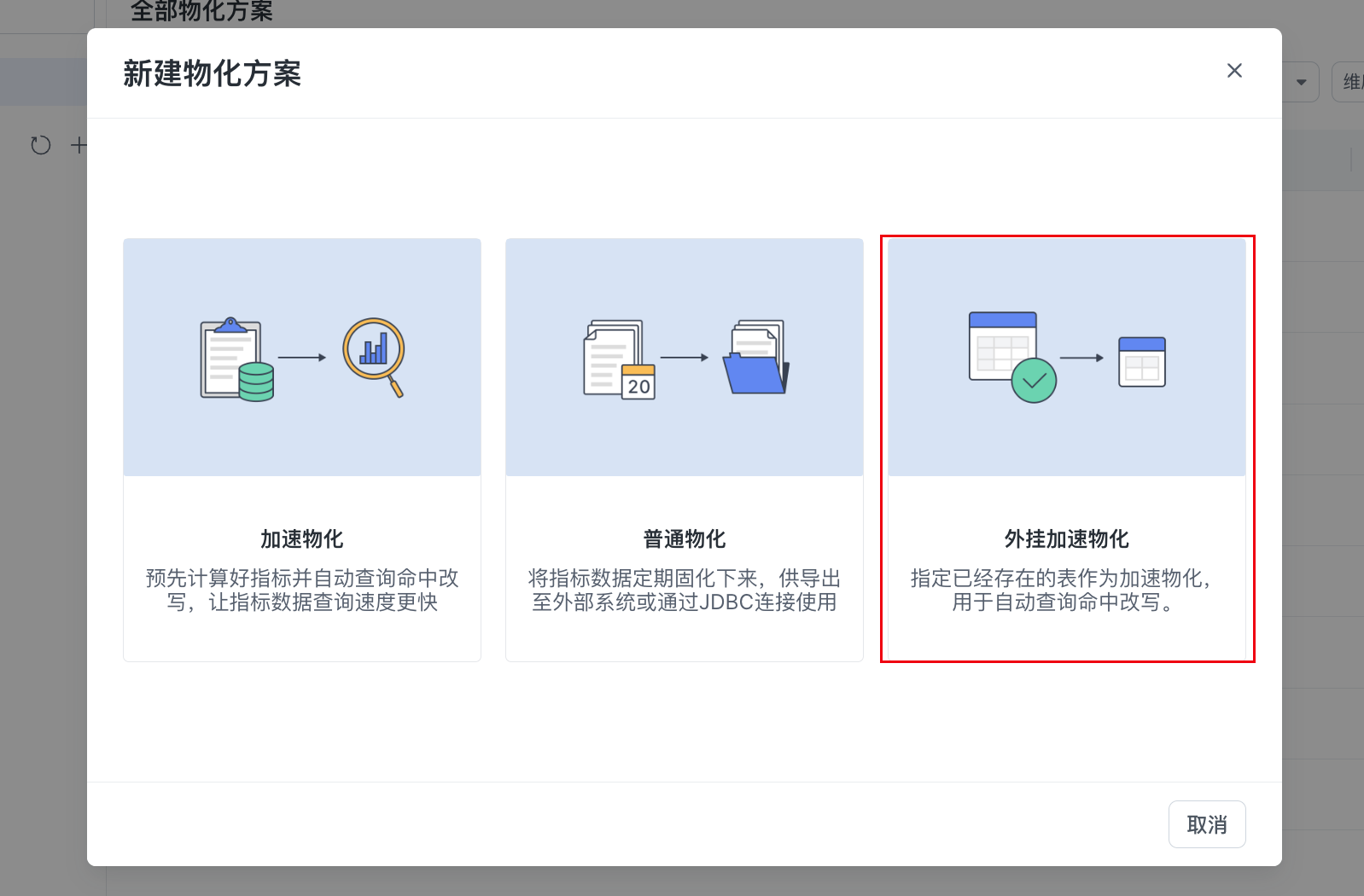
External materialization supports two creation methods: create directly and convert from an existing plan.
2.1 Create Directly
2.2 Convert a Plan
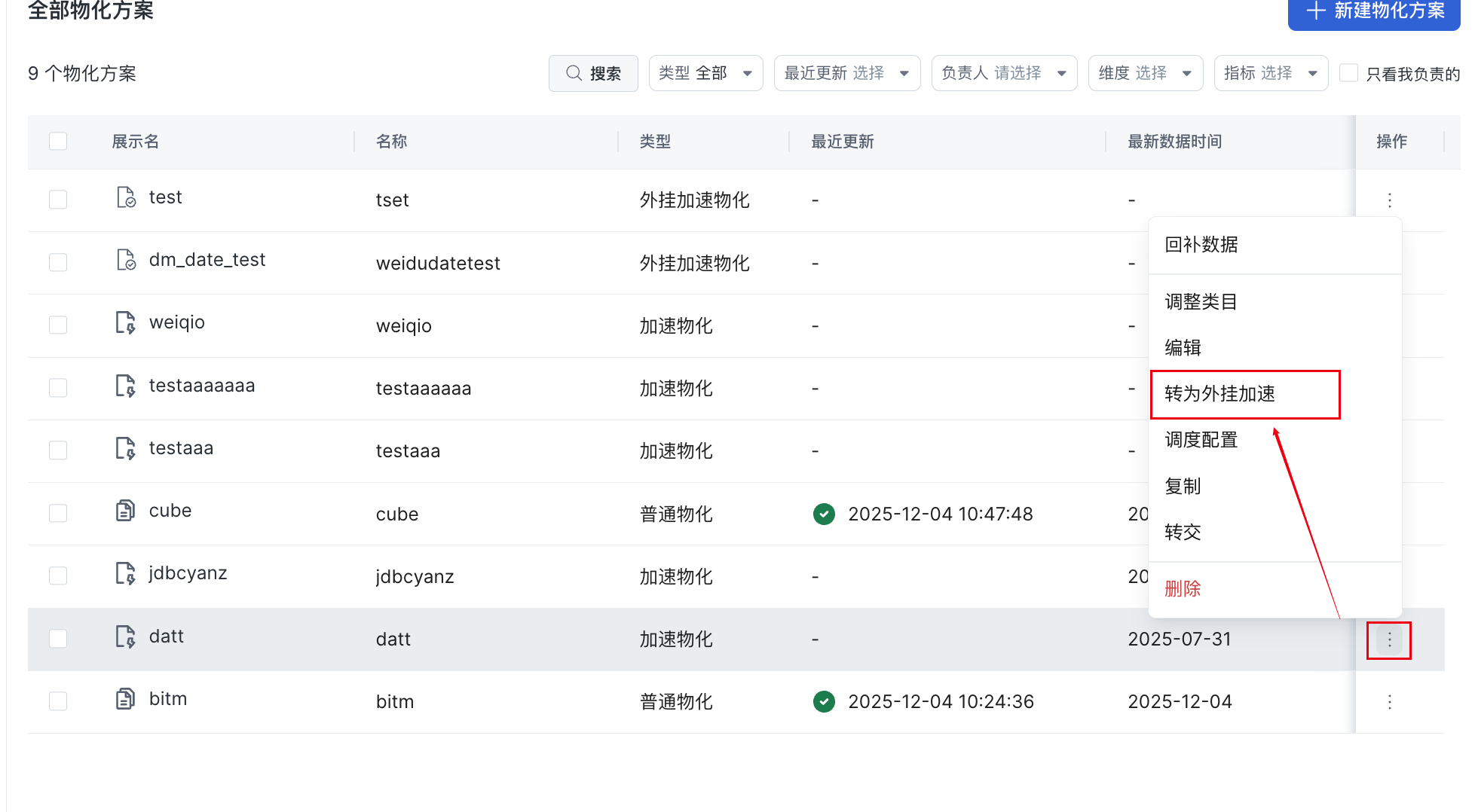
An existing acceleration plan can be converted into an external materialization plan with one click.
After conversion, the following information is retained:
-
Field configuration.
-
Roll-up configuration.
-
Materialized content structure.
-
Reference information.
The following information is not retained:
-
Scheduling configuration.
-
Materialization update range.
-
Notification settings.
3. External Materialization Content Configuration
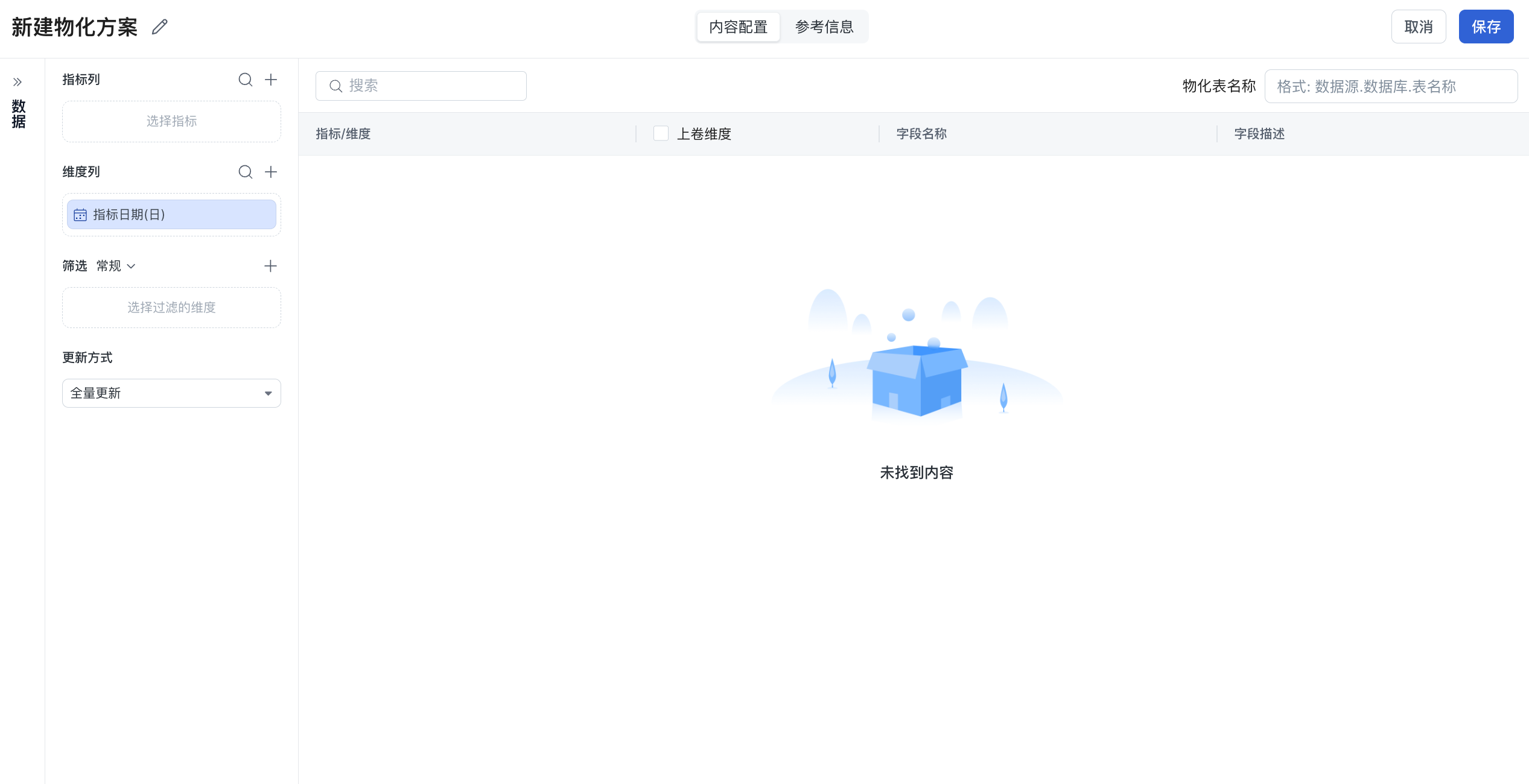
The core configuration contains two parts:
-
Content configuration
-
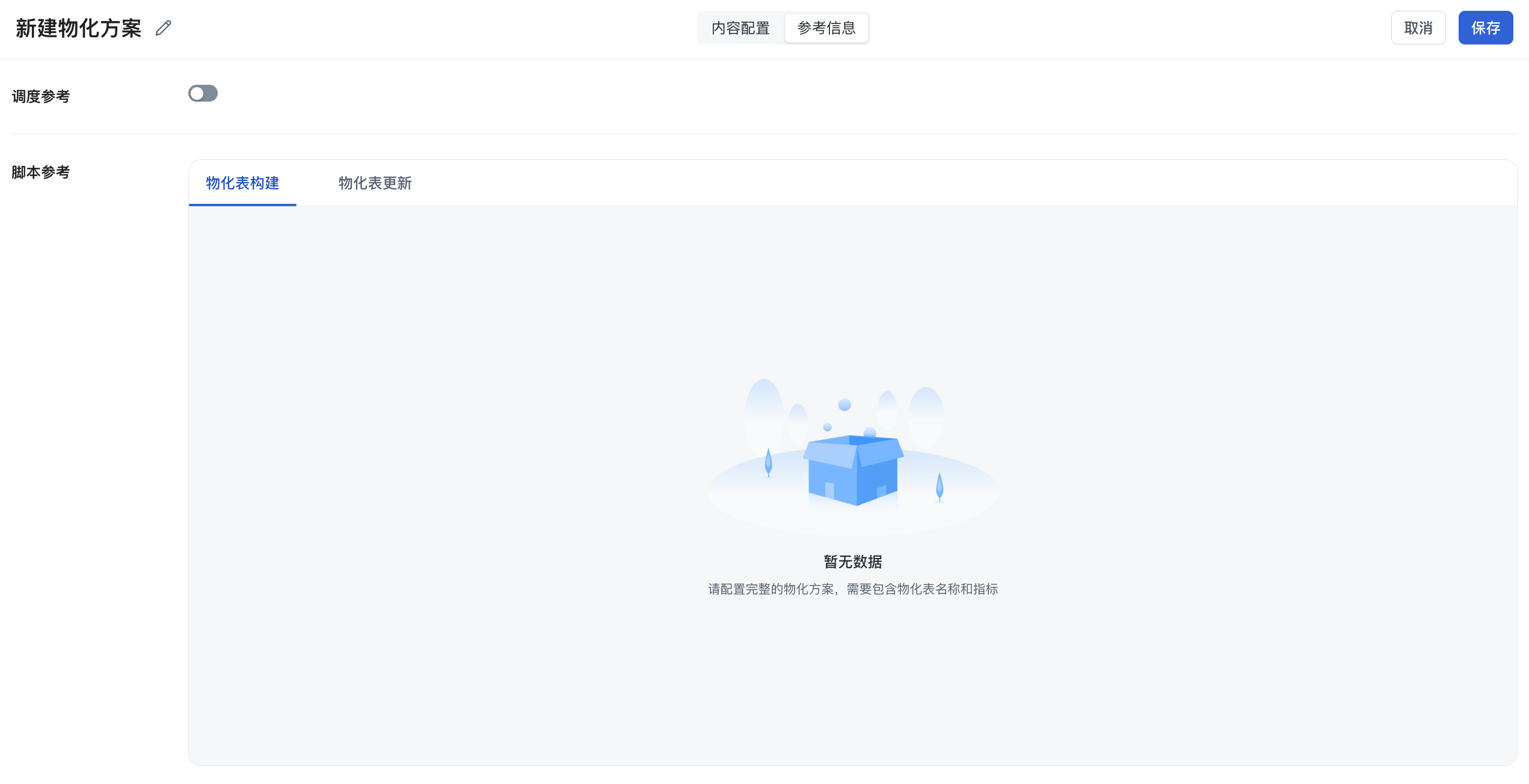
Reference information (scheduling reference and script reference)
3.1 Content Configuration
3.1.1 Materialized Content (Metric Columns, Dimension Columns, Filters, and Update Method)
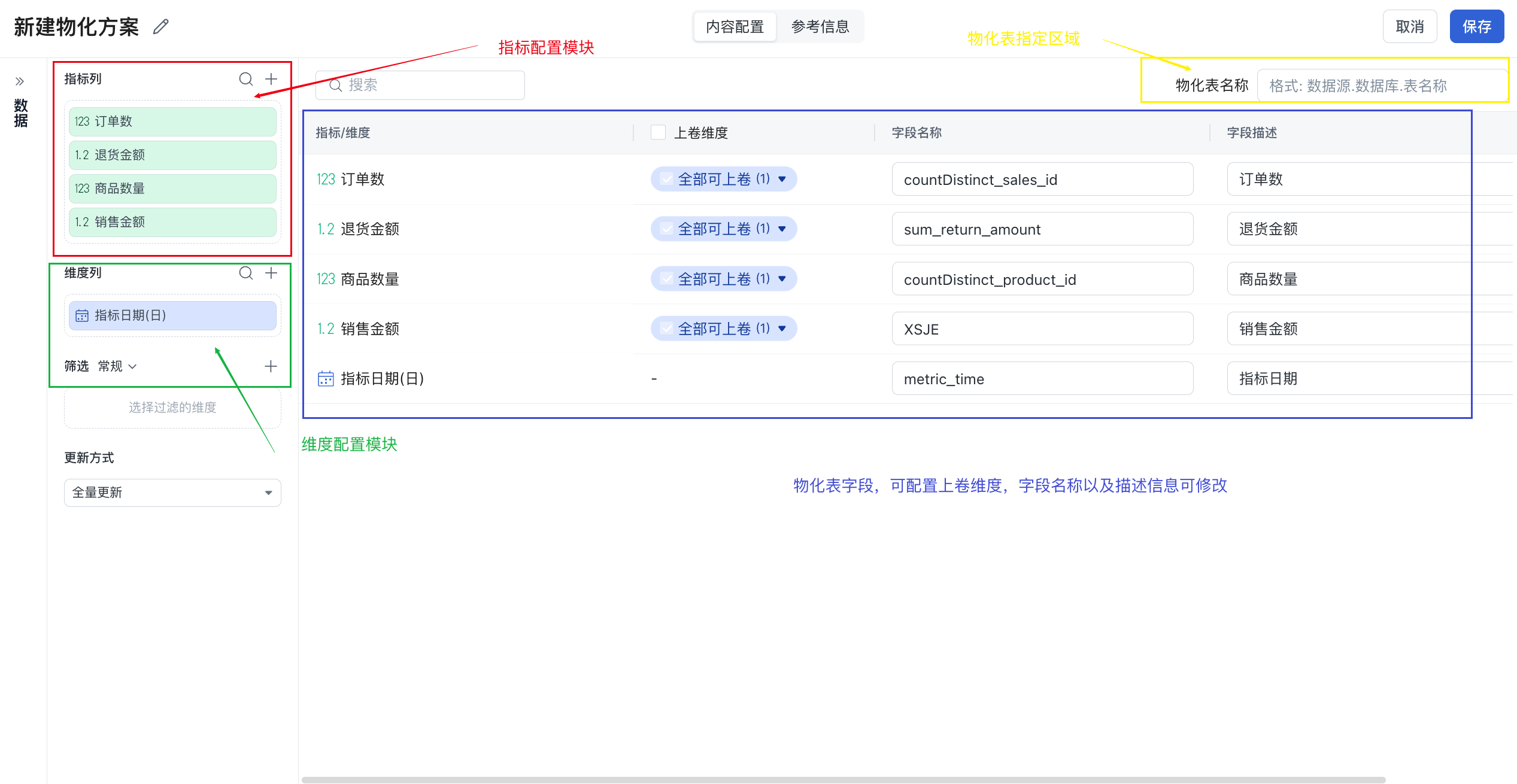
| Configuration Item | Description |
|---|---|
| Metric Columns | Select the metrics to write to the materialized table, such as total return quantity (sum_return_qty). You can edit the field name and field type. |
| Dimension Columns | Select dimensions used in group by, such as metric date, opening date, member level, and store type. |
| Filters | Add where conditions, such as store_type = 'Direct'. In external materialization scenarios, the external system must ensure that the filter logic stays consistent. |
| Update Method | Full update, or incremental update when a metric date is included. The update method affects hit matching. For incremental updates, the platform must know the available date range, and the external system must call the API to synchronize the updated interval. |
3.1.2 Materialized Table Configuration
You need to provide the materialized table name, including data source, database, and table name.
Example:
3.1.3 Roll-Up Configuration (Optional)
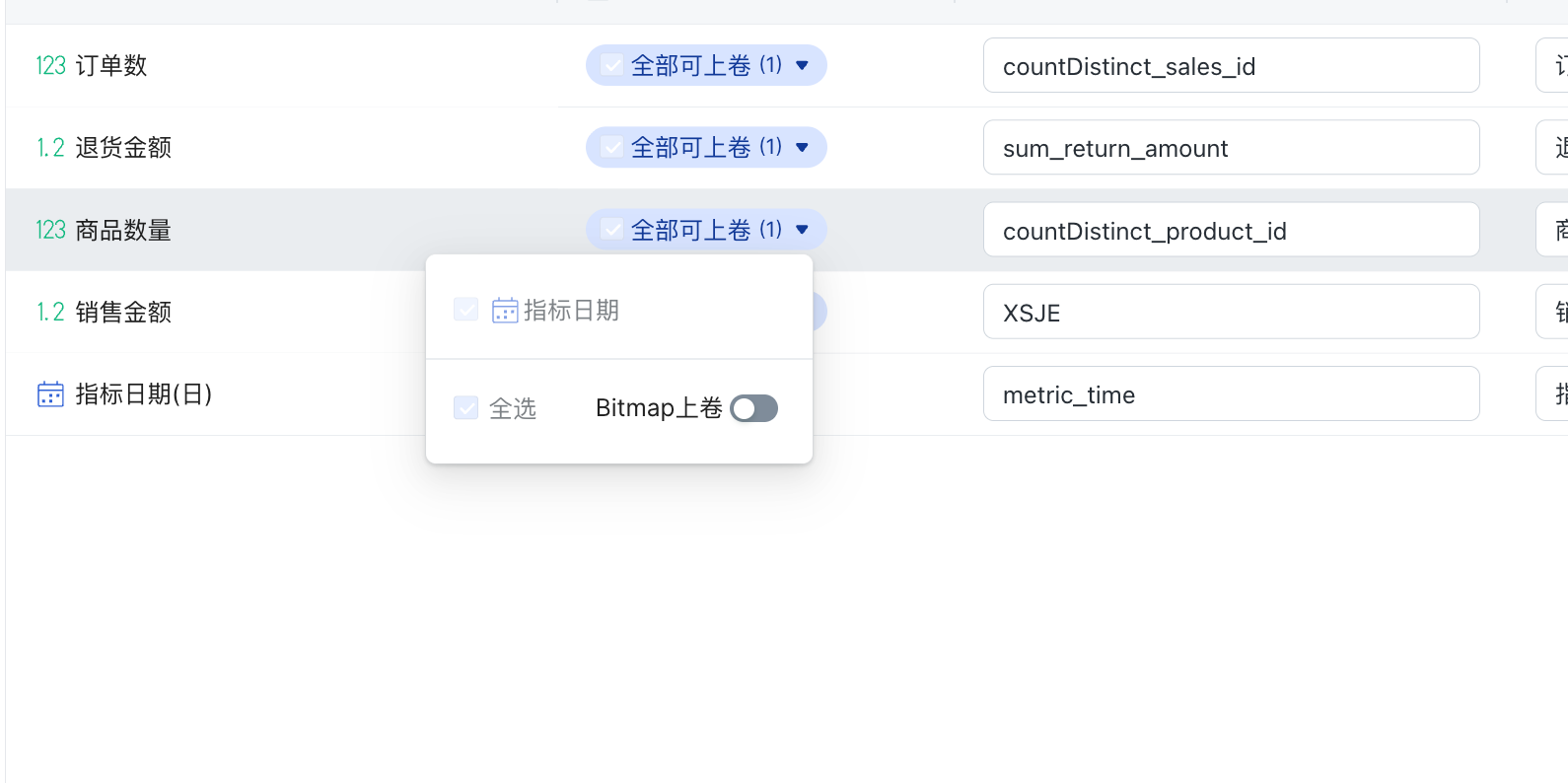
| Configuration Item | Description |
|---|---|
| Roll-Up Dimensions | Select dimensions that support roll-up, such as county -> city -> province. |
| Bitmap Roll-Up | Optional. When bitmap roll-up is used, the field type must support the required bitmap functions. |
Note: Bitmap roll-up has field type requirements for the external materialized table. Confirm field types before generating the external table.
3.2 Reference Information
Reference information is display-only and contains two parts.
3.2.1 Scheduling Reference

You can enter:
-
Scheduling cycle.
-
Scheduling time.
This information does not affect calculation or hit matching. It is only used to help the team understand how the external task is scheduled and managed.
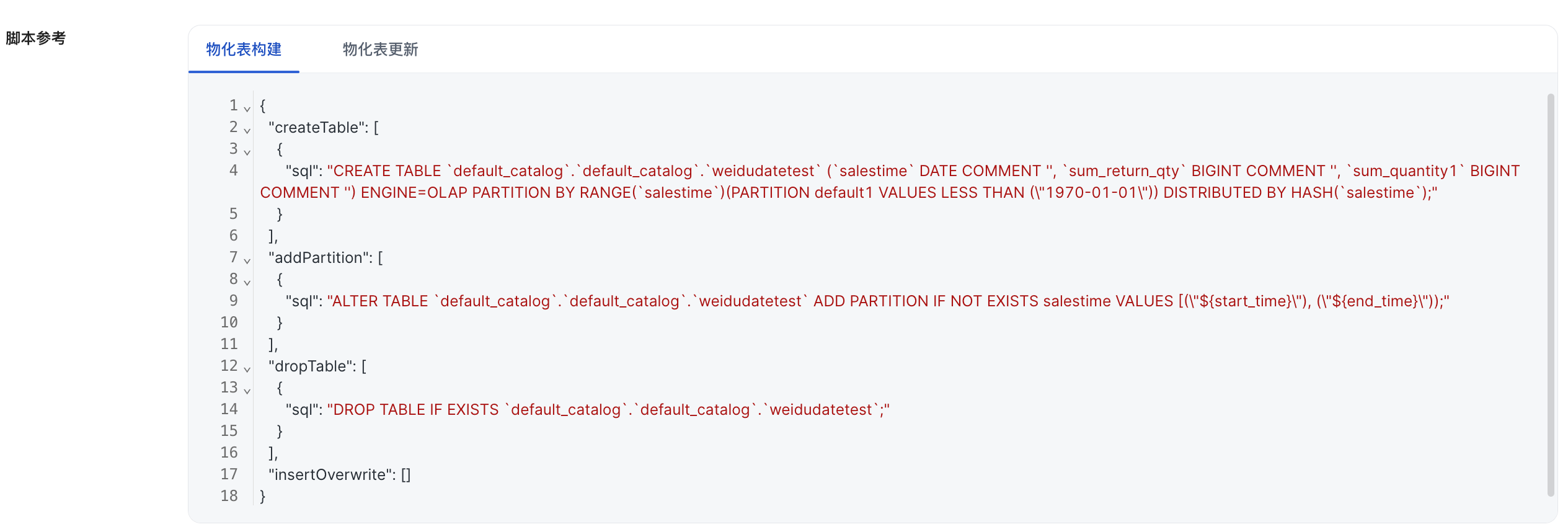
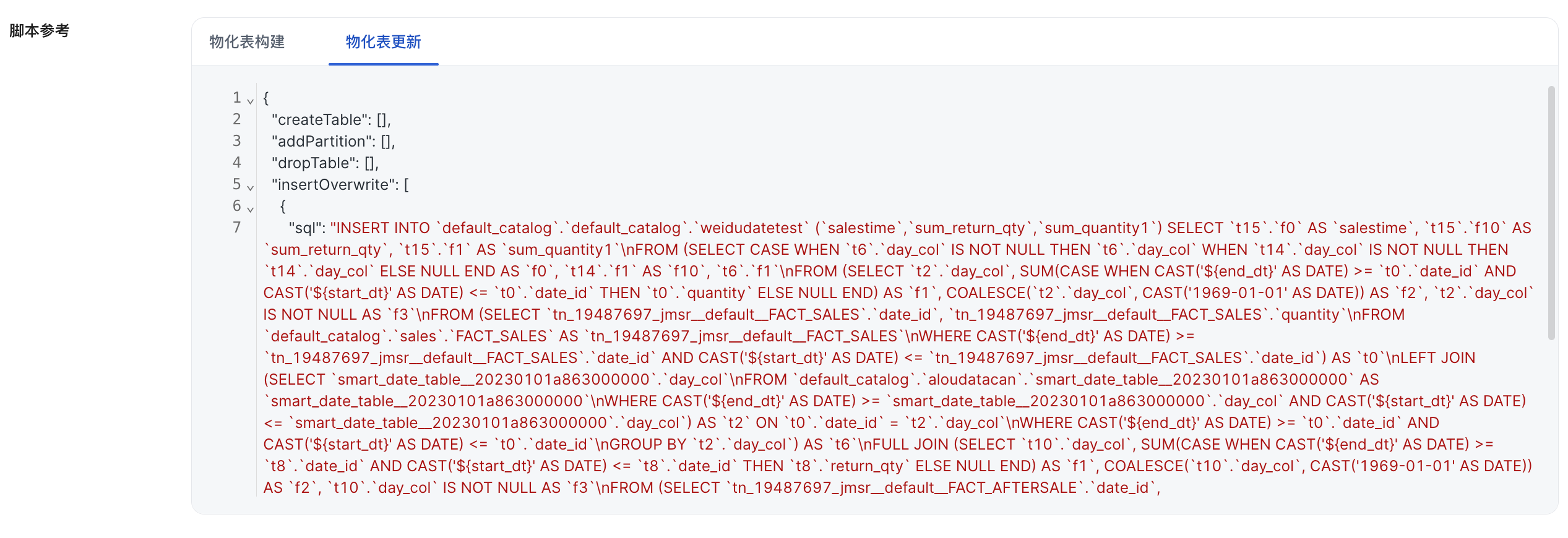
3.2.2 Script Reference
The platform provides:
-
Reference SQL for materialized table structure.
-
Reference SQL for materialized table updates.
4. Related APIs
| API | Description |
|---|---|
| Get Materialization Plan Details | Gets detailed configuration for any type of materialization plan. For an external materialization plan, the response also includes reference information. |
| Update Materialized Data | Notifies the platform that metadata for the materialized table has been updated. For a full update, the platform treats the table data as fully updated after notification. For an incremental update, pass the updated time range so the metric platform knows which dates have been updated. |
| Clear Materialized Data | Notifies the metric platform that part of the backfilled data has expired, so the platform can correct the materialization hit range. |