Manage Dimension Values
After you configure specific dimension values, query results will replace the original values with the configured display values. If no dimension values are configured, query results return the original values from the dimension.
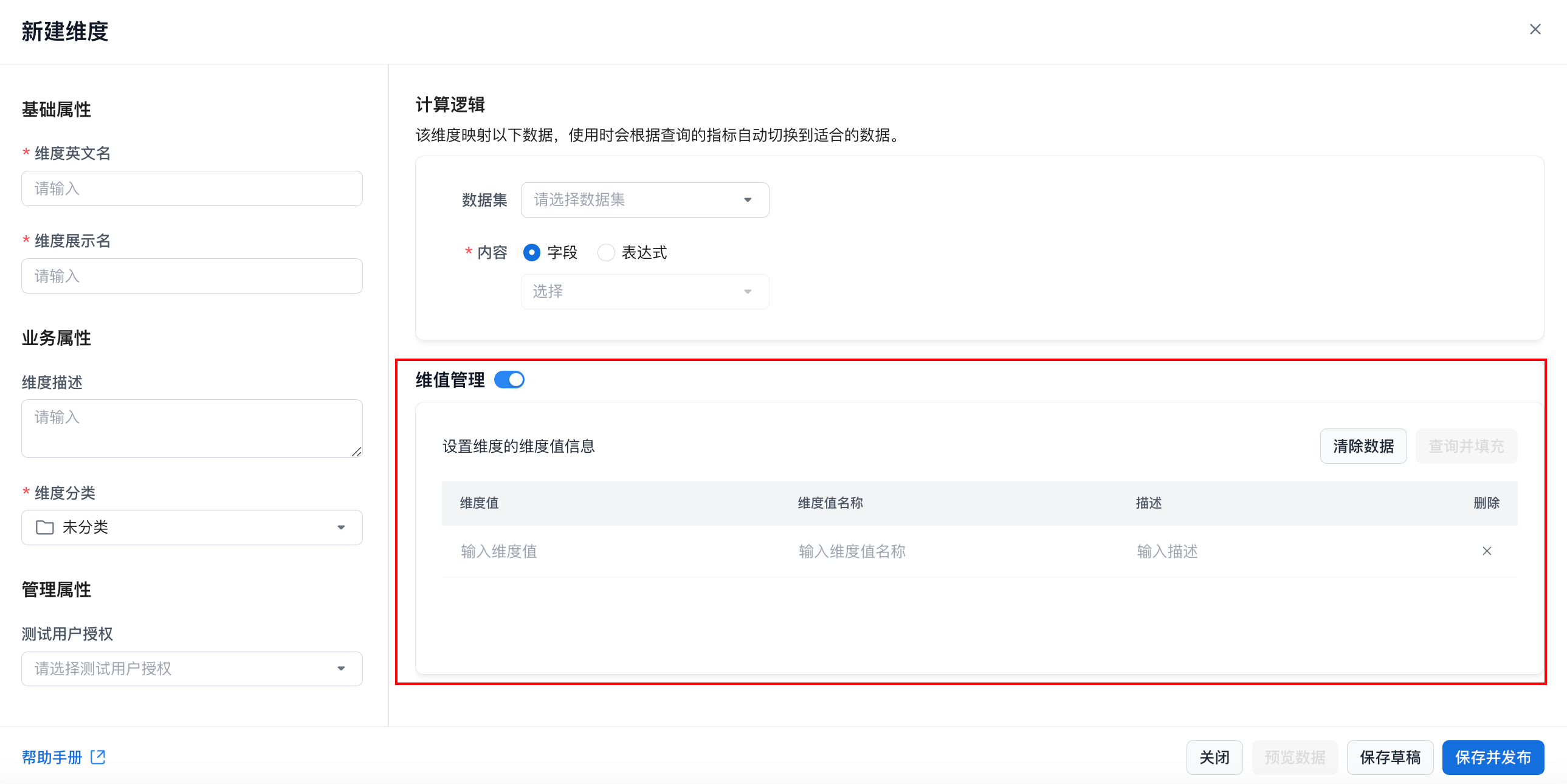
Feature Details
-
After dimension value management is enabled, the system provides an input list for dimension values. You can enable and configure dimension value management regardless of whether the dimension calculation logic is complete.
-
Dimension values and dimension value names must both be filled in, and each value must remain unique.
Query and Populate Dimension Values
-
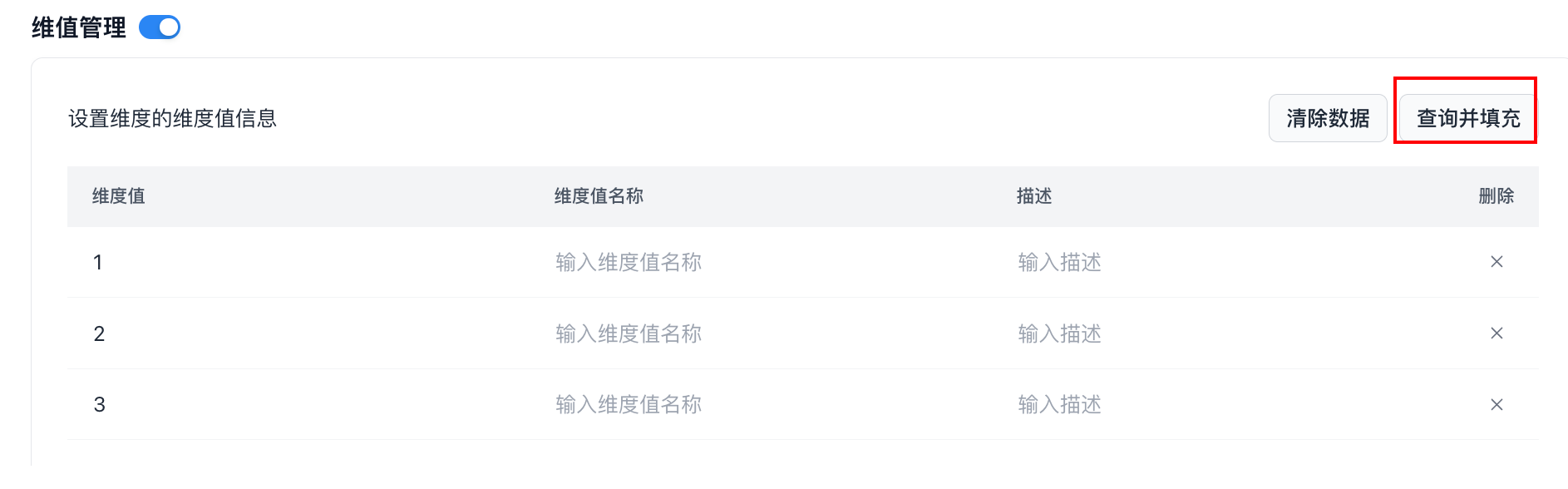
Click Query and Populate Dimension Values to retrieve the list of dimension values based on the current dimension calculation logic. The system returns up to 500 values.
-
After the list is returned, the system incrementally updates the current dimension value list while keeping existing configured values.
-
If you turn off dimension value management, the system also clears all configured dimension value settings.