Manage Data Tables
This page explains how to quickly find data tables and view field names, field types, and other table details.
Search Data Tables
- In the top navigation, select Metric Definition -> Data Source. In the list, select a data source.
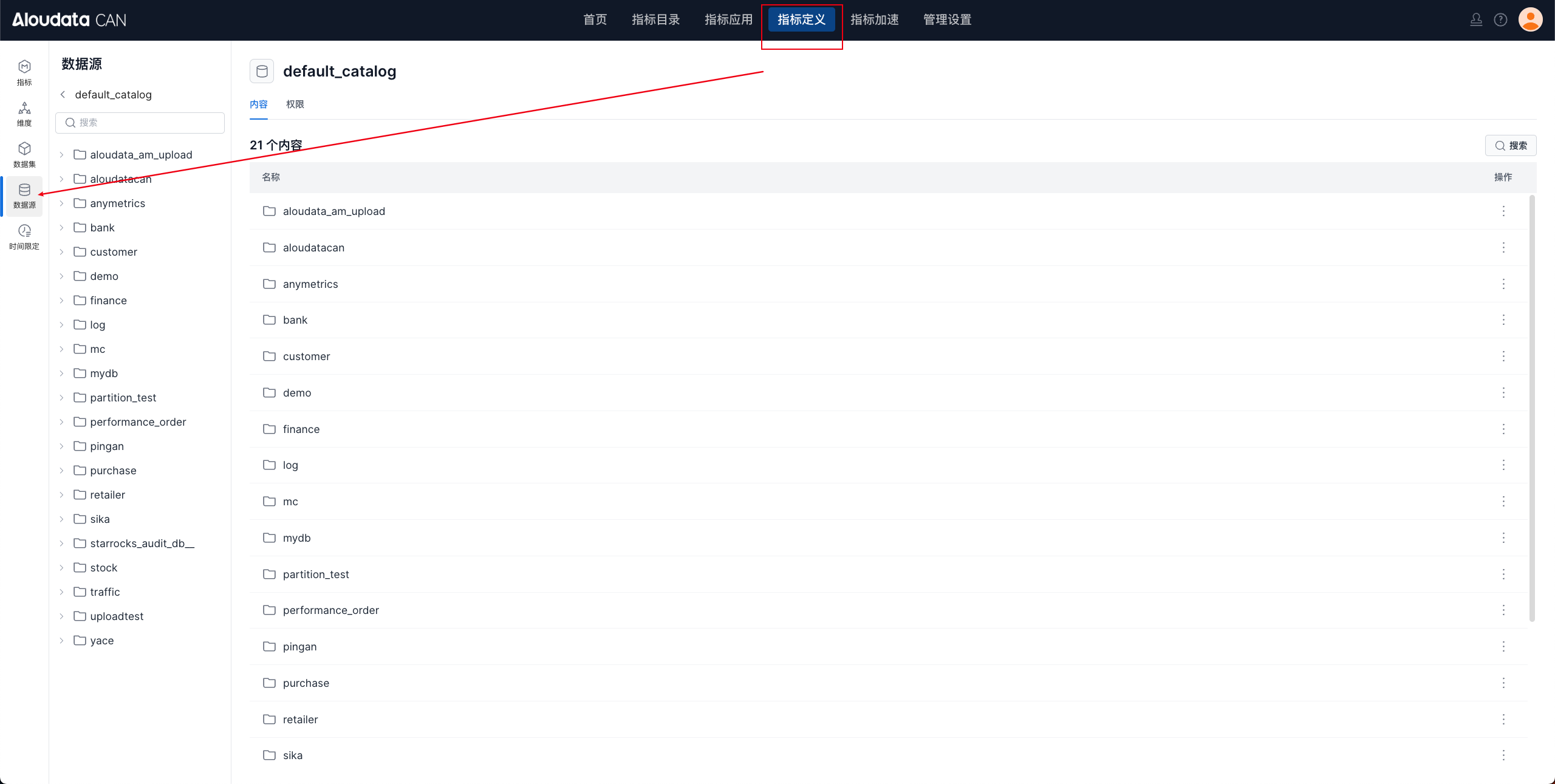
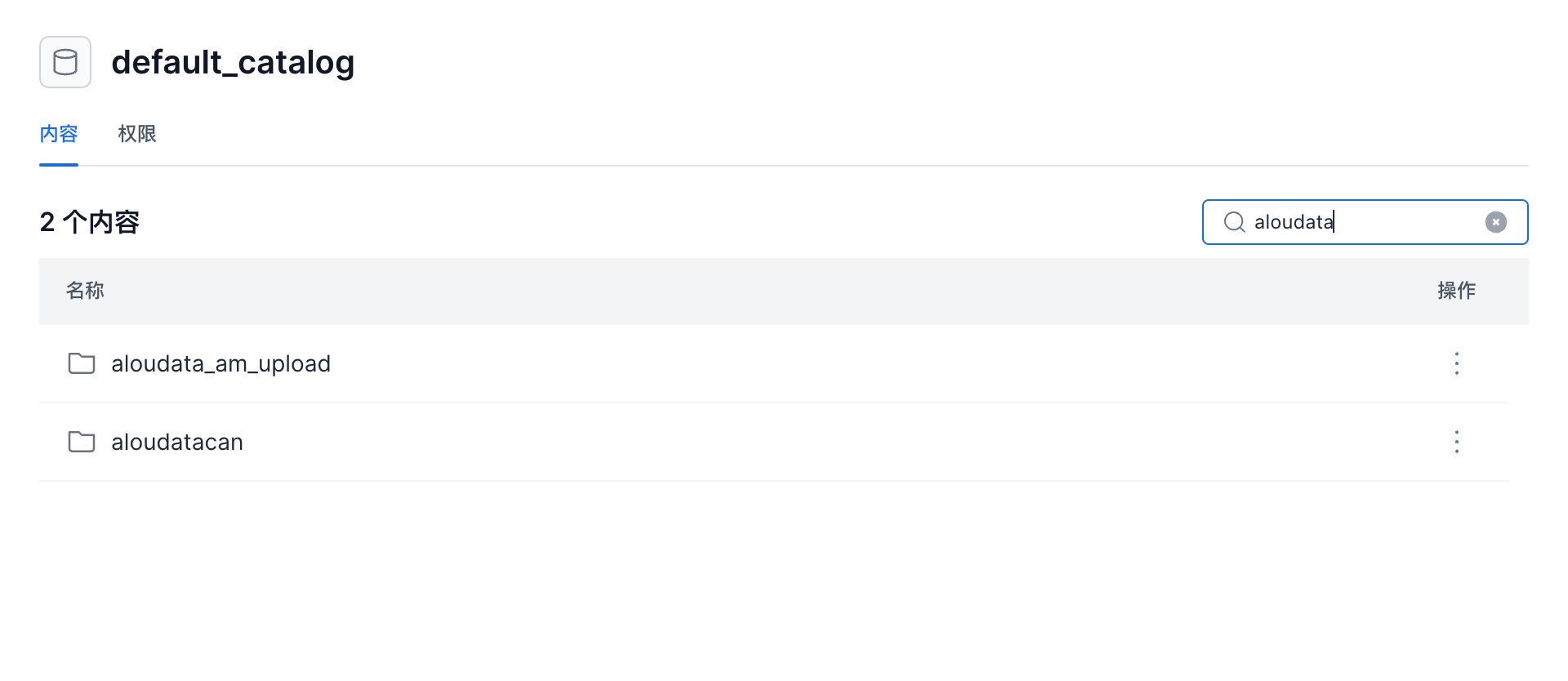
- After opening the data source, the page shows all schemas under the current data source. Move the cursor over the Search button to search for a specific schema.
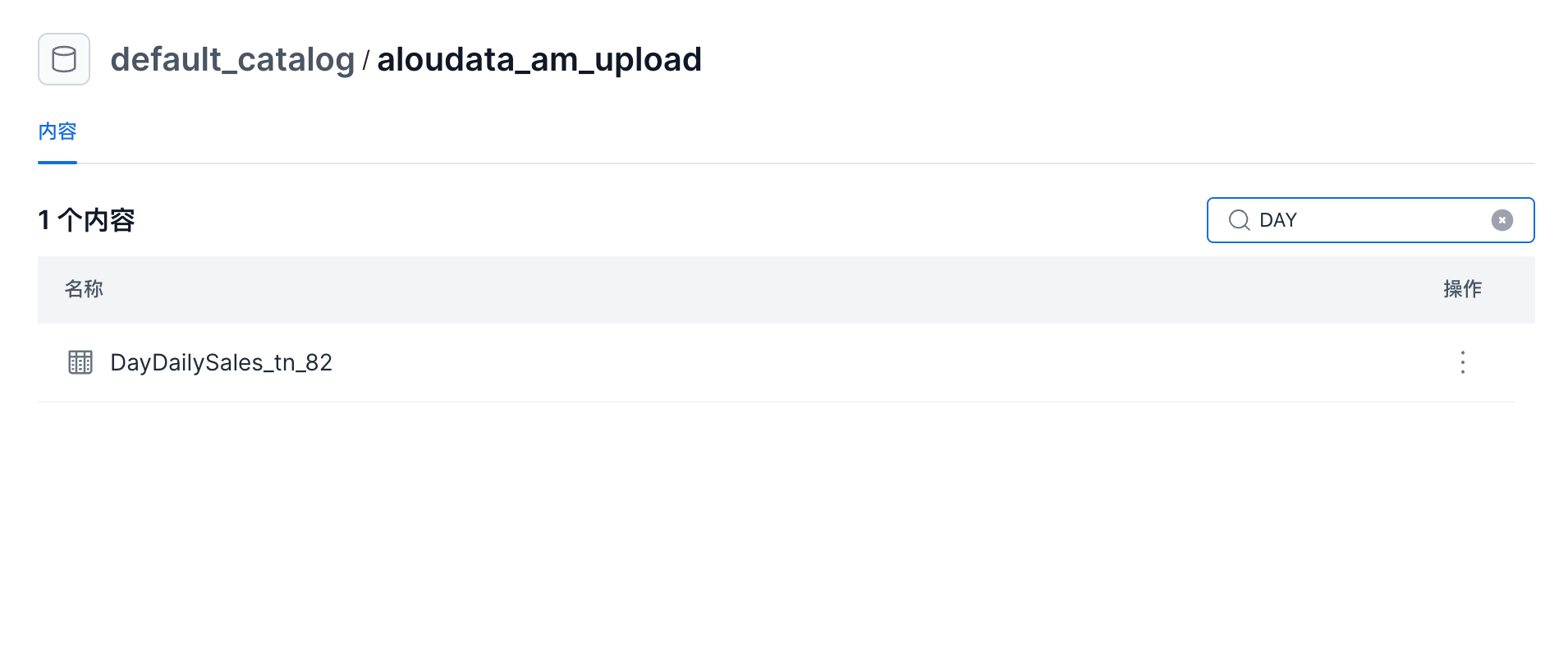
- Click a schema to open its table list. The page shows all data tables under the selected schema. Move the cursor over the Search button to search for a specific table.
View Data Table Details
On the data table page, click a table name to open the table details page.
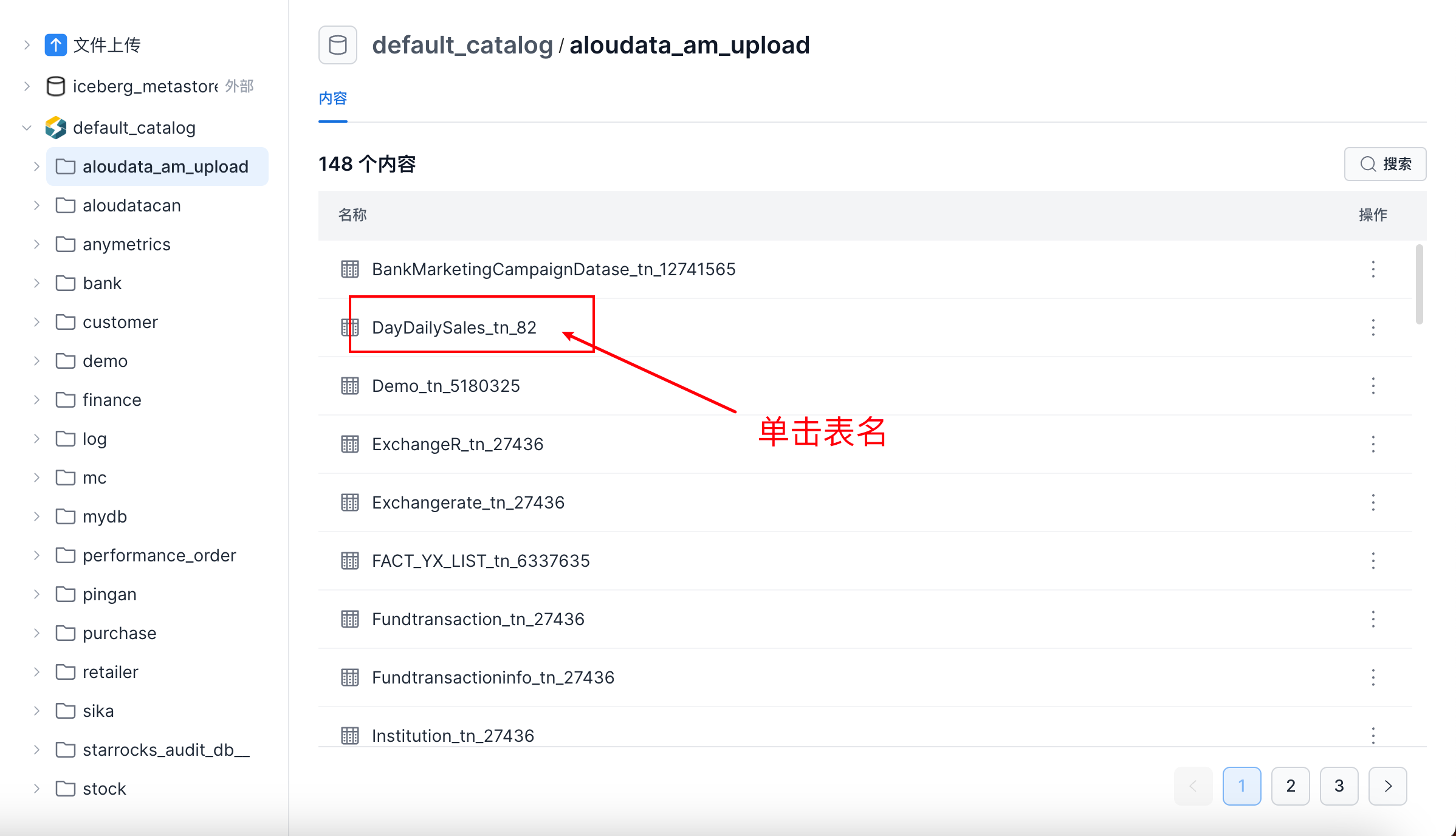
Overview
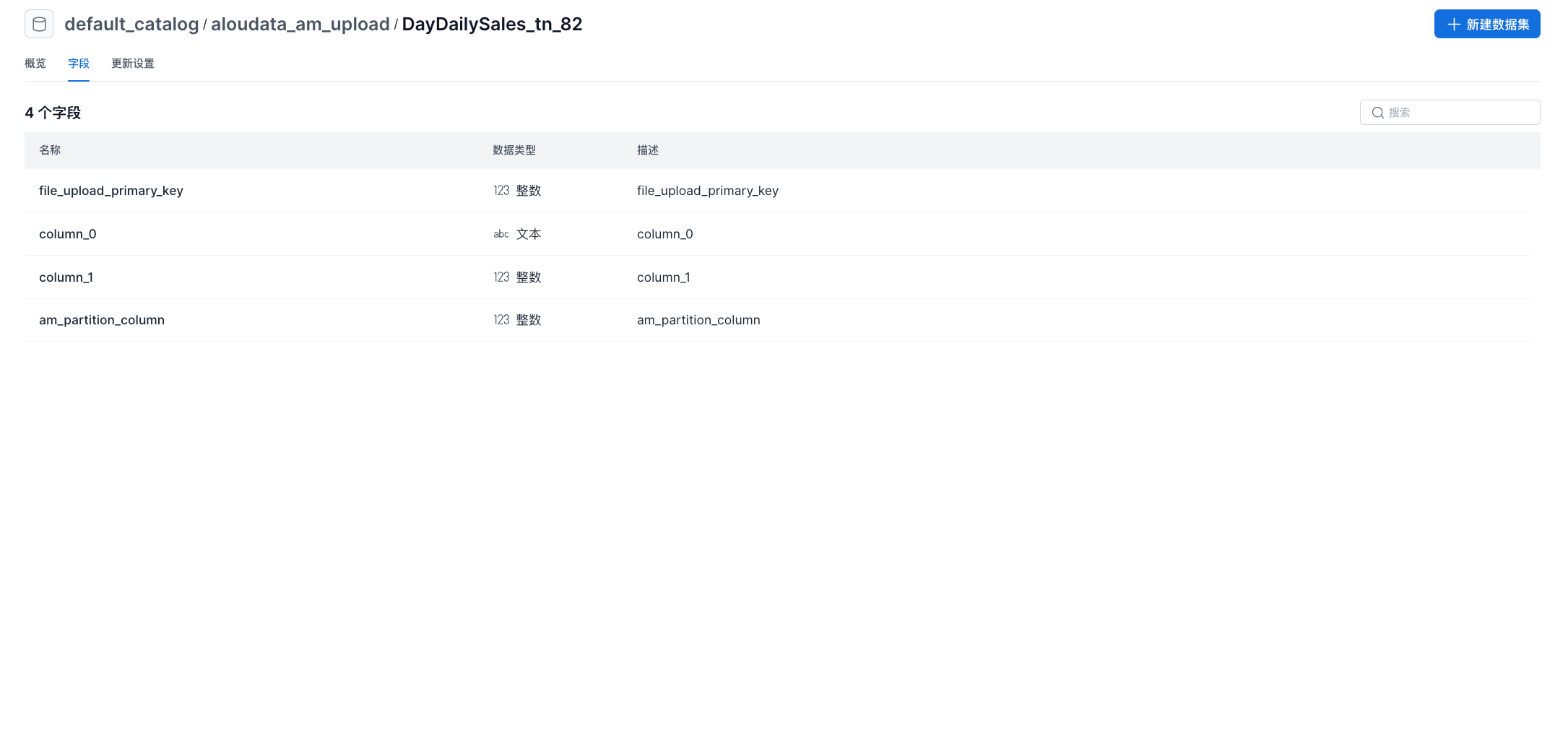
On the table details page, you can view the table overview and field details.
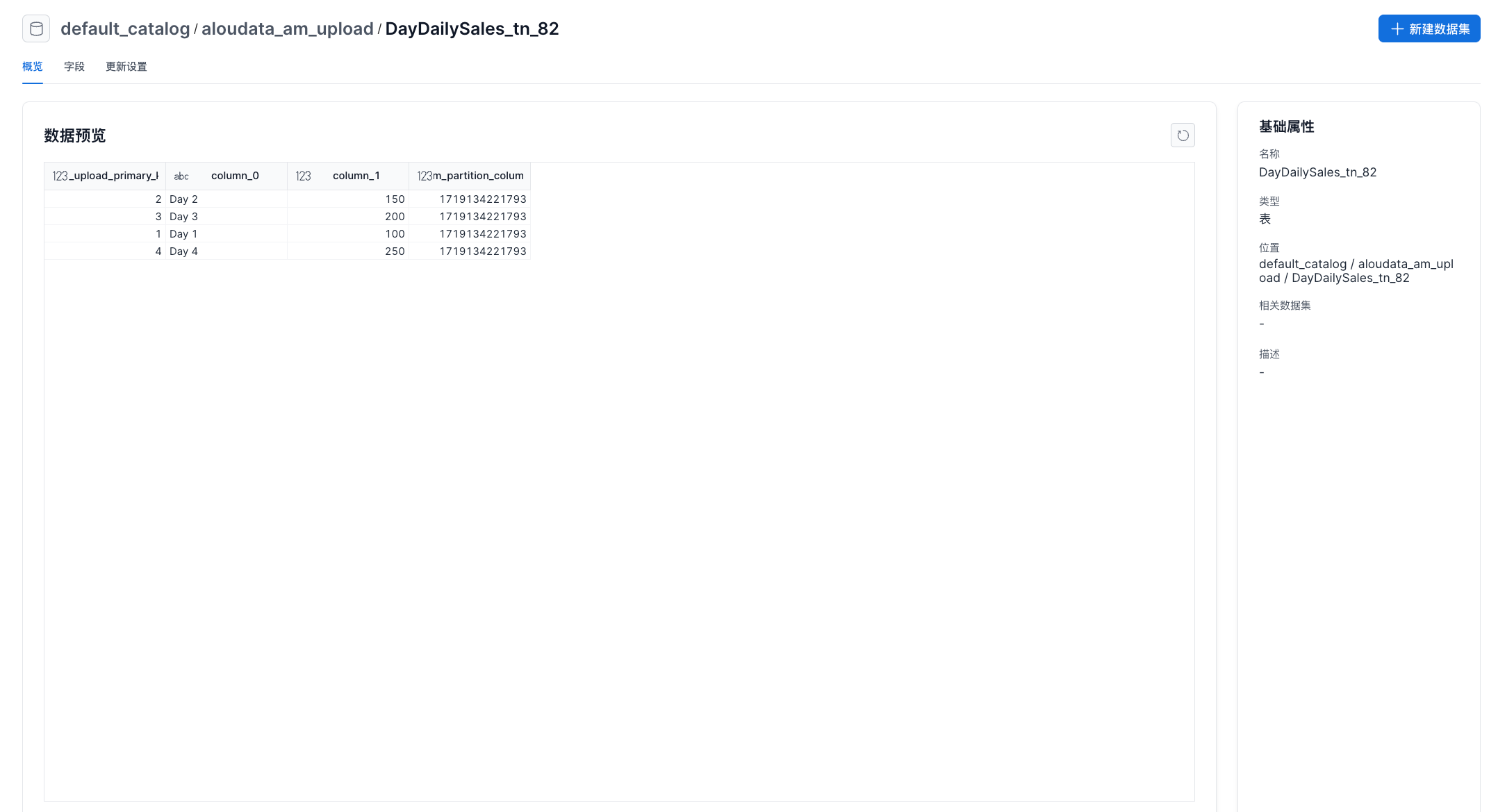
Fields
The Fields tab shows the fields in the selected table and their data types.