Search for Metrics
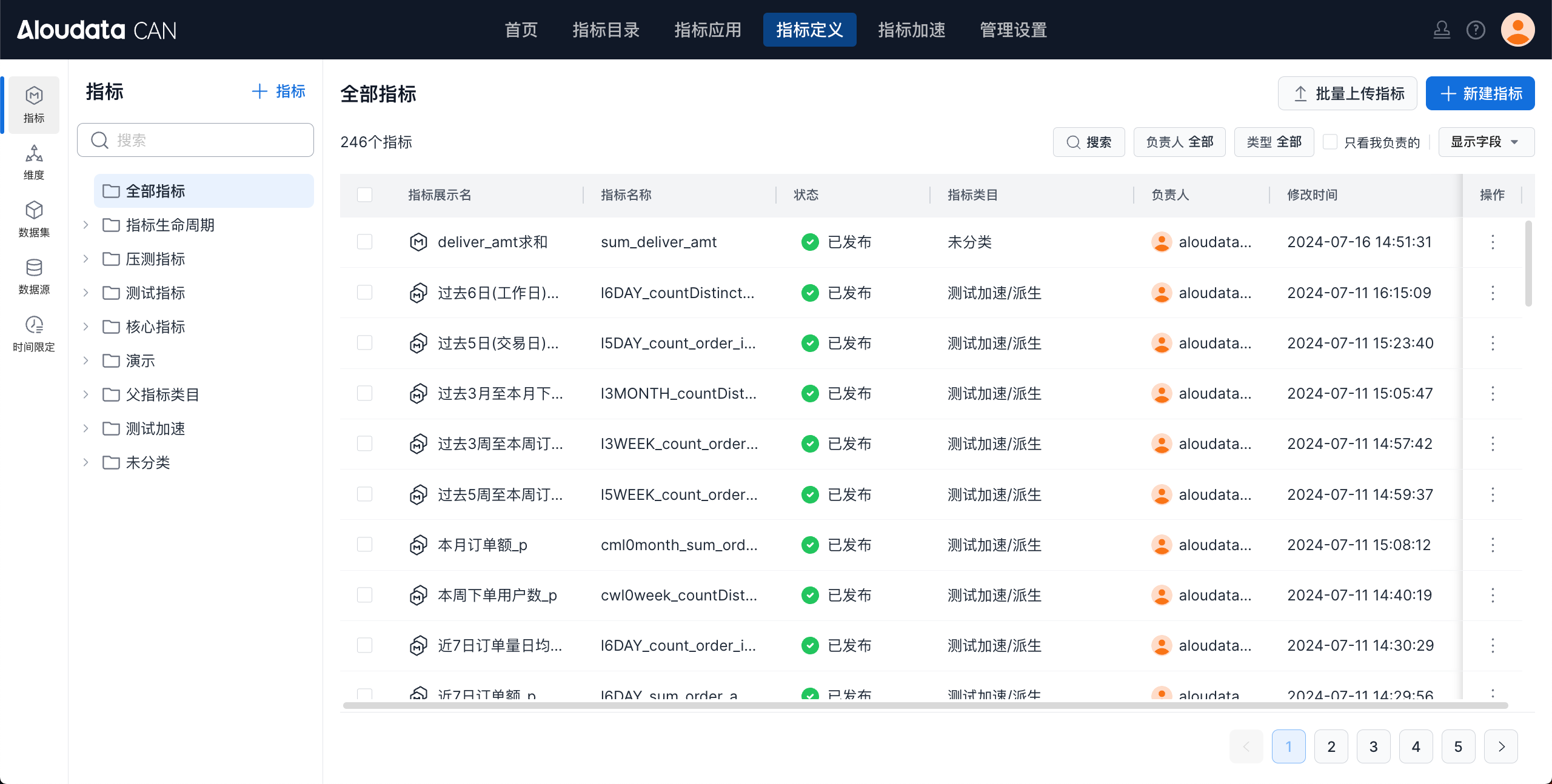
This section explains how to search for metrics. You can search and view metrics by category, owner, or current user, and you can filter by metric type: base metrics, derived metrics, and composite metrics.
Procedure
You can search for metrics in the following ways:
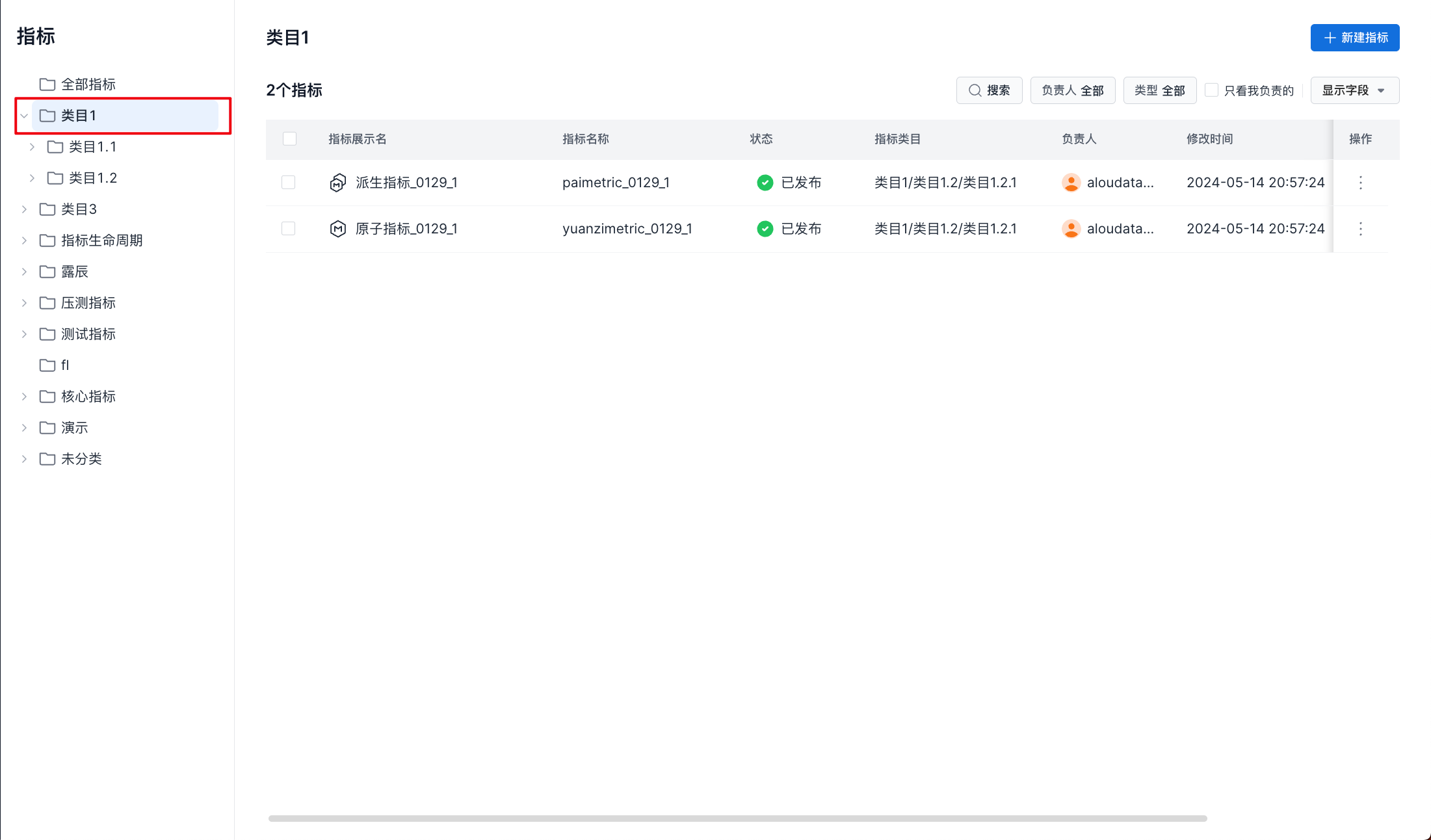
- View only metrics in the selected category
In the top navigation bar, select Metric Definition -> Metrics in the left navigation bar, then select a category to view all metrics in that category, as shown below:
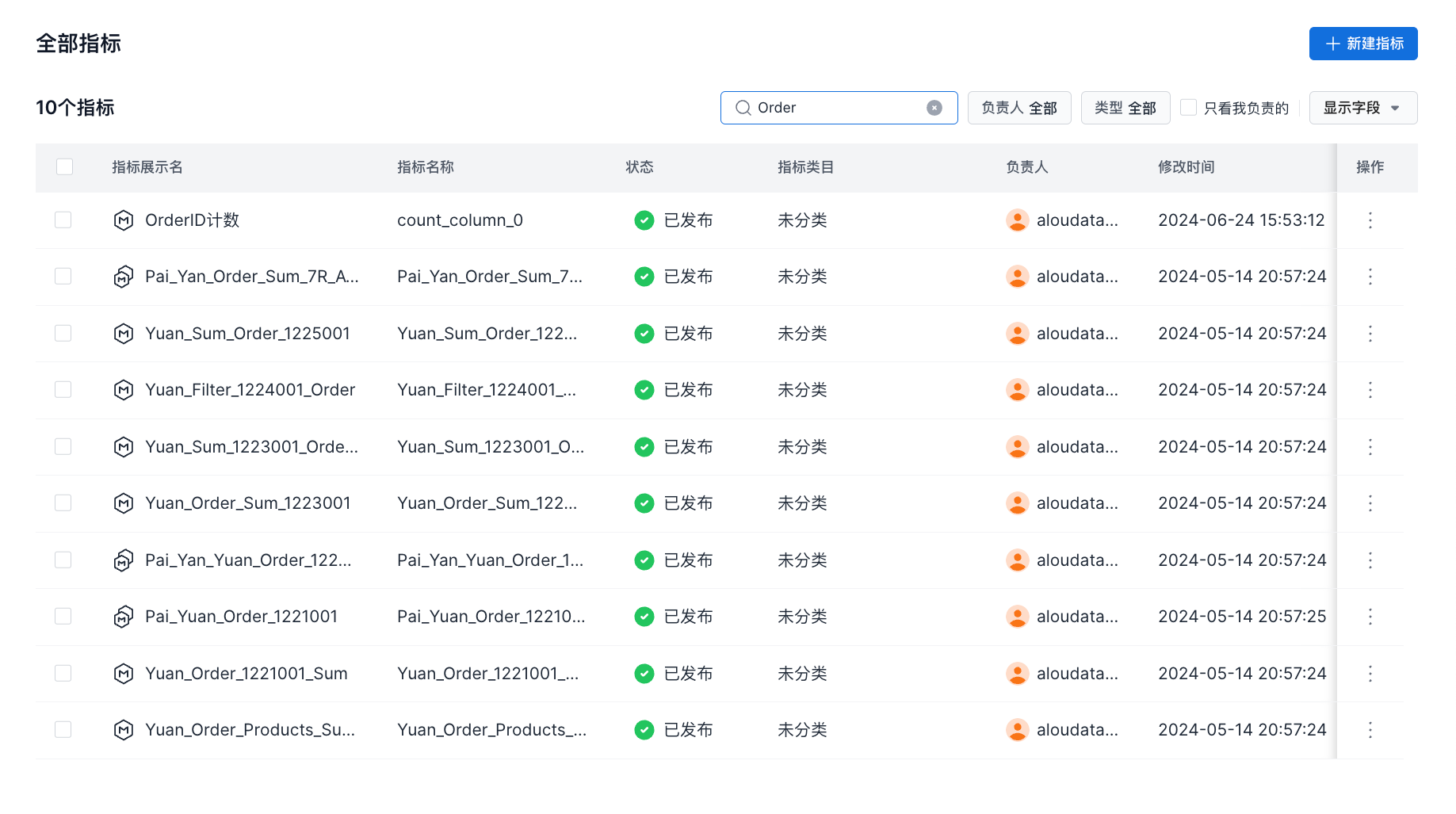
- Search for metrics by name
In the top navigation bar, select Metric Definition -> Metrics in the left navigation bar, then enter a search term in the search box to perform a fuzzy search by metric display name or metric name, as shown below:
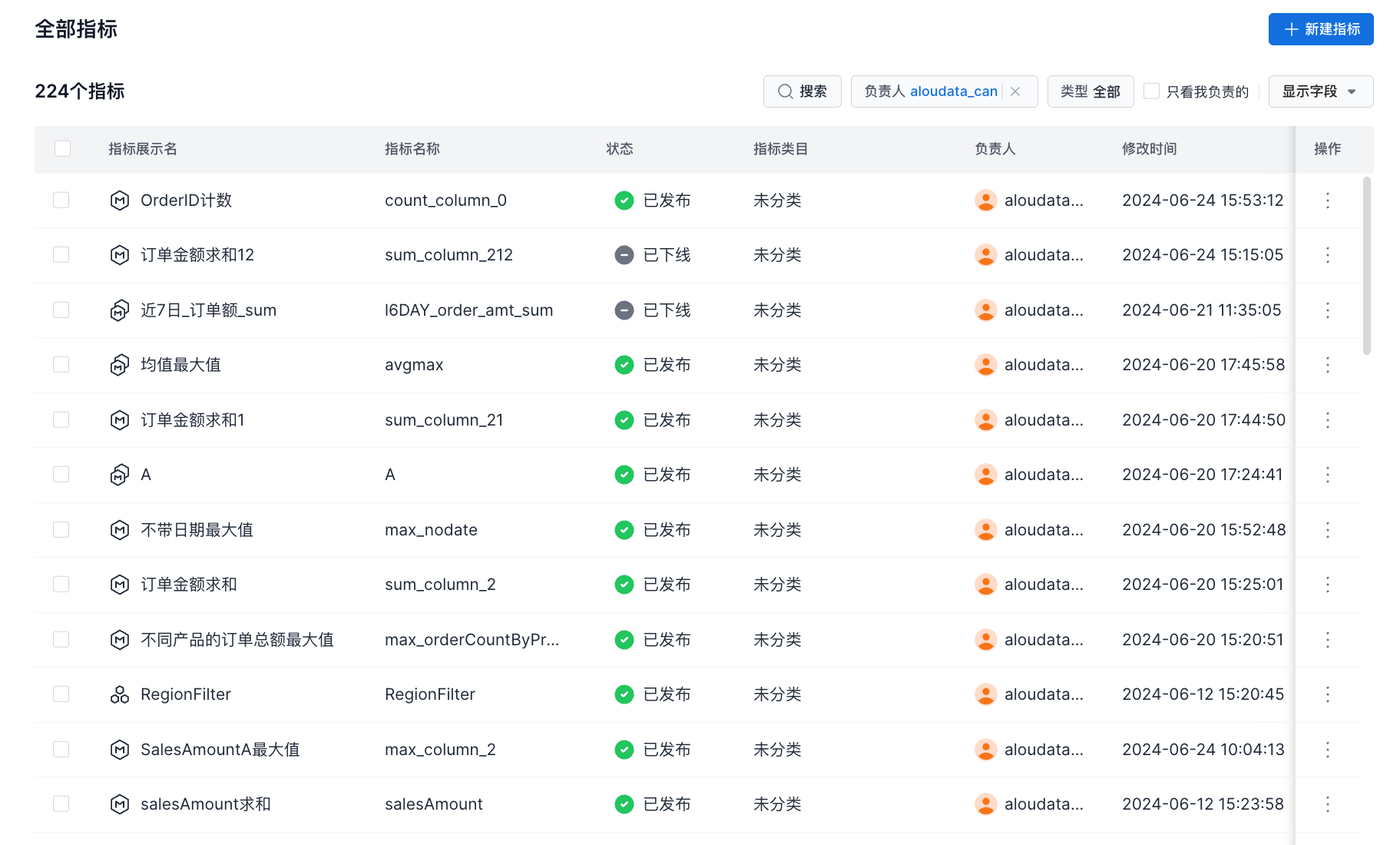
- View metrics created by a specific user
In the top navigation bar, select Metric Definition -> Metrics in the left navigation bar, then select a user from the owner drop-down list to view metrics created by that user, as shown below:
- View only metrics I created
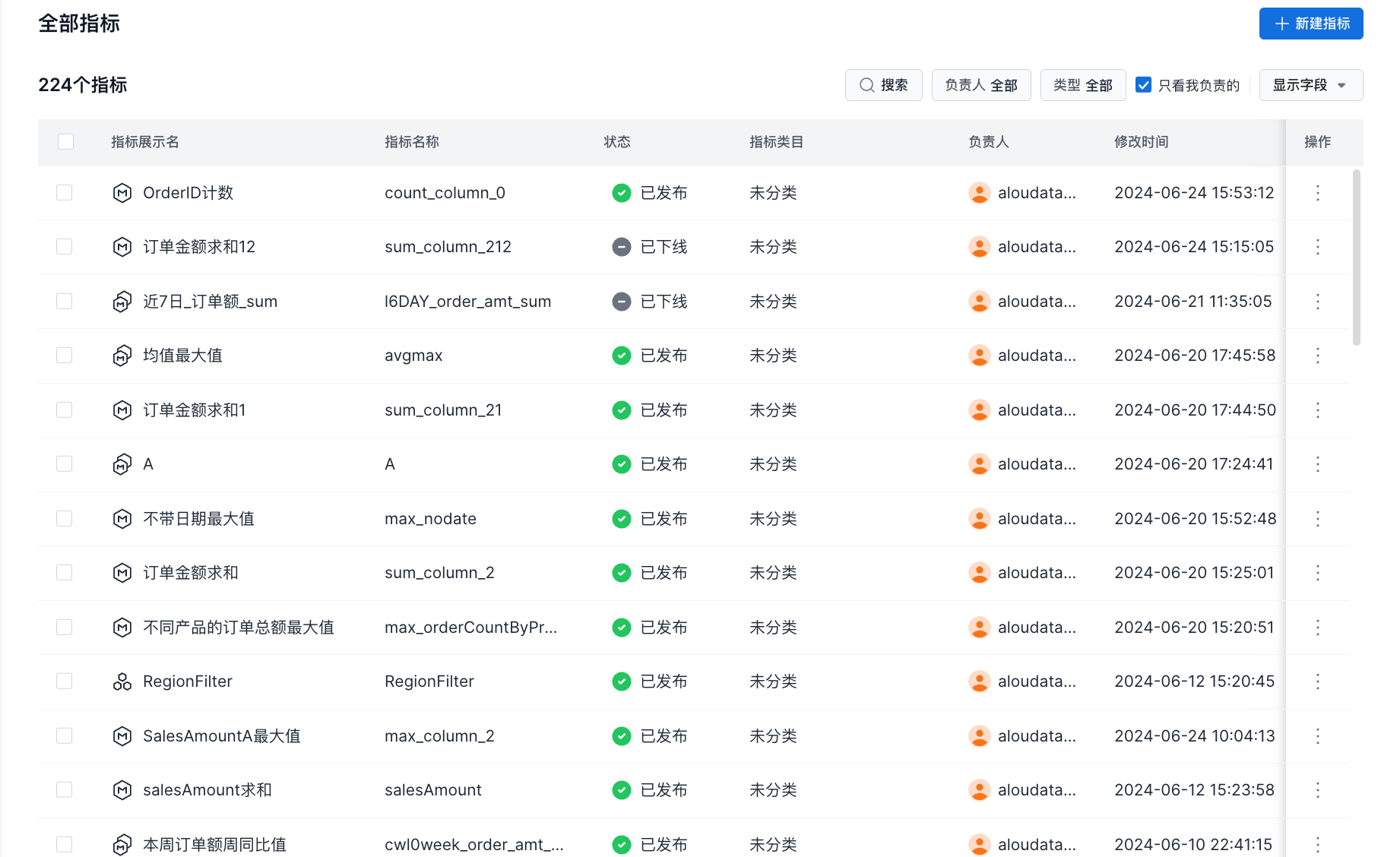
In the top navigation bar, select Metric Definition -> Metrics in the left navigation bar, then select "Only show items I own" to view metrics created by the current user, as shown below:
Note
The Data Owner and Only show items I own options are mutually exclusive.
When you select "Only show items I own", the Data Owner selection is cleared and only the current user is selected.
When you change the owner in the Data Owner field, "Only show items I own" is cleared.