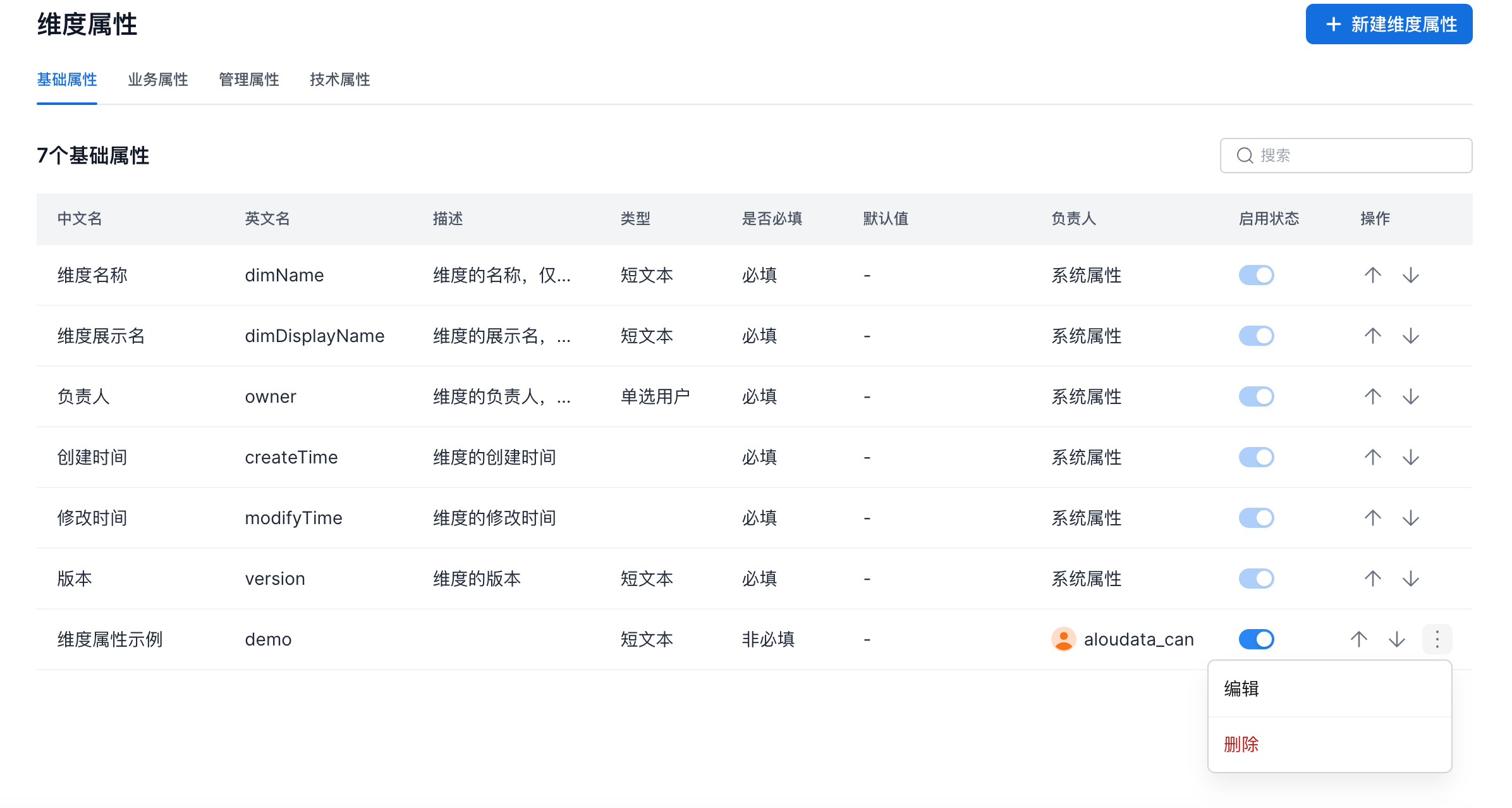
Dimension Attribute Management
Overview
Dimension attributes allow users to customize dimension information.
-
Only users with the
Metric Governance Managementpermission can edit dimension attributes. By default, theMetric Governance Managementpermission is bound to theSuper AdministratorandAdministratorplatform roles. -
Attributes include built-in system attributes and user-maintained attributes. Built-in attributes cannot be deleted or modified.
-
Attributes are grouped into four categories:
Basic Attributes,Business Attributes,Technical Attributes, andManagement Attributes. You can adjust the order of attributes within each category.
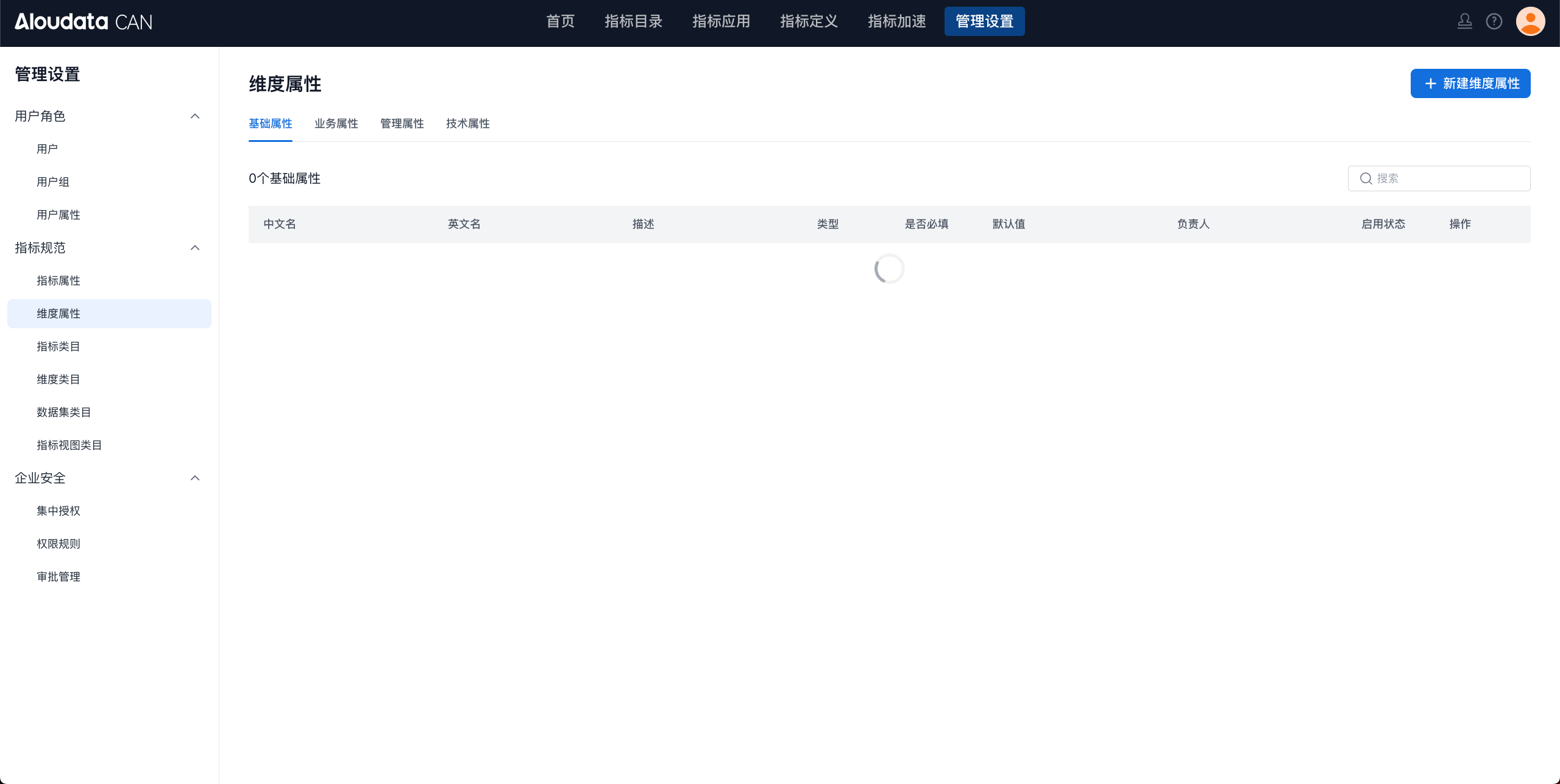
System Dimension Attributes
| Category | Attribute | English Name | Description | Type | Required | Default Value | Owner |
|---|---|---|---|---|---|---|---|
| Basic Information | Dimension Name | dimName | The dimension name. Only English names are supported. The dimension name is used as a parameter in API requests and cannot be modified after creation. | Text Input | Required | None | System Attribute |
| Basic Information | Dimension Display Name | dimDisplayName | The display name of the dimension, used to make the dimension easier to understand. | Text Input | Required | None | System Attribute |
| Basic Information | Owner | owner | The dimension owner. The owner has all management permissions for the dimension. | Single User | Required | None | System Attribute |
| Basic Information | Created At | createTime | The dimension creation time. | Required | None | System Attribute | |
| Basic Information | Modified At | modifyTime | The dimension modification time. | Required | None | System Attribute | |
| Basic Information | Version | version | The dimension version. | Short Text | Required | None | System Attribute |
| Business Attributes | Dimension Description | dimDescription | The description of the dimension. | Short Text | Optional | None | System Attribute |
| Business Attributes | Dimension Category | dimCategoryId | The dimension category. | Required | None | System Attribute | |
| Technical Attributes | None | ||||||
| Management Attributes | None |
Create an Attribute
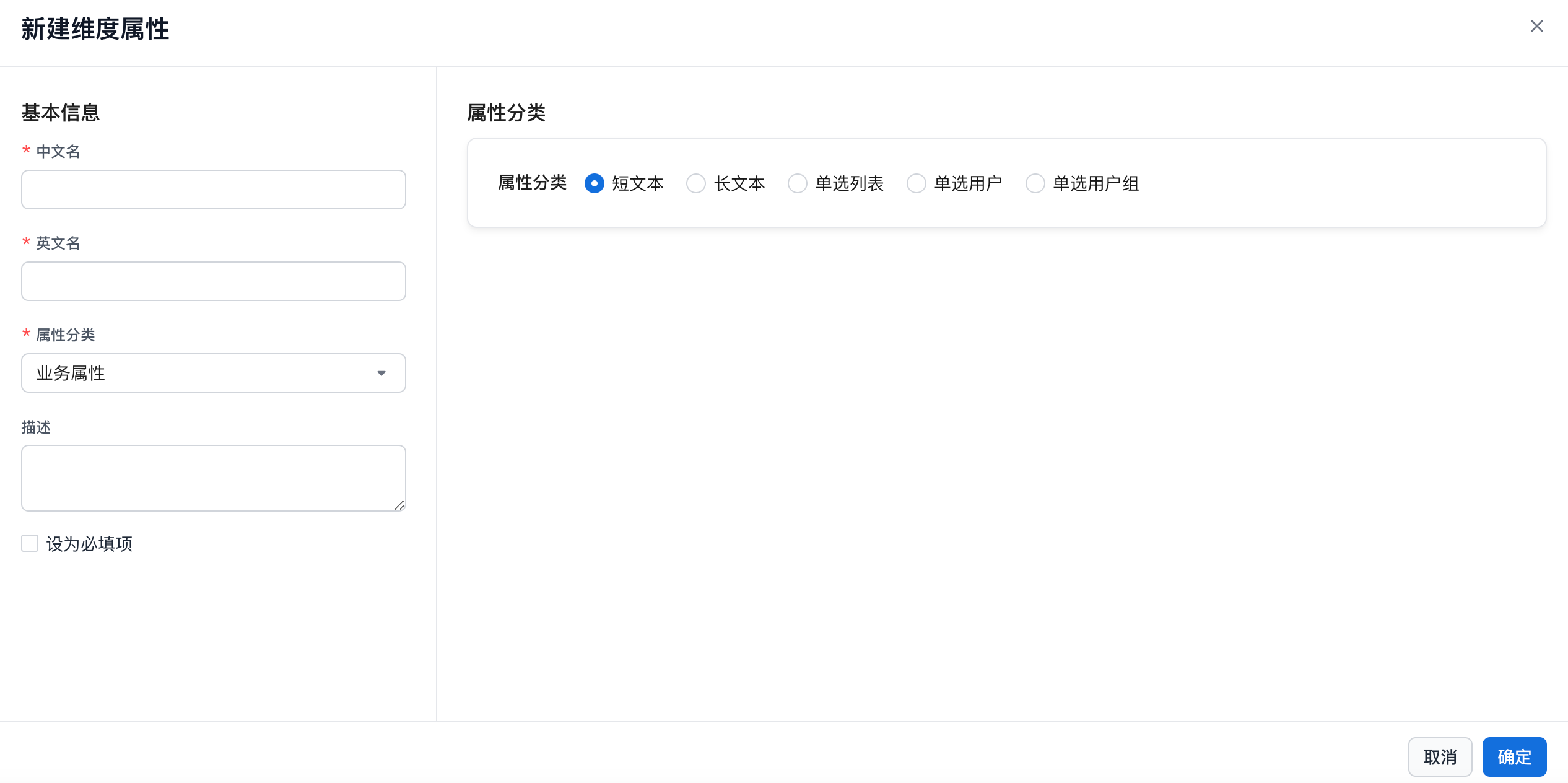
| Module | Description |
|---|---|
| Display Name | Attribute display name. Any characters are supported, up to 150 characters. |
| English Name | English letters, numbers, underscores (_), and parentheses (()) are supported. |
| Attribute Category | Basic Attributes, Business Attributes, Technical Attributes, or Management Attributes. If you enter from the create dimension attribute entry point, the current page's attribute category is populated automatically. |
| Description | Any characters are supported, up to 300 characters. |
| Required | Optional (default) or Required. |
| Text Input | Short Text or Long Text. |
| Single-Select List | 1. You can add candidate values to a single-select list. 2. One candidate value can be set as the default value. 3. Duplicate candidate values are not allowed. |
| Single User | User selector. Supports selecting one user from a drop-down list and setting the dimension creator as the default value. |
| Single User Group | User group selector. Supports selecting one user group from a drop-down list. |
Edit a Dimension Attribute