API Time Constraint Syntax
Query API Quick Derivation
Query APIs support quick time constraints for base metrics, and also support the complete time-constraint syntax.
Quick Time Constraint Syntax
| Type | Quick Syntax |
|---|---|
| Last N Days | json period__{n} [ y\|q\|m\|d\|h\|min ] * last 7 days:ordercounts__period__7d |
| To Date | json period__[ y\|q\|m\|w\|d\|h\|mi\|s ] t [ d\| {n}h \| {n}min \| {n}s] * year to date (day):ordercounts__period__ytd * to date (1 second):ordercounts__period__dts * to date (5 min):ordercounts__period__dt5min |
| Current | json period__c [ y\|q\|m\|w\|d\| {n}h \| {n}min \| {n}s] * current year:ordercounts__period__cy * Current5min:ordercounts__period__c5min |
General Time Constraint Syntax
{
  "metrics":[
    "order_count_7d"
  ],
  "metricDefinitions":{
    "order_count_7d":{
      "refMetric":"order_count",
      "period":"to_date -6 day of 0 day",
      "period":"",
      "specifyDimension":{
        "type":"include",
        "dimensions":"province,city"
      }
    }
  }
}
metricDefinitions
Used to generate temporary metrics. Configure the parameters as follows:
| Parameter | Description |
|---|---|
| {metricname} | Name of the temporary metric. Use this metric name in the current query. json "order_count_7d":{ /* generate temporary metric order_count_7d */ "refMetric":"", "period":"", "specifyDimension":{}, } |
| refMetric | Base metric. Pass the metric code. If metric-name mode is enabled, pass the metric name. |
| period | Time constraint. See the examples below. |
| filter | Business filter |
| specifyDimension | Available dimension control |
period
| Time Constraint Type | Description |
|---|---|
| to_date | Last N granularities: period range * last N days, last N months json "period":"to_date -6 day of 0 day" last 7 days |
| grain_to_date | To date: year to date, same period from previous year to date * year to date,month to date json "period":"grain_to_date 0 day to 0 5minute" to date (5-minute granularity) |
| specify_date | Period start/end: special start or end date of a period * first day of this year,last day of this month json "period":" end day of -1 month" last day of last month |
| relative_date | Single date: one date * the day 7 days ago,last month,full current month json "period":"relative_date 0 5minute of 0 5minute" last 5 min |
to_date
"period":
" to_date [Offset Count] [Offset Granularity] of 0 [Date Granularity] ",


"period":"to_date -6 day of 0 day"
last 7 days
| Parameter | Description |
|---|---|
| Offset Count | Offset granularity for the current query. -N means the past N units; N means the future N units. 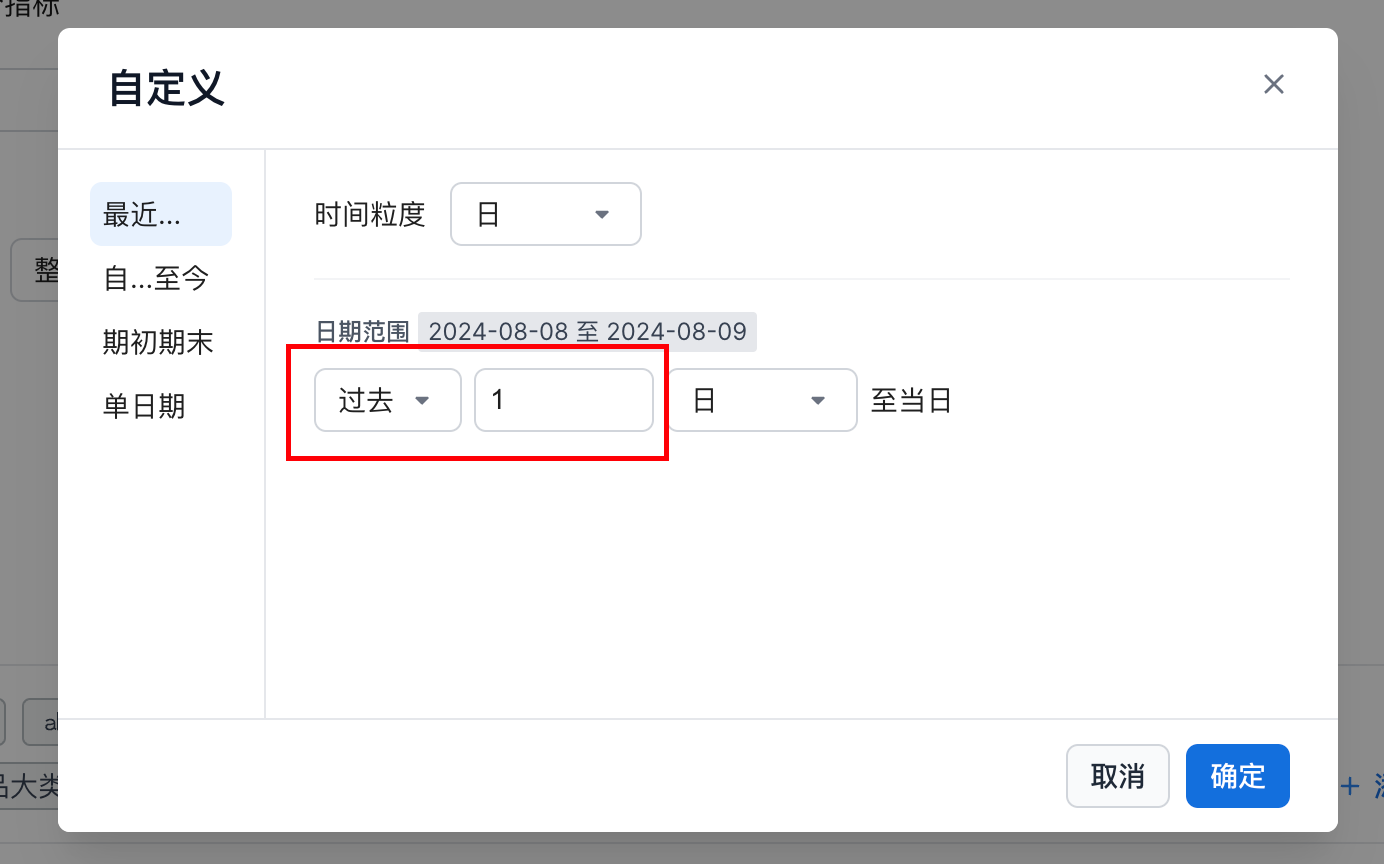 |
| Offset Granularity | Supported offset granularities: * year、quarter、month、week、day、hour、nhour、minute、nminute 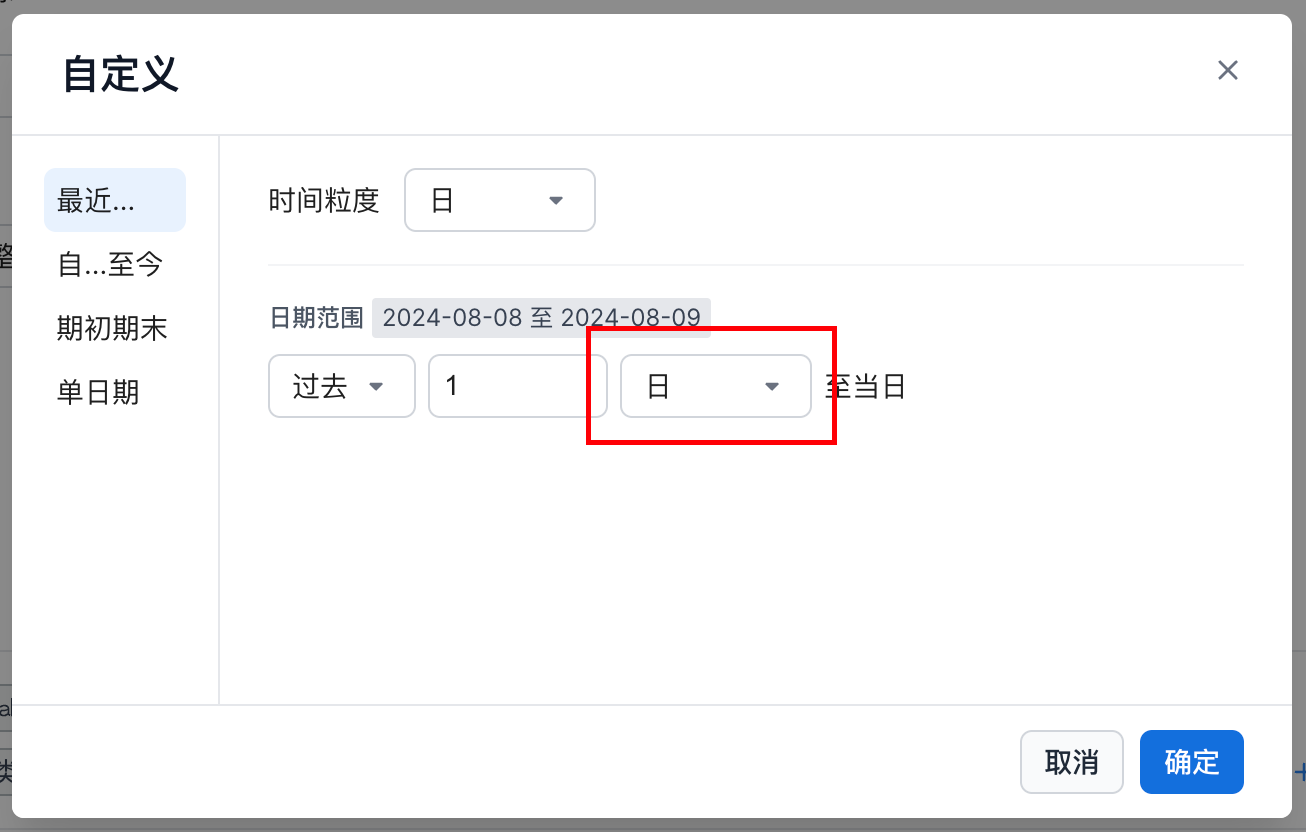 |
| Date Granularity | Supported date granularities: * year、quarter、month、week、day、hour、nhour、minute、nminute 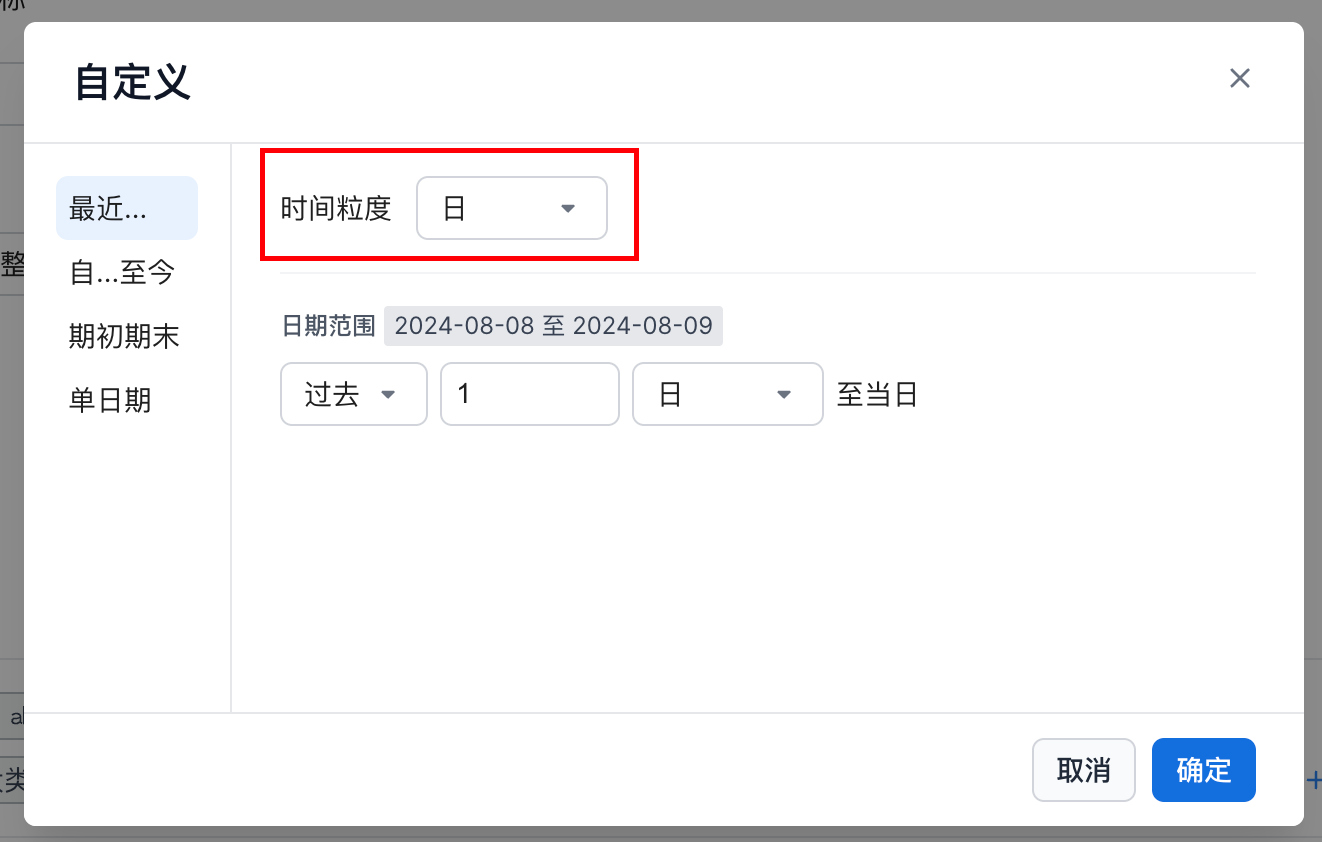 |
grain_to_date
"grain_to_date":
"  [Offset Count] [Offset Granularity] to 0 [Date Granularity] ",

"period":"grain_to_date 0 day to 0 5minute"
to date (5-minute granularity)
| Parameter | Description |
|---|---|
| Offset Count + Offset Granularity | Offset granularity for the current query. -N means the past N units; N means the future N units.。 Supported offset granularities: * year、quarter、month、week、day、hour、nhour、minute、nminute 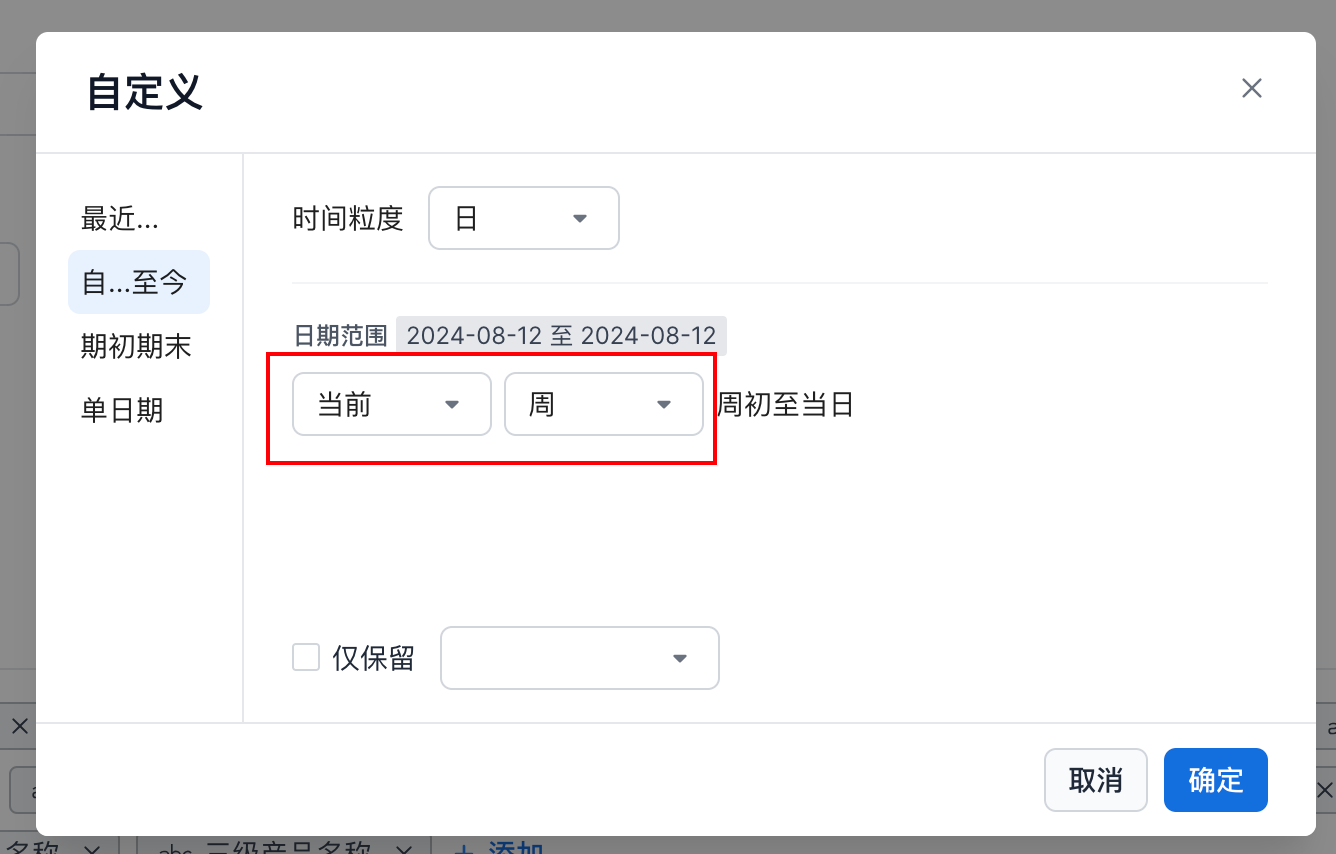 |
| Date Granularity | Supported date granularities: * year、quarter、month、week、day、hour、nhour、minute、nminute 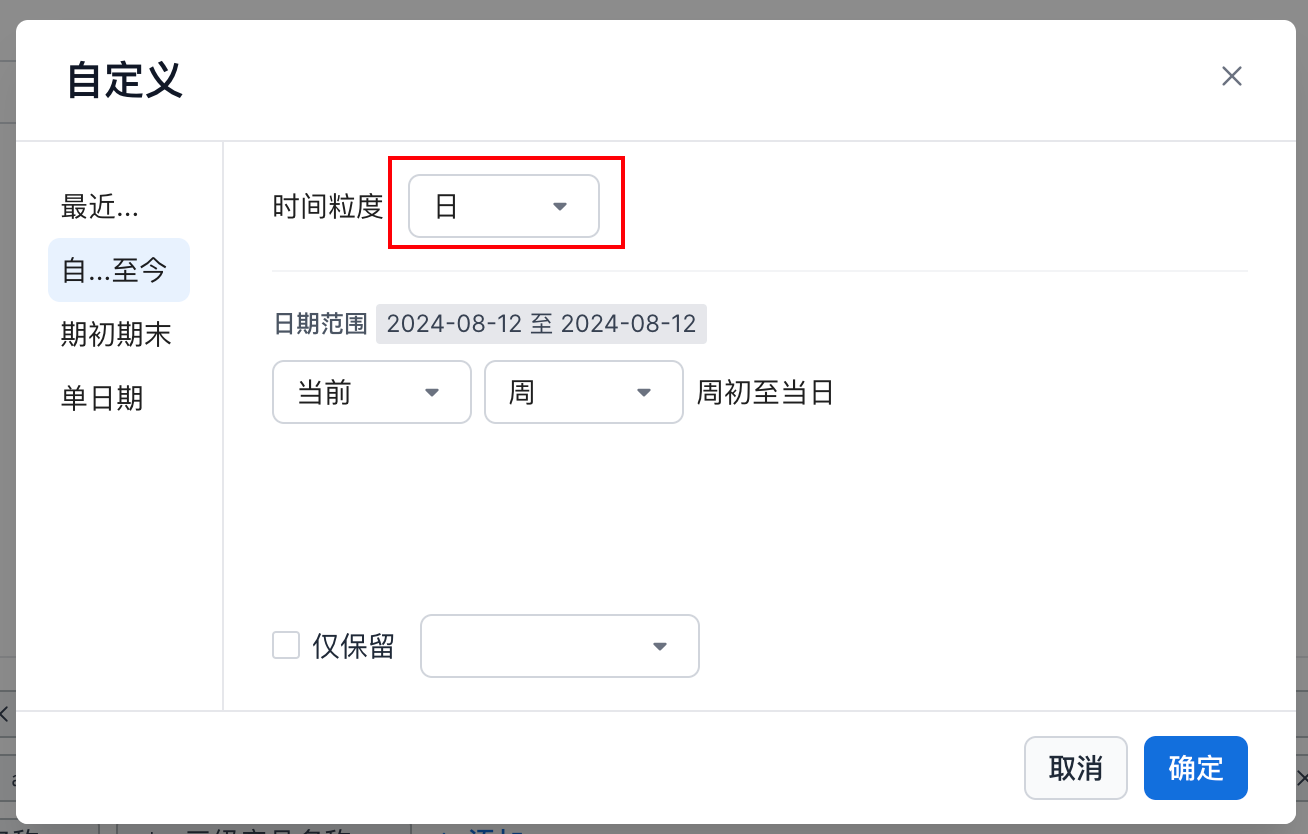 |
specify_date
"period":
" start|end [Date Granularity] of [Offset Count][Offset Granularity]",

"period":" end day of -1 month"
last day of last month
| Parameter | Description |
|---|---|
| First or Last Within the Period | 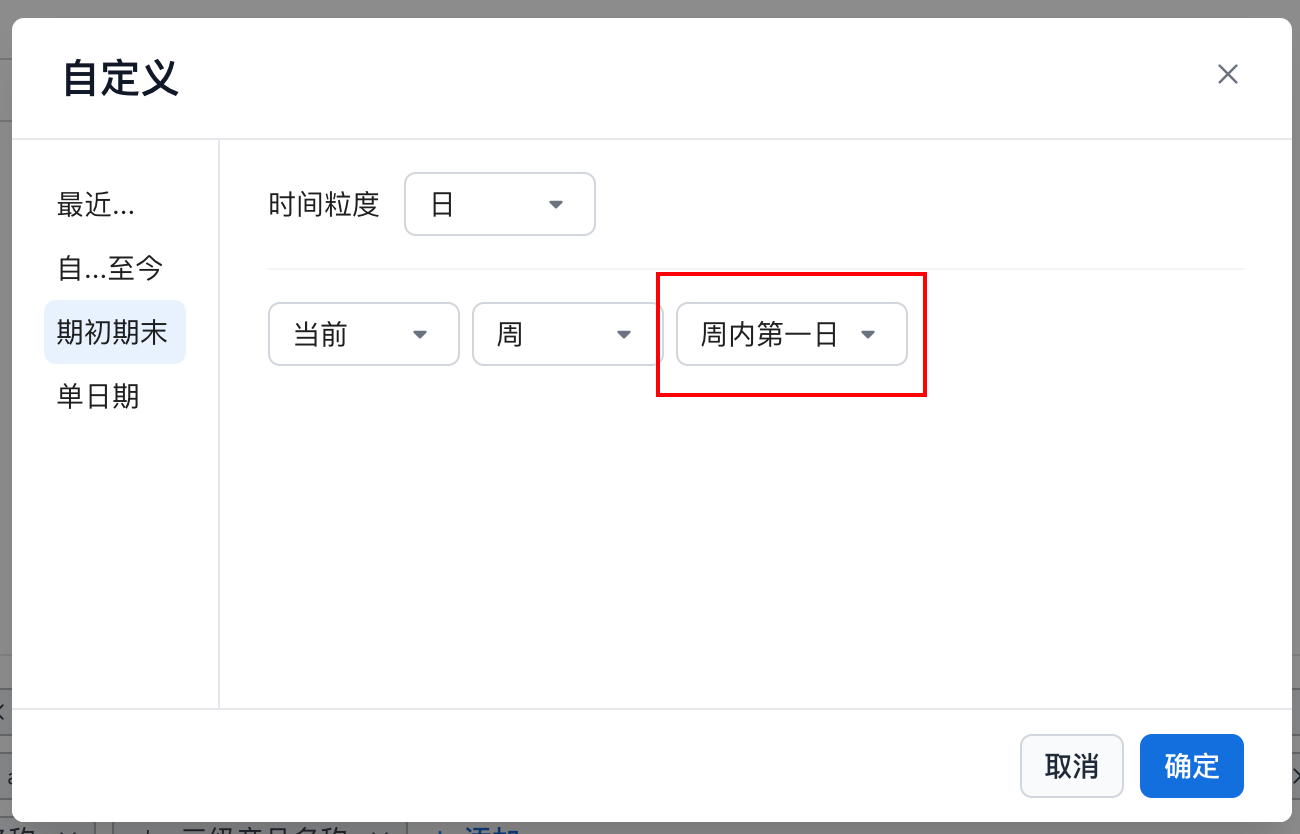 |
| Offset Count + Offset Granularity | Offset granularity for the current query. -N means the past N units; N means the future N units.。 Supported offset granularities: * year、quarter、month、week、day、hour、nhour、minute、nminute 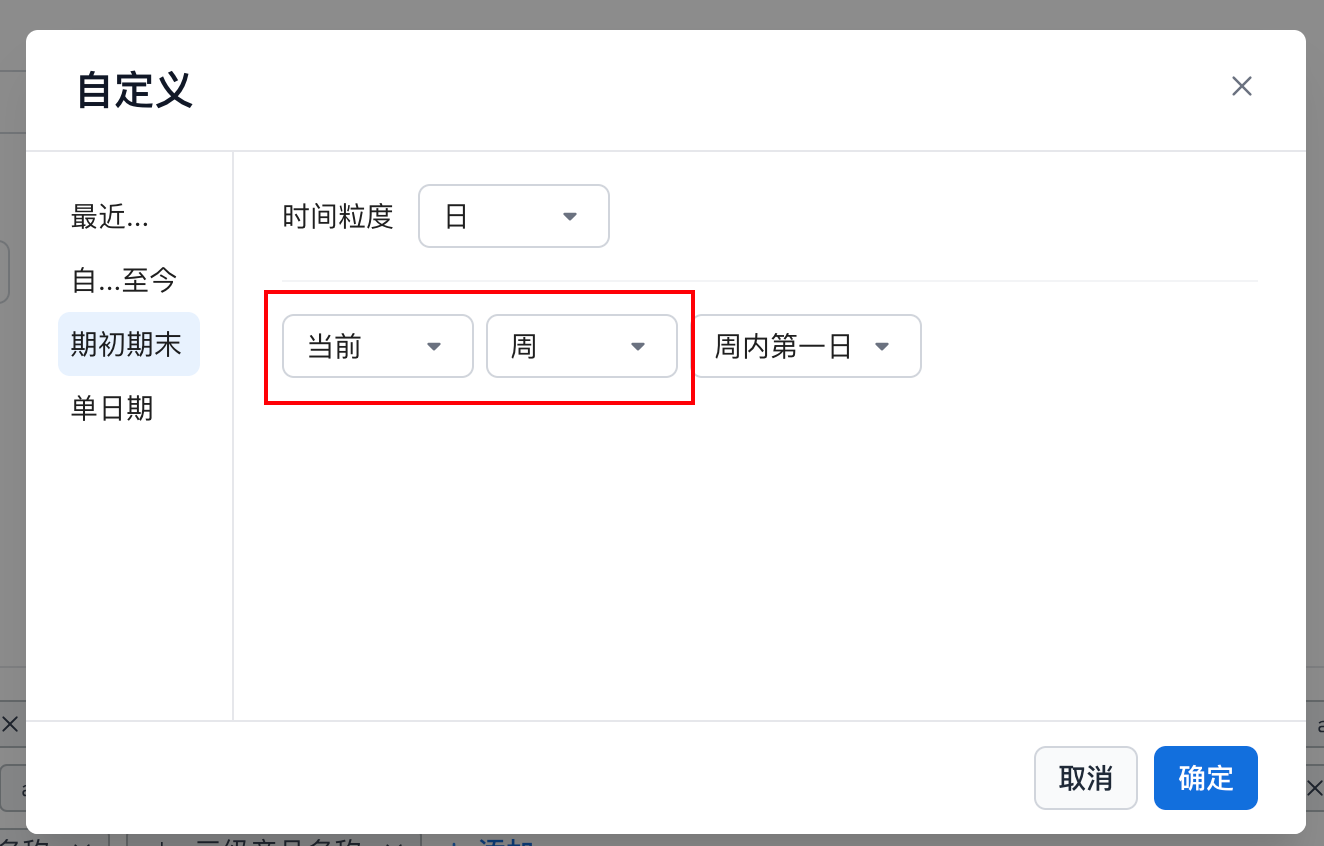 |
| Date Granularity | Supported date granularities: * year、quarter、month、week、day、hour、nhour、minute、nminute 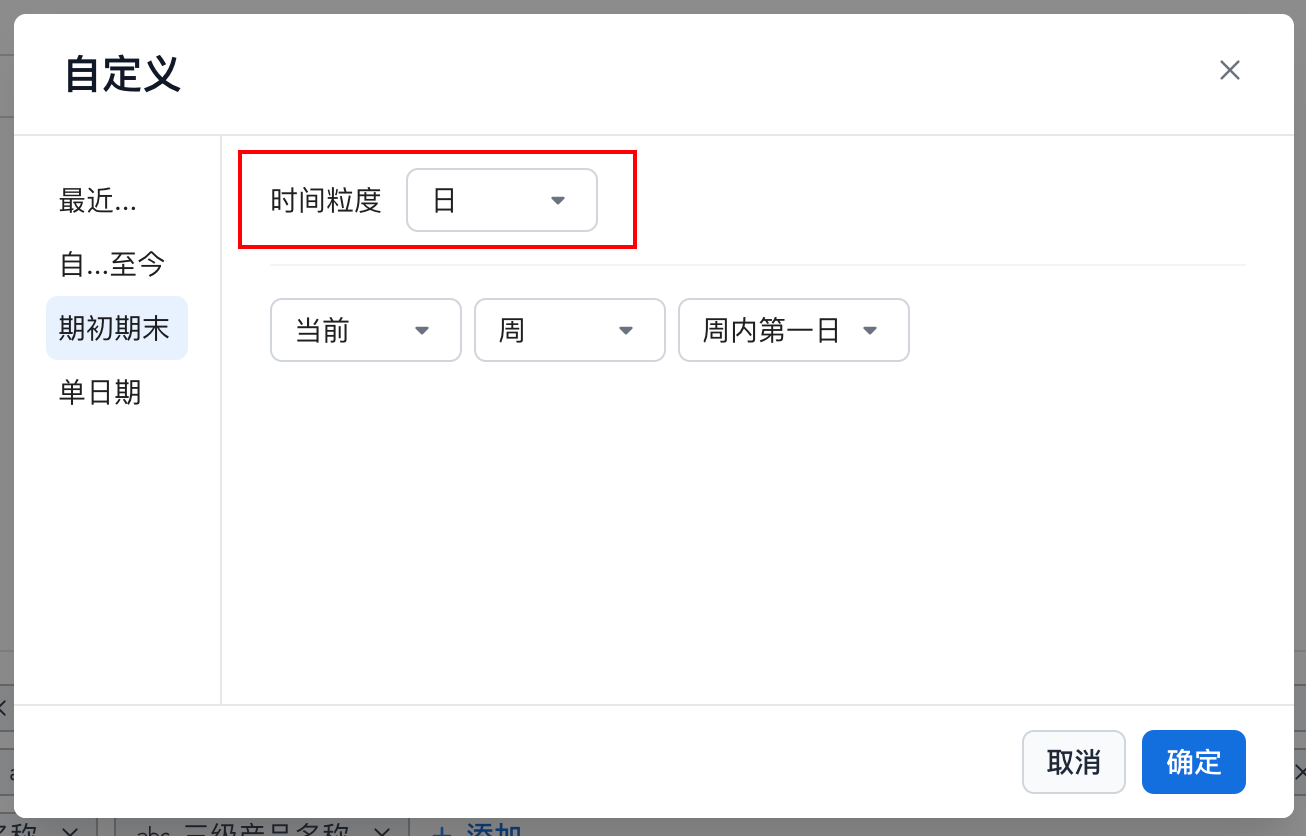 |
relative_date
"relative_date":
"  [Offset Count] [Offset Granularity] of 0 [Date Granularity] ",

"period":"relative_date 0 5minute of 0 5minute"
last 5 min
Integrated Query Examples
Get today’s cumulative value at 10-minute granularity
Use full definition
{
  "metrics":[
    "order_count"
  ],
  "metricDefinitions":{
    "order_count_10minute_accsum":{
      "refMetric":"order_count",
      "period":"grain_to_date 0 day to 0 10minute"
    }
  "dimensions": [
    "metric_time__10minute"
    ],
  "timeConstraint": "(['metric_time'] =  TODAY() )",
  }
}
Use quick definition
{
  "metrics":[
    "dt10mi__order_count"
  ],
  "dimensions": [
    "metric_time__10minute"
    ],
  "timeConstraint": "(['metric_time'] =  TODAY() )",
  }
}
The query result returns the following data structure.
| metric_time_minute_10 | order_count_10minute_accsum |
|---|---|
| 2024-08-12 00:00:00 | 12 |
| 2024-08-12 00:10:00 | 18 |
| 2024-08-12 00:20:00 | 32 |
| 2024-08-12 00:30:00 | 40 |
| ... | ... |
Get today’s sales every 10 minutes
{
  "metrics":[
    "order_count"
  ],
  "dimensions": [
    "metric_time__10minute"
    ],
  "timeConstraint": "(['metric_time'] =  TODAY() )",
  }
}
The query result returns the following data structure.
| metric_time_minute_5 | order_count |
|---|---|
| 2024-08-12 00:00:00 | 2 |
| 2024-08-12 00:10:00 | 4 |
| 2024-08-12 00:20:00 | 2 |
| 2024-08-12 00:30:00 | 5 |
| ... | ... |
Pass the current time to get the cumulative value to date
Use full definition
minute_10{
  "metrics":[
    "order_count_10minute"
  ],
  "metricDefinitions":{
    "order_count_5minute":{
      "refMetric":"order_count",
      "period":"grain_to_date 0 day to 0 day"
    }
  "dimensions": [],
  "timeConstraint": "(['metric_time'] =  NOW() )",
  }
}
Use quick definition
minute_10{
  "metrics":[
    "dt10mi__order_count"
  ],
  "dimensions": [],
  "timeConstraint": "(['metric_time'] =  NOW() )",
  }
}
The query result returns the following data structure.
| order_count_10minute |
|---|
| 4213 |
Pass the current time to get the metric summary for the containing 10-minute interval
Use full definition
{
  "metrics":[
    "order_count_10minute"
  ],
  "metricDefinitions":{
    "order_count_5minute":{
      "refMetric":"order_count",
      "period":"relative_date 0 10minute of 0 10minute"
    }
  "dimensions": [],
   "timeConstraint": "(['metric_time'] =  NOW() )",
  }
}
Use quick definition
{
  "metrics":[
    "c10mi__order_count"
  ],
  "dimensions": [],
   "timeConstraint": "(['metric_time'] =  NOW() )",
  }
}
The query result returns the following data structure.
| order_count_10minute |
|---|
| 420 |