Manage Materialization Plans
This topic describes how to filter and edit materialization plans on the dataset acceleration page.
Materialization Plan Details
| Type | Operation UI |
|---|---|
| Partitioned | 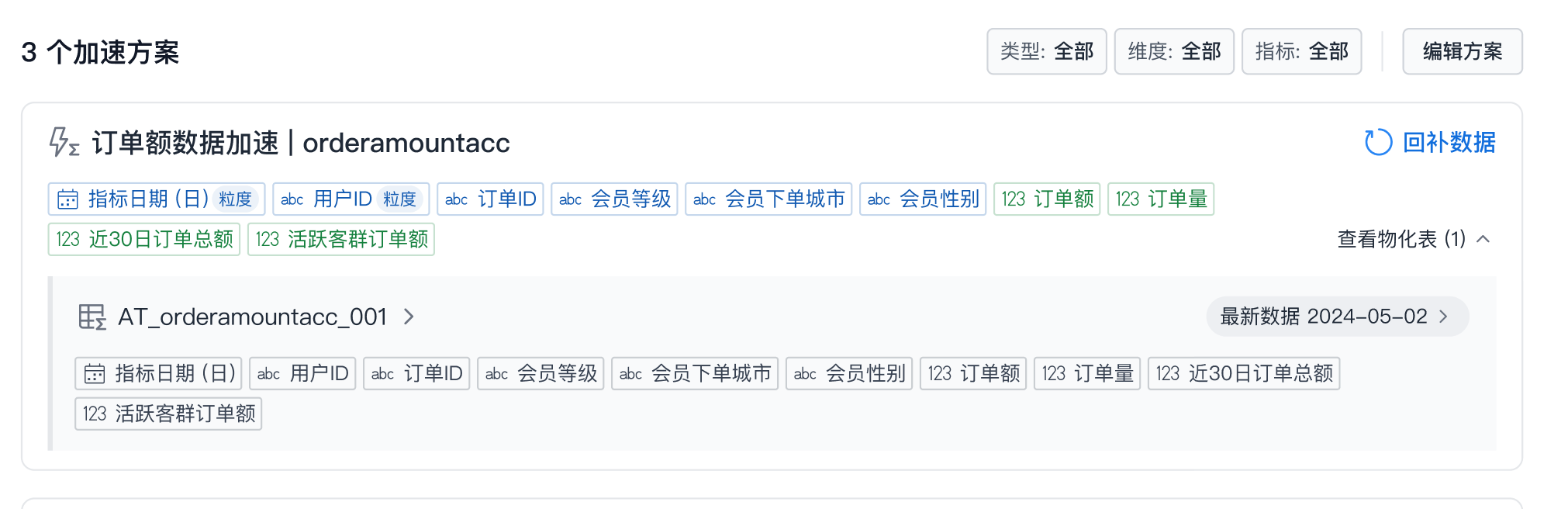 The materialized table shows latest data: the latest partition is obtained. The materialized table shows latest data: the latest partition is obtained. |
| Non-Partitioned | 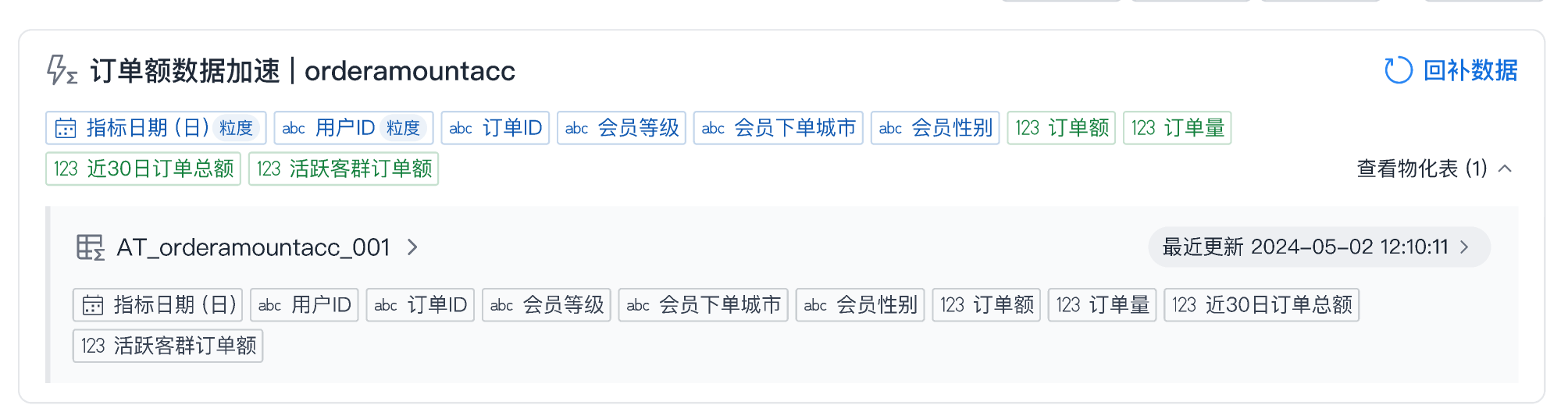 The materialized table shows last updated: the latest update time is obtained. The materialized table shows last updated: the latest update time is obtained. |
Filter Materialization Plans
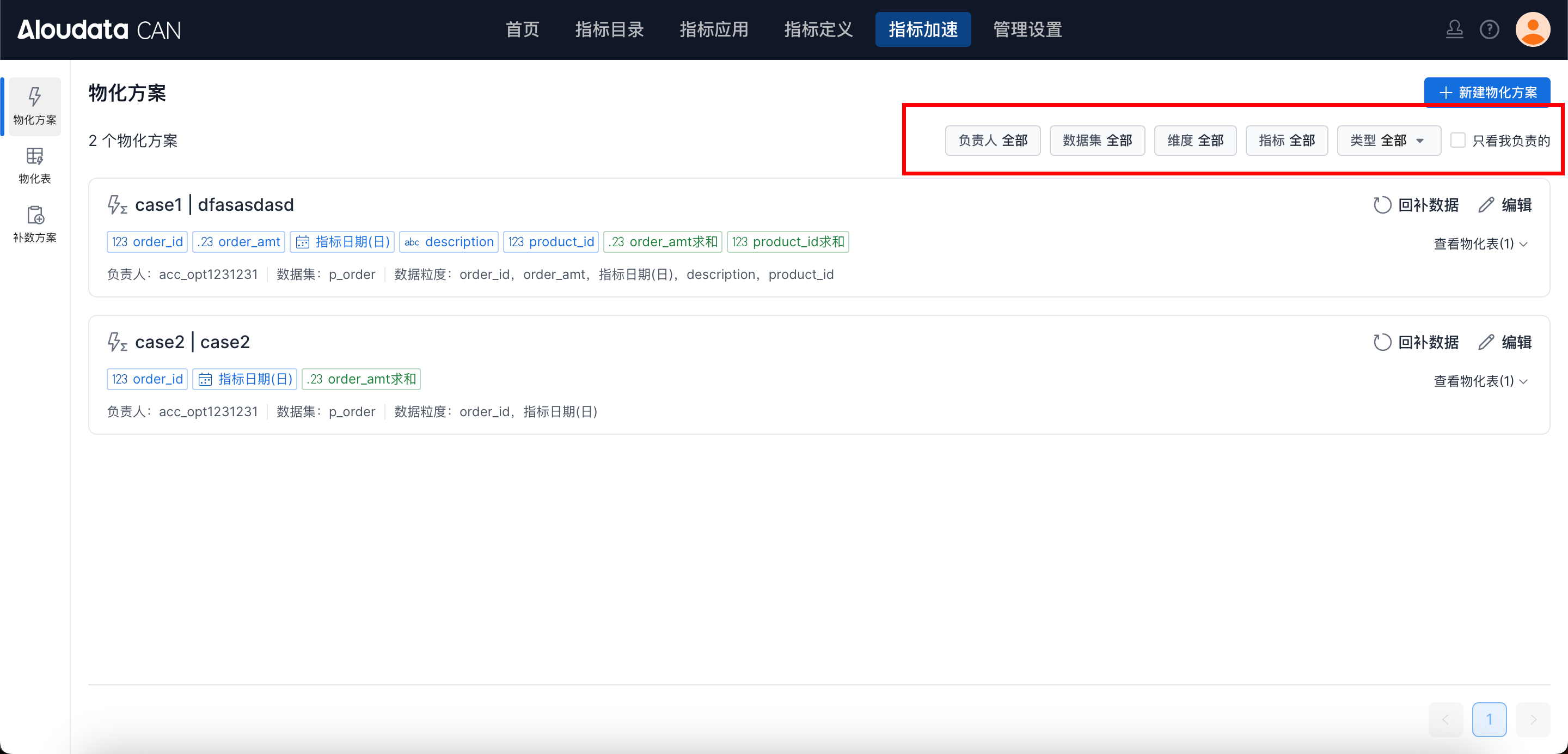
On the dataset acceleration page, you can filter materialization plans by owner, dataset, dimension, metric, and type, as shown below:
Edit a Materialization Plan
Entry Points
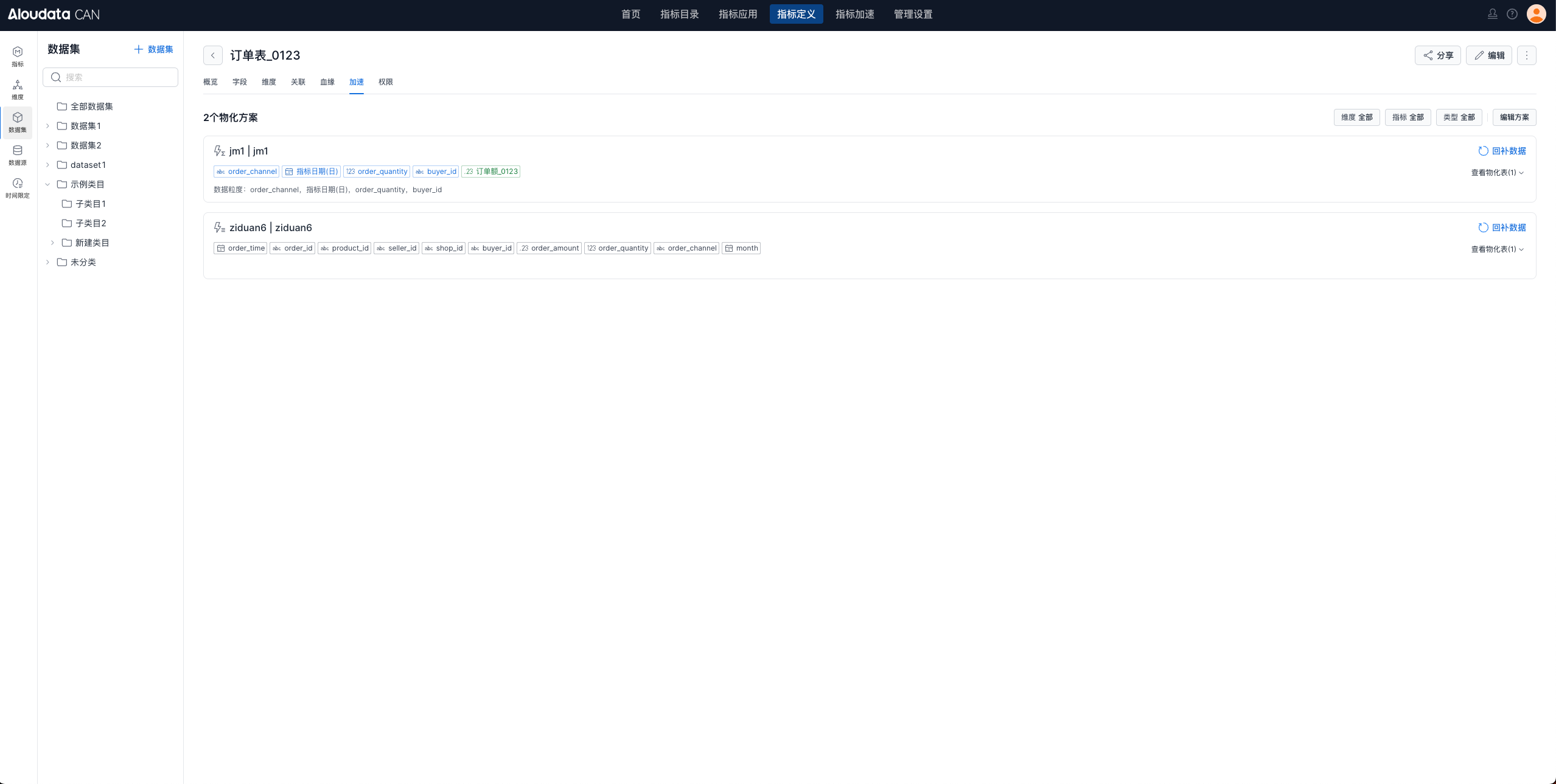
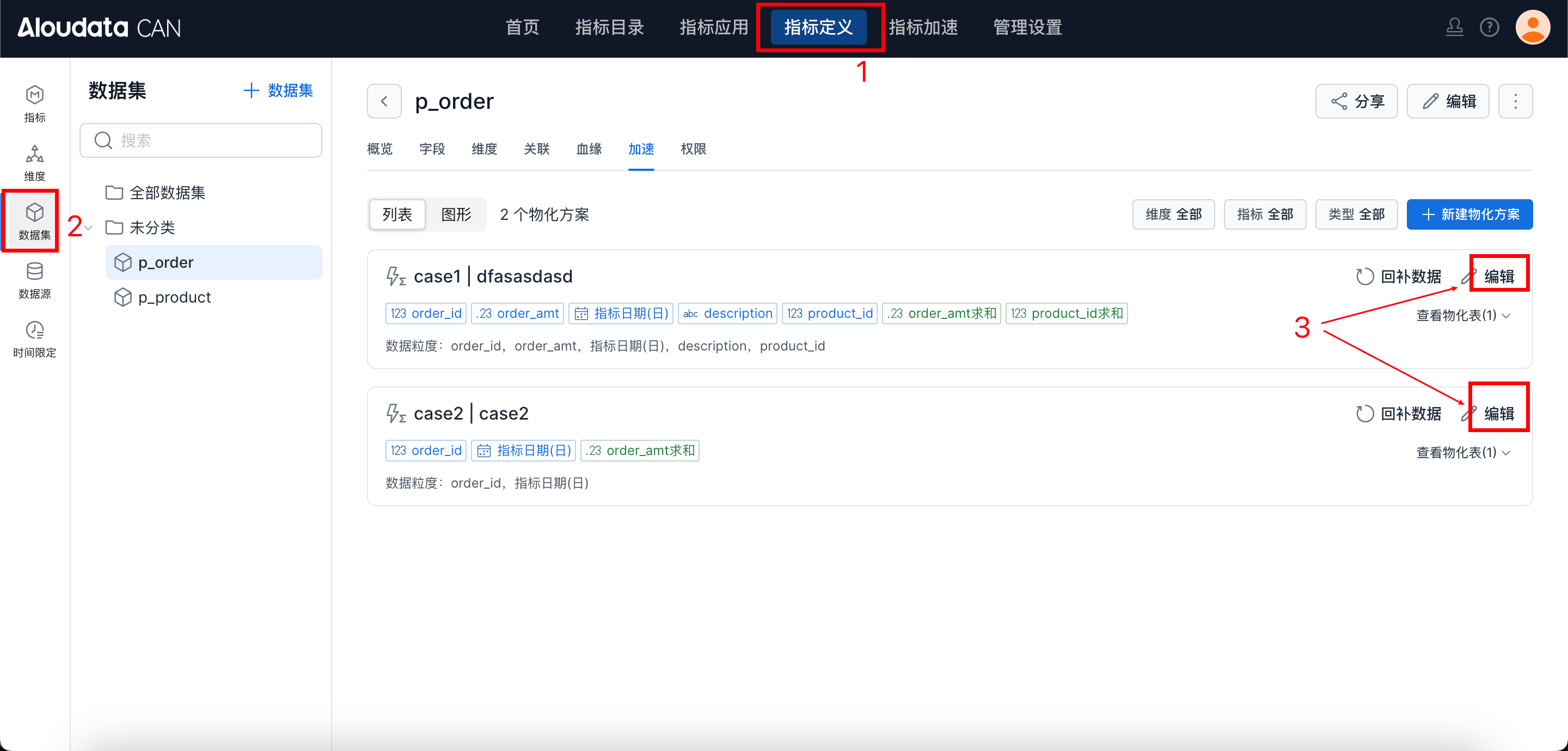
Entry point 1: In the top navigation, select Metric Definition, choose Dataset from the left menu, and on the dataset acceleration page click Edit on the right side of the materialization plan, as shown below.
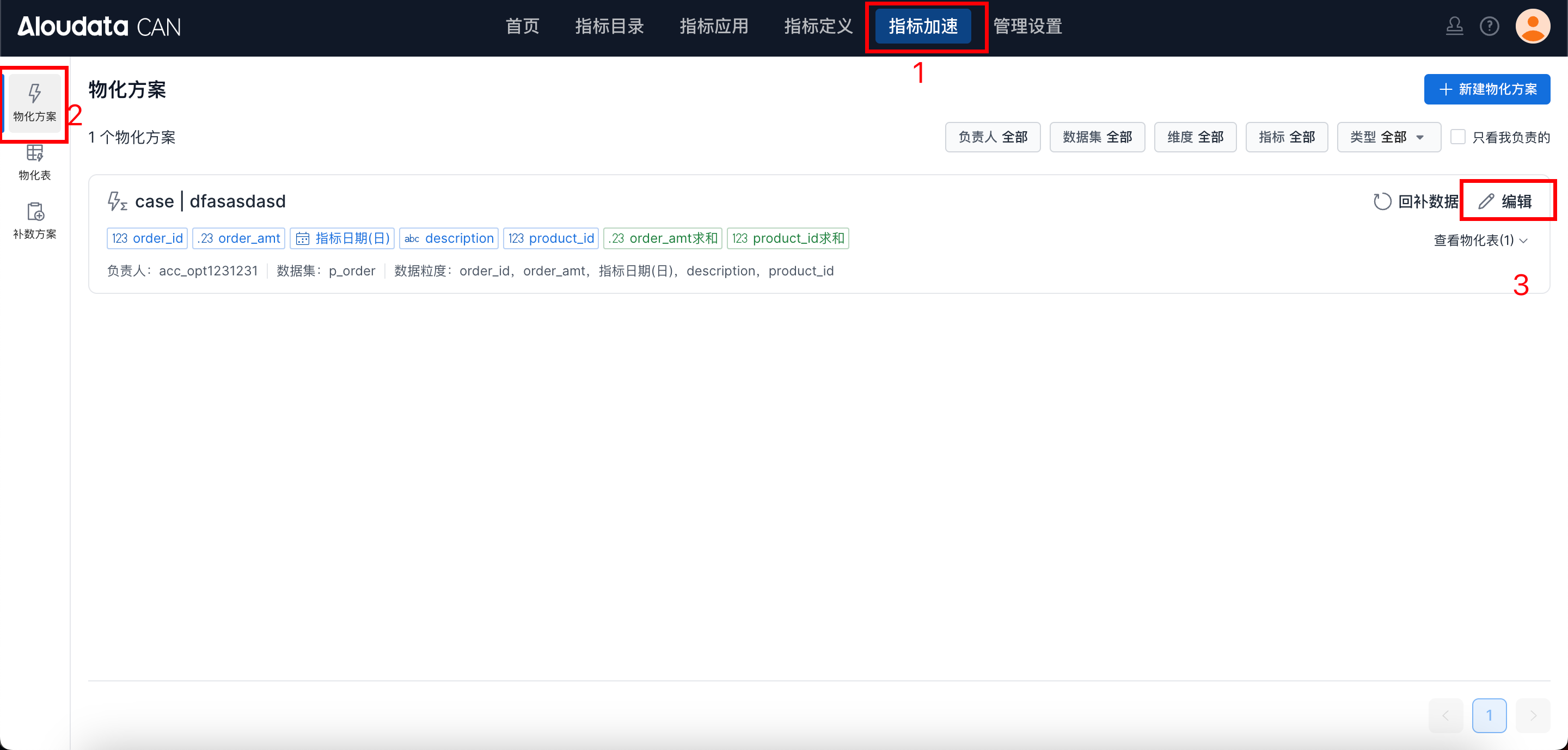
Entry point 2: In the top navigation, select Metric Acceleration, choose Materialization Plan from the left menu, and click Edit on the right side of the materialization plan.
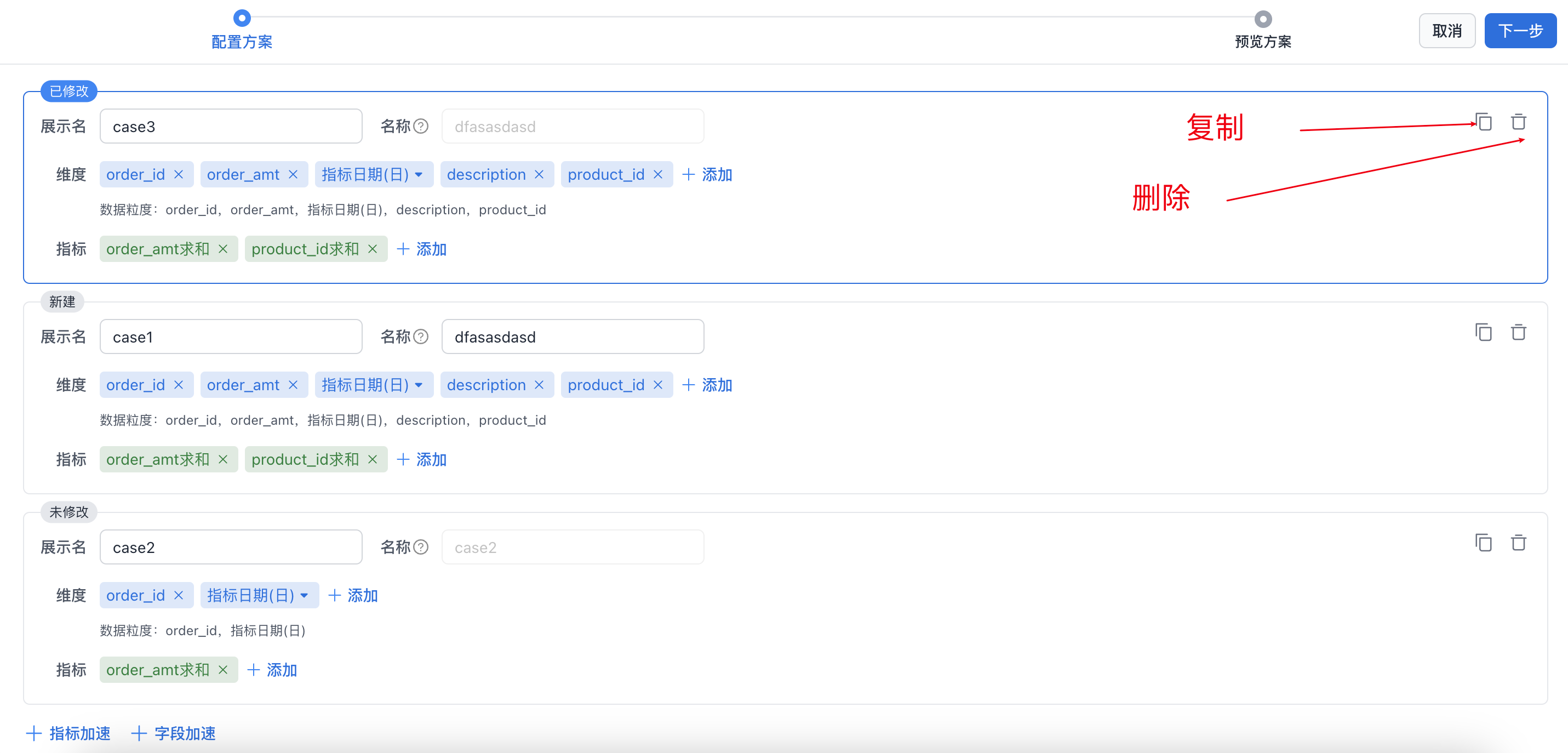
Edit Plan
The edit plan page lets you add, delete, modify, and copy materialization plans, as shown below: